The short answer: web scraping with Python requests works until a page is built by JavaScript, or a site blocks plain requests, or you need fields and not HTML. You do not have to drop requests then. Keep one requests.Session, send the page’s URL to POST /v1, and the answer is Markdown or JSON fields. On our test store, lab.megalania.io, all 8 shop pages, 72 products with name, price and link, cost 16 credits. A JavaScript page that requests sees as an empty list came back with 12 products from a real browser on our side, for 19 credits.
The free way first
Most Python scrapers start like this:
import re

import requests

for path in ["/shop/", "/new-arrivals/"]:
    res = requests.get(f"https://lab.megalania.io{path}", timeout=30)
    names = re.findall(r'<h2 class="woocommerce-loop-product__title">(.*?)</h2>', res.text)
print(path, res.status_code, len(res.text), len(names), names[:1])/shop/ 200 75688 9 ['20 cm Chef’s Knife'] /new-arrivals/ 200 56548 0 []
Both pages answer 200. Only one of them has data:
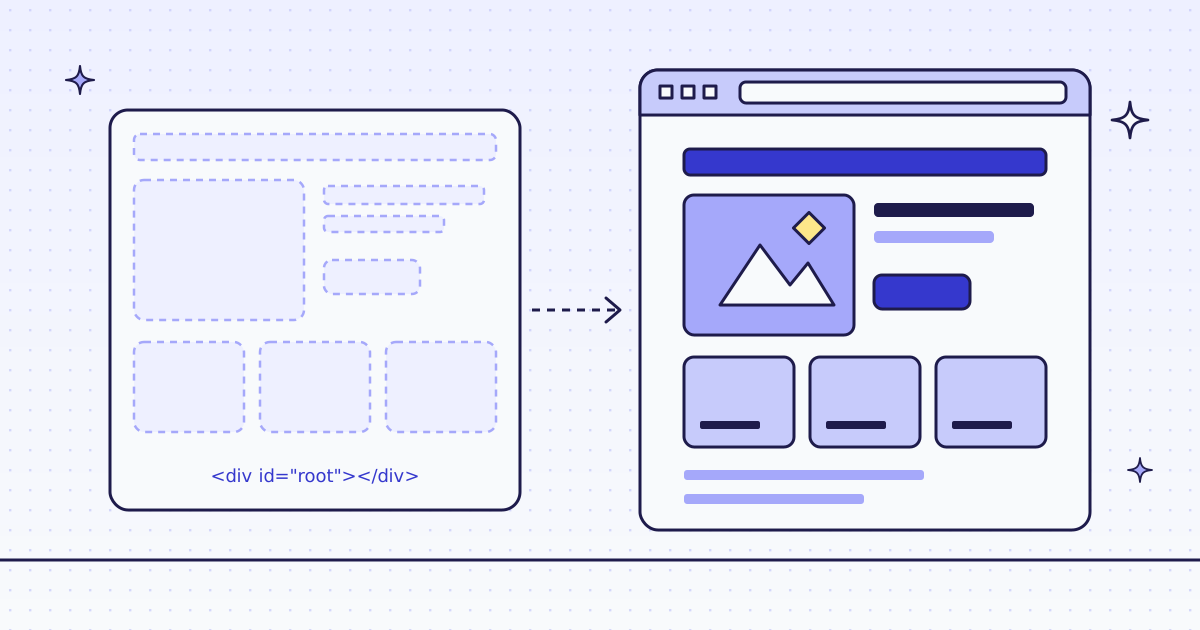
/shop/works, almost. 9 product names, for free. But’is an HTML entity, not the’a shopper sees. You still need a parser, a decoder and selectors you test./new-arrivals/is empty. The page draws its list with JavaScript after it loads.requestsdoes not run JavaScript, so it gets the empty list and a 200. Nothing tells you it failed.- A site that blocks plain requests sends a 403 or a challenge page.
requestslooks like a script to it, not a browser.
If your pages look like /shop/ and nobody blocks you, stay with requests alone. It is free. Use the API for the other cases.
Web scraping with Python requests and one API call
One small helper. The key goes in the session’s headers, once. Save it as meg.py:
import os

import requests

API = requests.Session()
API.headers["Authorization"] = f"Bearer {os.environ['MEG_API_KEY']}"


def scrape(url, **params):
    res = API.post("https://get.megalania.io/v1", json={"url": url, **params}, timeout=120)
    if not res.ok:
        error = res.json()["error"]
        raise RuntimeError(f"{res.status_code} {error['code']}: {error['message']}")
return resjson=sends one JSON object toPOST /v1. The target URL goes in the body, so its own query string needs no encoding.- The key is a header, never in a URL. A key in a URL is a 401 with us, and it ends up in logs.
timeout=120: a page in a browser can take tens of seconds. Therequestsdefault is to wait forever.
Then ask for a page as Markdown:
pip install requests
export MEG_API_KEY='meg_sk_...'
python page.py
from meg import scrape

page = scrape("https://lab.megalania.io/shop/", response_types="markdown")
print(page.headers["X-Credits-Charged"], page.headers["X-Route"], len(page.text))
print(page.text[:260])

try:
    scrape("https://lab.megalania.io/shop/", response_types="markdwn")
except RuntimeError as e:
print(str(e)[:80])1 http/datacenter 3122 # Shop Showing 1–9 of 72 results -  ## [20 cm Chef’s Knife](https://lab.megalania.io/product/chef-knife/) Rated **4.67** out of 5 $112.00 [Add to cart](h 400 bad_parameter: response_types must be a comma list of html, markdown, text,
- The answer is the page’s main content, 3,122 characters instead of 75,688. The name reads
’, not’. X-Credits-Chargedsays what the call cost: 1 credit.X-Routesays how we got the page: plain HTTP on a datacenter IP.requestsgives you both asres.headers.- Errors are JSON and free. The typo
markdwnis a 400 that names the problem. Nothing was fetched and nothing was charged.
Fields as JSON, every page
No parser and no regular expression. Send response_types="json" and CSS rules in extract. One more rule, next, reads the link to the next page, so the loop knows when to stop:
from meg import scrape

CARDS = "items:li.product{name:h2|price:.price > .amount|url:a.woocommerce-loop-product__link@href}*|next:a.next@href"

url, rows, credits = "https://lab.megalania.io/shop/", [], 0
while url:
    page = scrape(url, response_types="json", extract=CARDS)
    data = page.json()
    rows += data["items"]
    credits += int(page.headers["X-Credits-Charged"])
    url = data["next"]
print(len(rows), credits)
print(rows[0])72 16
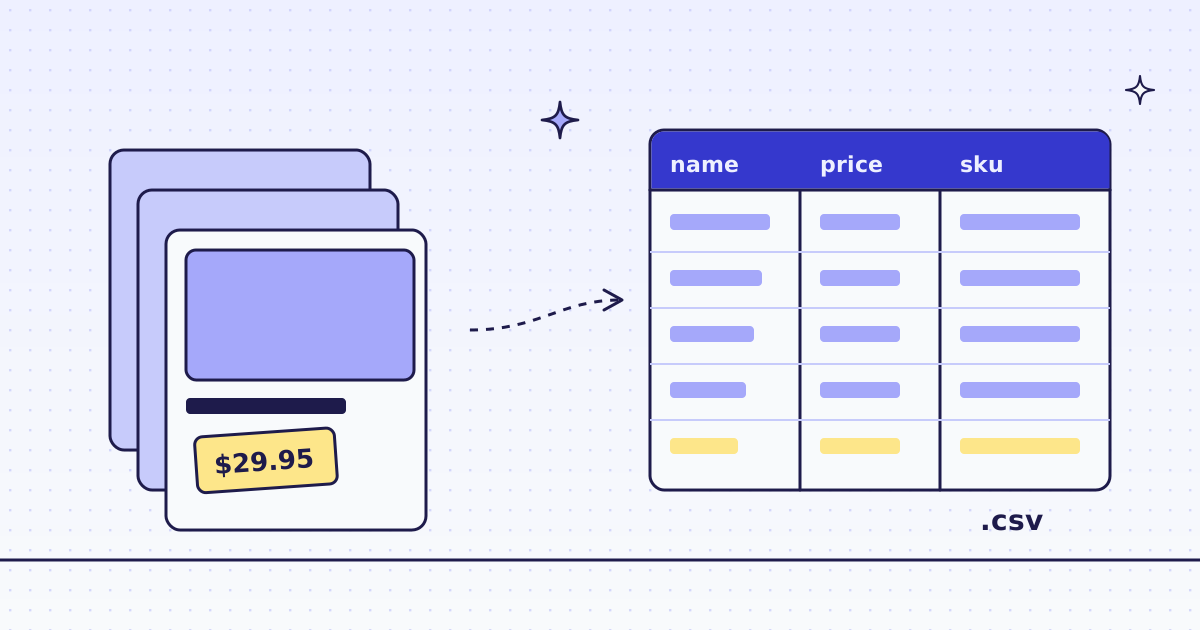
{'name': '20 cm Chef’s Knife', 'price': '$112.00', 'url': 'https://lab.megalania.io/product/chef-knife/'}72 products from 8 pages, 16 credits: 1 for each page and 1 for its JSON. page.json() is the requests method you already use; the body is the fields, not the page. On the last page next is null, so the loop ends. The rule syntax, and how to write the rows to a CSV file, are in How to scrape a website to CSV.
The page that requests cannot read
Now /new-arrivals/, the page that gave requests an empty list. Its cards are in #arrivals. Ask twice: once as before, once with engine="browser" and an action that waits for the 12th card:
from meg import scrape

ARRIVALS = "items:#arrivals li{name:h2|price:.price}*"
url = "https://lab.megalania.io/new-arrivals/"

for params in [{}, {"engine": "browser", "actions": "wait_for:#item-12"}]:
    page = scrape(url, response_types="json", extract=ARRIVALS, **params)
    items = page.json()["items"]
print(page.headers["X-Route"], page.headers["X-Credits-Charged"], len(items), [i["price"] for i in items[:3]])http/datacenter 2 0 [] browser/datacenter 19 12 ['$112.00', '$349.00', '$42.00']
- The first call is the same trap as
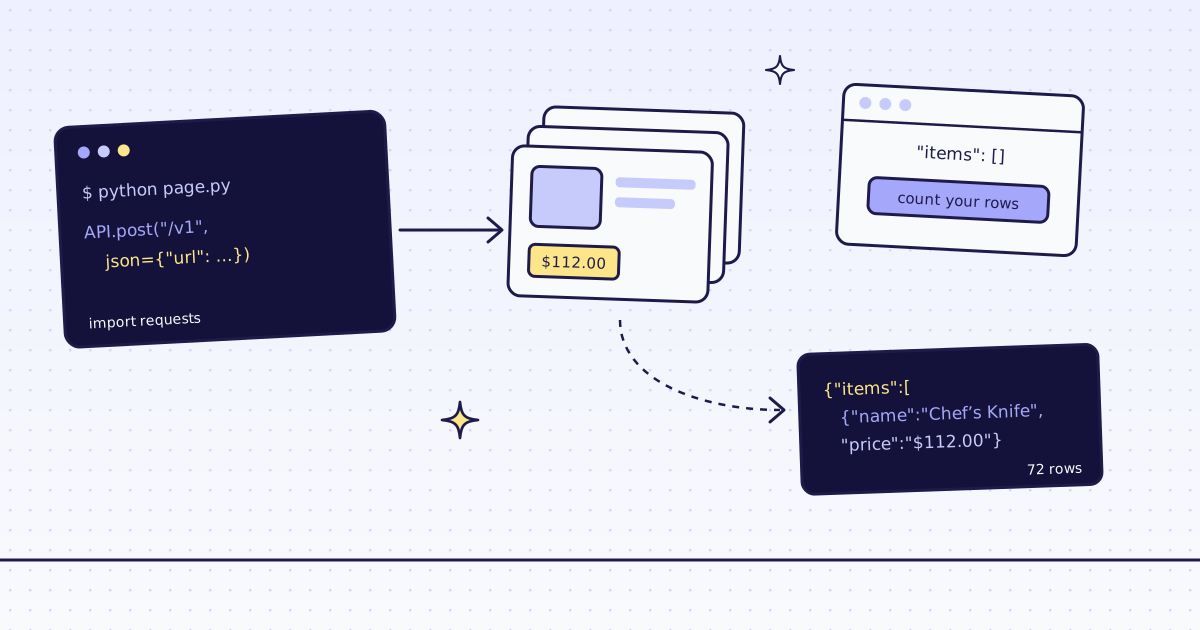
requests. Plain HTTP got the empty list, and it cost 2 credits. Our check for JavaScript shells did not flag this page: it has a heading and a paragraph of text, so it does not look empty. When we do flag a shell, the answer saysX-Hint: needs_jsand you pay nothing. Here we did not, so count your rows. - The second call ran a real Chrome on our side. 12 products, 19 credits: 15 for the browser route, 1 for the JSON, 3 for the page action.
- Why the action. The list loads after the page’s
loadevent. Withoutwait_for, the browser can answer before the cards are there.wait_for:#item-12waits until the 12th card exists.
How to tell, before you pay, if a page needs the browser is in How to scrape JavaScript-rendered pages.
What it costs
| Step | Pages | Credits |
|---|---|---|
requests.get on both pages |
2 | 0 |
| The shop page as Markdown | 1 | 1 |
| The 8 shop pages as JSON | 8 | 16 |
/new-arrivals/ over plain HTTP (empty) |
1 | 2 |
/new-arrivals/ in the browser, with one action |
1 | 19 |
| The same page and settings again within 5 minutes (cache) | 1 | 1 |
| A bad parameter, a block we detect or one of our errors | — | 0 |
These prices are for the Lab on the datacenter route. A site that blocks it costs more. Our MCP tool check_site tells you a site’s prices for free. All the rules are in Credits. Plans are on the pricing page.
How we measured: our dev cluster on 16 Nov 2026, the Lab store on our dev domain, Python 3.13 and requests 2.34.2. We ran free.py, page.py, fields.py and js.py, then ran them again within 5 minutes to check the cache price: fields.py cost 8 credits the second time, 1 a page. The output above is from a run with an empty cache. The browser call does not use the cache: a request with page actions is always fetched fresh, so it cost 19 both times.
Limits
- An empty list can still be a 200, with
requestsand with us. Check the row count on pages you know. - Rules break when the site changes its layout. You get
nullfields, not an error. Check a few rows after a redesign. - Too many requests running at once is a 429
over_concurrency, with aRetry-Afterheader. Wait that long before you try again. It is not charged. - We read public pages only. No logins and no CAPTCHA solving. When a page needs either, we stop and say so, for free.
Every parameter is in Fetch, extract and lists. Fetch public pages only. Read the site’s terms and robots.txt, and follow them.