What you get
- The store's own product data.
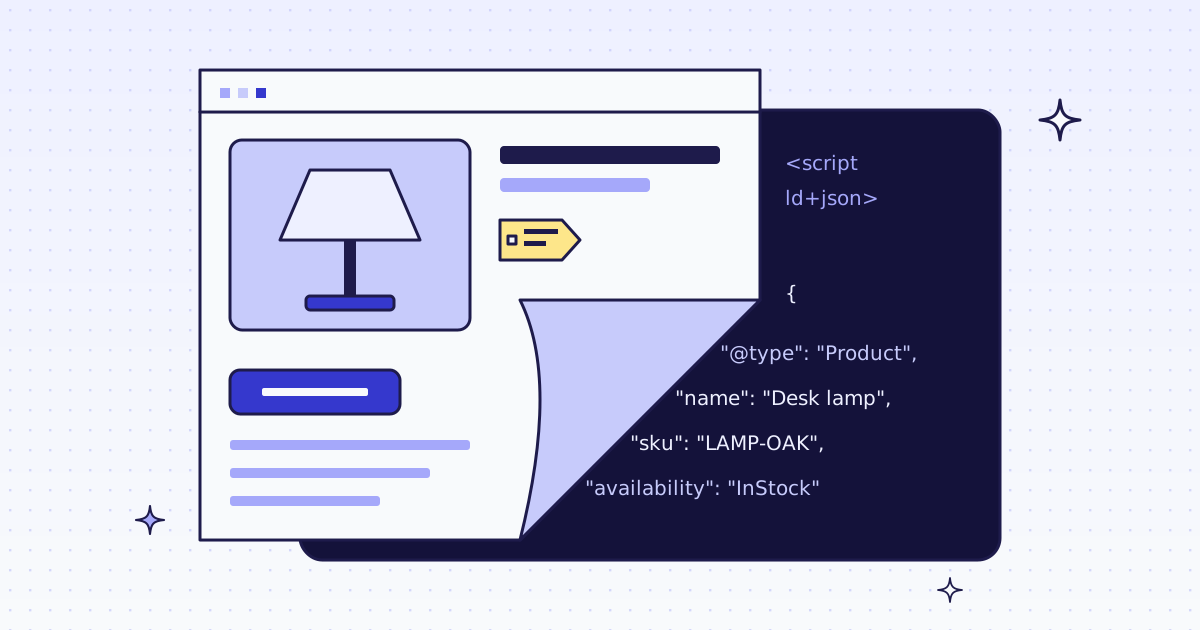
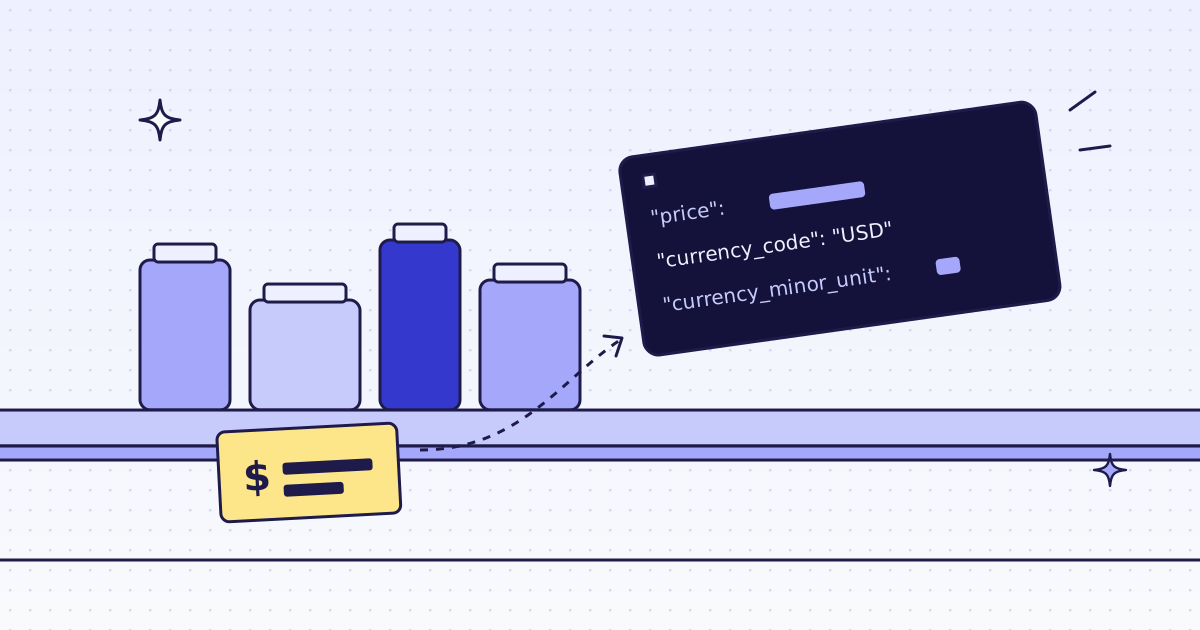
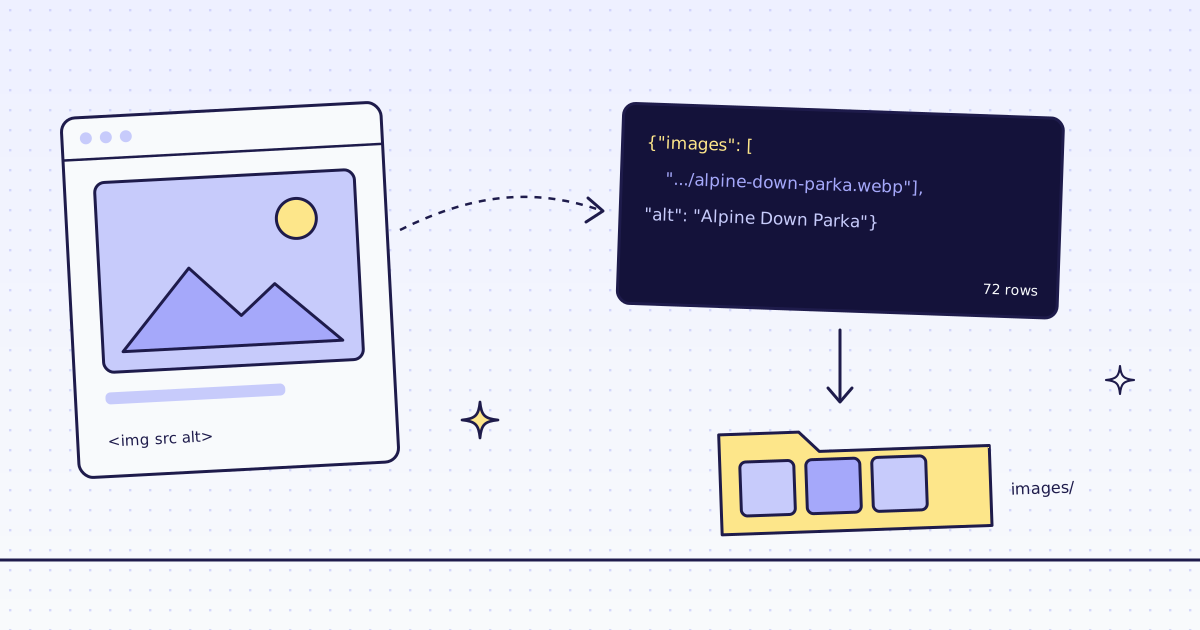
response_types=page_datareturns the JSON-LD a page publishes for search engines: name, SKU, price, list price, stock, category. No CSS rules to keep up to date. - Every product in one batch.
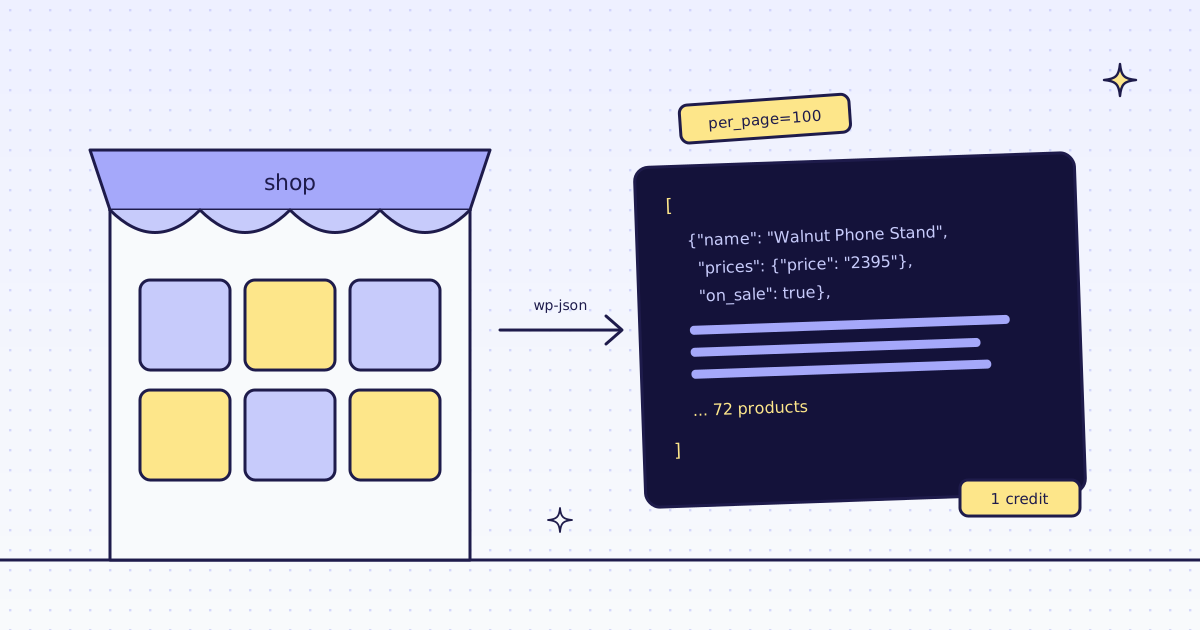
map_sitelists the product pages from the sitemap; one batch reads them all at the same time. - 1 credit a page.
page_dataon a plain HTTP page costs what the page costs. A block we detect costs nothing.
The catalog in one script
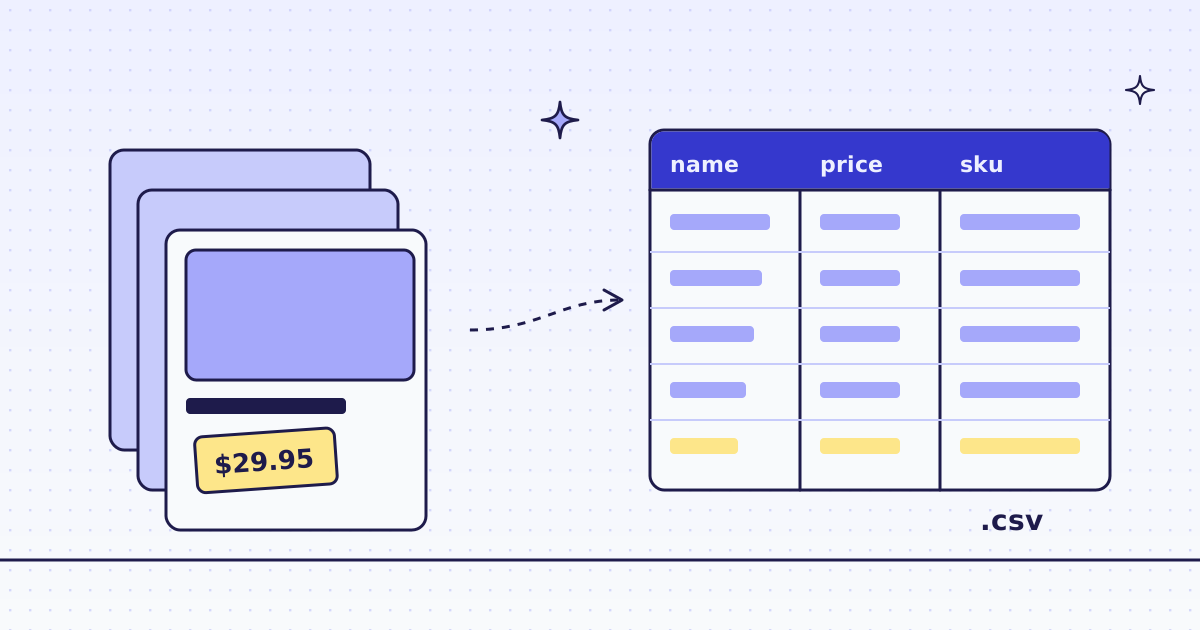
This uses our Python SDK. It lists the products of our test store, the Lab, reads them as one batch, and writes catalog.csv.
Shell
pip install megalania
export MEG_API_KEY='meg_sk_...'
catalog.py
import csv
import html
import json
import os

from megalania import Megalania


def clean(text):
    return html.unescape(html.unescape(text))


def nodes(data):
    for block in data["json_ld"]:
        yield from block.get("@graph", [block])


def row(data):
    found = {n.get("@type"): n for n in nodes(data)}
    p = found["Product"]
    offer = p["offers"][0]
    if offer["@type"] == "AggregateOffer":
        now, was, top = offer["lowPrice"], "", offer["highPrice"]
    else:
        specs = {s.get("priceType", "now").rsplit("/", 1)[-1]: s["price"] for s in offer["priceSpecification"]}
        now, was, top = specs["now"], specs.get("ListPrice", ""), ""
    return {"sku": p["sku"], "name": clean(p["name"]), "category": clean(found["BreadcrumbList"]["itemListElement"][1]["item"]["name"]),
            "price": now, "list_price": was, "price_max": top,
            "in_stock": offer["availability"].endswith("InStock"), "url": p["url"]}


with Megalania(os.environ["MEG_API_KEY"]) as meg:
    site = meg.map_site("https://lab.megalania.io/")
    products = [u["url"] for u in site["urls"] if "/product/" in u["url"]]
    batch = meg.create_batch(products, response_types="page_data")
    done = meg.wait_batch(batch["id"])
    rows = [row(json.loads(body)) for _, body in meg.batch_results(batch["id"])]

with open("catalog.csv", "w", newline="") as f:
    w = csv.DictWriter(f, fieldnames=rows[0])
    w.writeheader()
    w.writerows(rows)
print(done["status"], len(rows), "products |", sum(r["list_price"] != "" for r in rows), "on sale |",
      sum(r["price_max"] != "" for r in rows), "with variants |", sum(not r["in_stock"] for r in rows), "out of stock")
print(len({r["category"] for r in rows}), "categories:", ", ".join(sorted({r["category"] for r in rows})))
What it printed on our dev cluster on 17 Nov 2026, in 53 seconds:
Output
done 72 products | 15 on sale | 21 with variants | 10 out of stock
8 categories: Bags & Accessories, Camping, Home, Kitchen, Outerwear, Tech Accessories, Tops, Trail & Hiking
The balance went down by 76: 4 for map_site and 72 for the product pages. The first rows of catalog.csv:
catalog.csv
sku,name,category,price,list_price,price_max,in_stock,url
GBR-CAM-001,Foxglove 2-Person Tent,Camping,279.00,329.00,,True,https://lab.megalania.io/product/foxglove-tent/
GBR-CAM-002,Skylark 1-Person Trekking Tent,Camping,249.00,,,False,https://lab.megalania.io/product/skylark-tent/
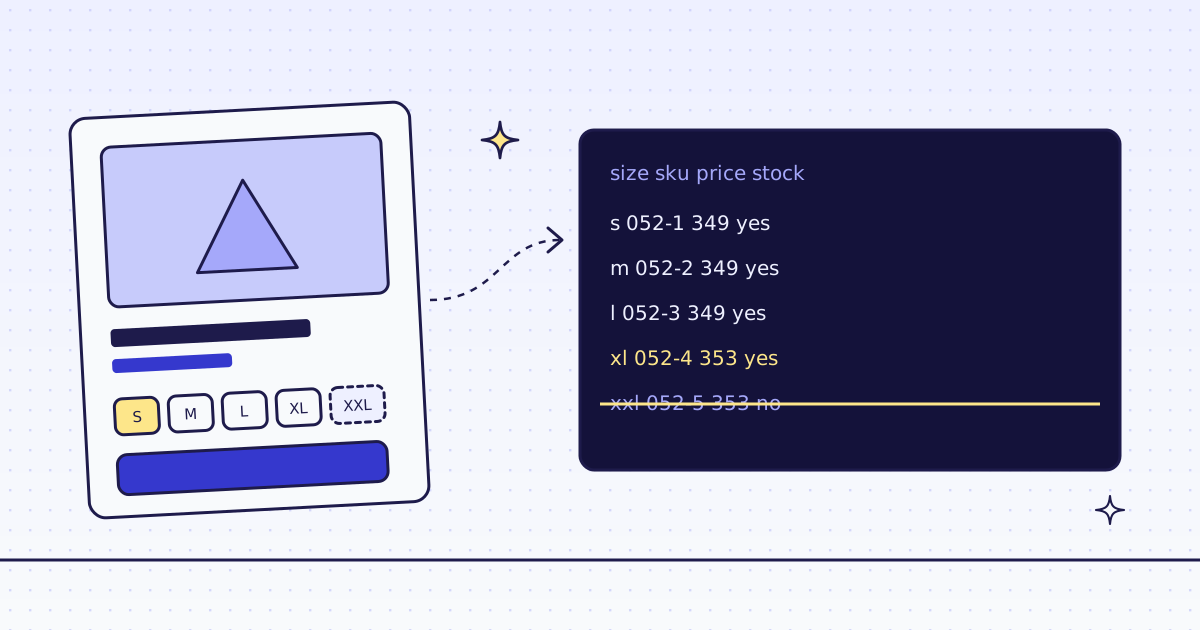
GBR-OUT-052,Alpine Down Parka,Outerwear,349.00,,353.00,True,https://lab.megalania.io/product/alpine-down-parka/
- Two offer shapes. A simple product has one price, and a second one marked
ListPricewhen it is on sale. A product with sizes or colors has anAggregateOfferwith a low and a high price. Handle both, or 21 of the 72 rows break. - The store escapes twice. Its JSON-LD says
Trail & Hiking.html.unescapetwice givesTrail & Hiking. - Why not a crawl. We tried a crawl from
/shop/first. It followed every?add-to-cart=link, a GET that puts an item in a cart, and filled its 100 pages with copies of the same products. Path patterns cannot match the query, so list the products from the sitemap instead. - Free first. Many WooCommerce stores answer their public Store API with no key; see WooCommerce products as JSON. Use our API where there is no such door, or where it is closed.
Keep it current
- Prices and stock change daily. Run the batch on a schedule and compare the CSV with yesterday's, or let a monitor tell you which pages changed. See price and stock monitoring.
- New products show up in the sitemap first: compare the list from
map_sitewith your last one.
Limits
- No JSON-LD, no
page_data. Some stores publish none. Then useextractrules on the product page, as in How to scrape any WooCommerce store. - Public pages only. We do not log in, and we do not solve CAPTCHAs.
- Read the site's terms before you copy a catalog you plan to publish or resell.
- Prices of plans are on the pricing page.
Free beta, by invite76,000 credits for 30 days, no card. Apply, and we email your invite.Apply for the beta