What you can track
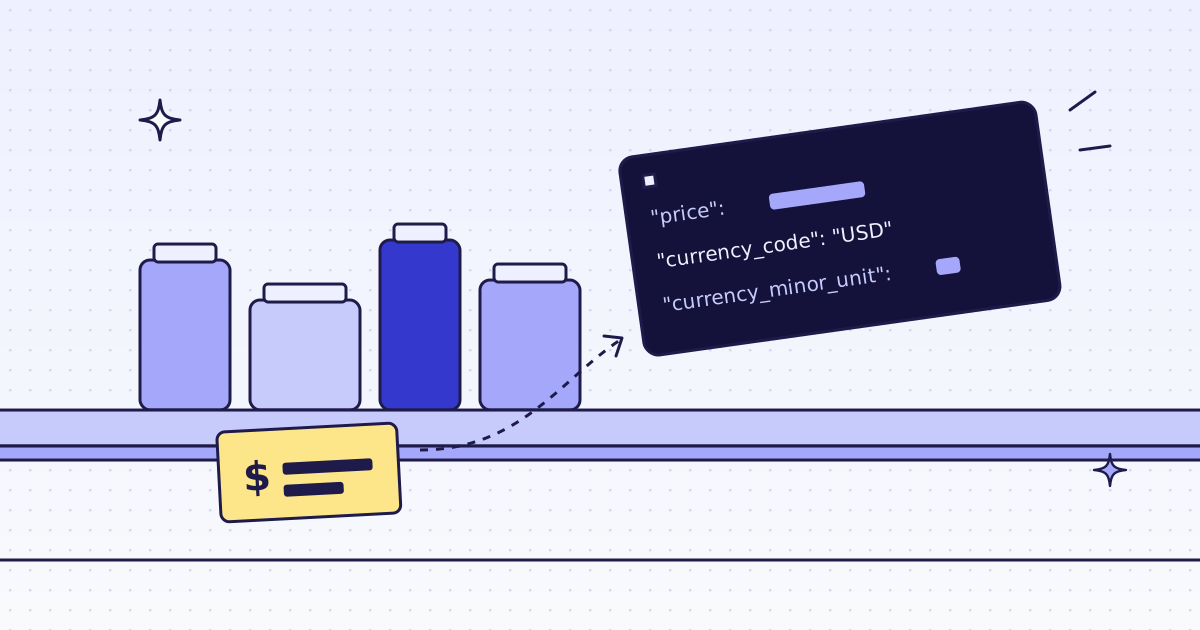
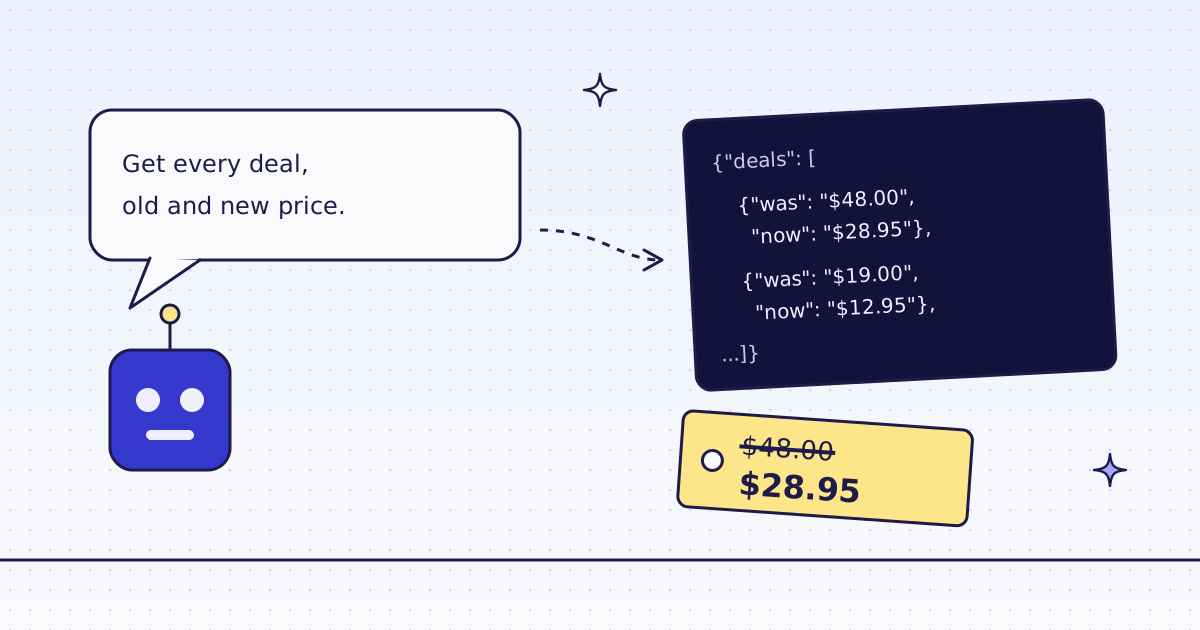
- Price and old price. The price a shopper sees, and the price before a sale.
- Stock. In stock, out of stock, or the stock line the page shows.
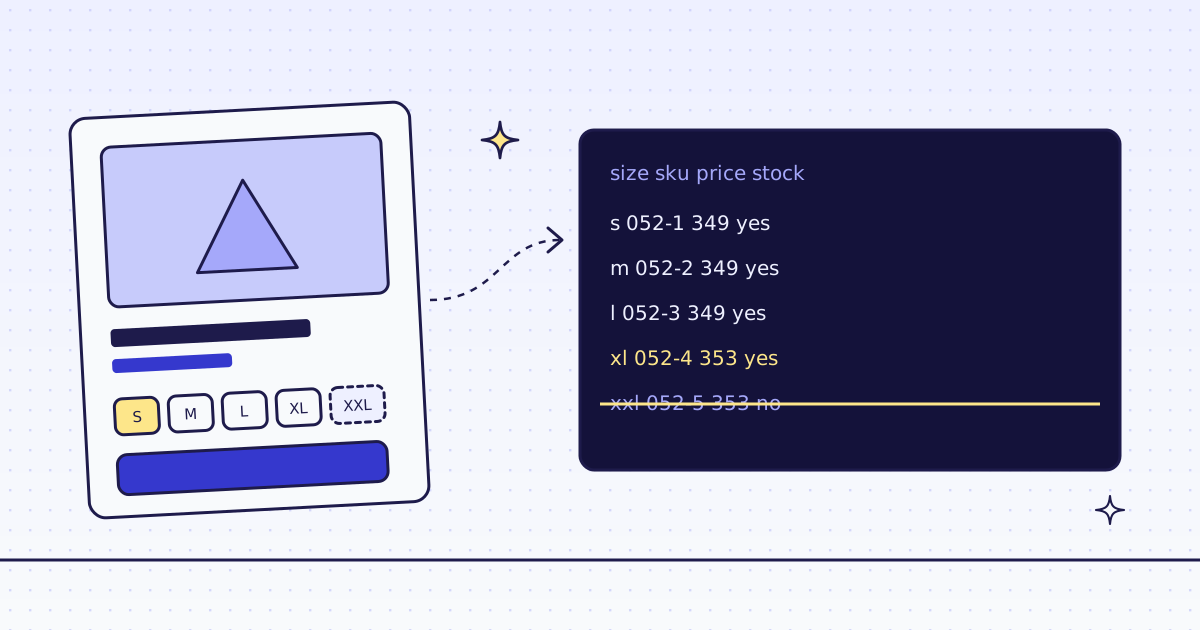
- Every variant. Each size and color has its own SKU, price and stock. The page often shows only a range.
- Any store. Rules for WooCommerce and Shopify pages, or the JSON-LD that most product pages carry.
Fields, not HTML: extract rules
Send response_types=json and a list of rules. Each rule is a name and a CSS selector: price:p.price. Add @content or another attribute to read an attribute, and @json(offers.availability) to read a value inside a JSON block. You get one JSON object back. A rule that matches nothing comes back as null, so the shape never changes.
One product, every variant
On a WooCommerce store, the size picker carries the full list of variants. One rule reads it. This is the request we ran on the Lab, our test store:
curl -s -G "https://get.megalania.io/v1" \
  -H "Authorization: Bearer $MEG_API_KEY" \
  --data-urlencode "url=https://lab.megalania.io/product/alpine-down-parka/" \
  --data-urlencode "response_types=json" \
  --data-urlencode "extract=name:h1|variations:form.variations_form@data-product_variations"
{"name": "Alpine Down Parka", "variations": "[{\"attributes\":{\"attribute_pa_size\":\"s\",\"attribute_pa_color\":\"black\"}, ... \"display_price\":349, ... \"is_in_stock\":true, ... \"sku\":\"GBR-OUT-052-1\", ...}, ...]"}It cost 2 credits on our dev cluster on 16 Nov 2026: 1 for the page and 1 for the JSON output. The list showed one size out of stock, while the page's own product data said "in stock". The full script, for a whole store into CSV, is in How to scrape product variants.
No selectors: JSON-LD
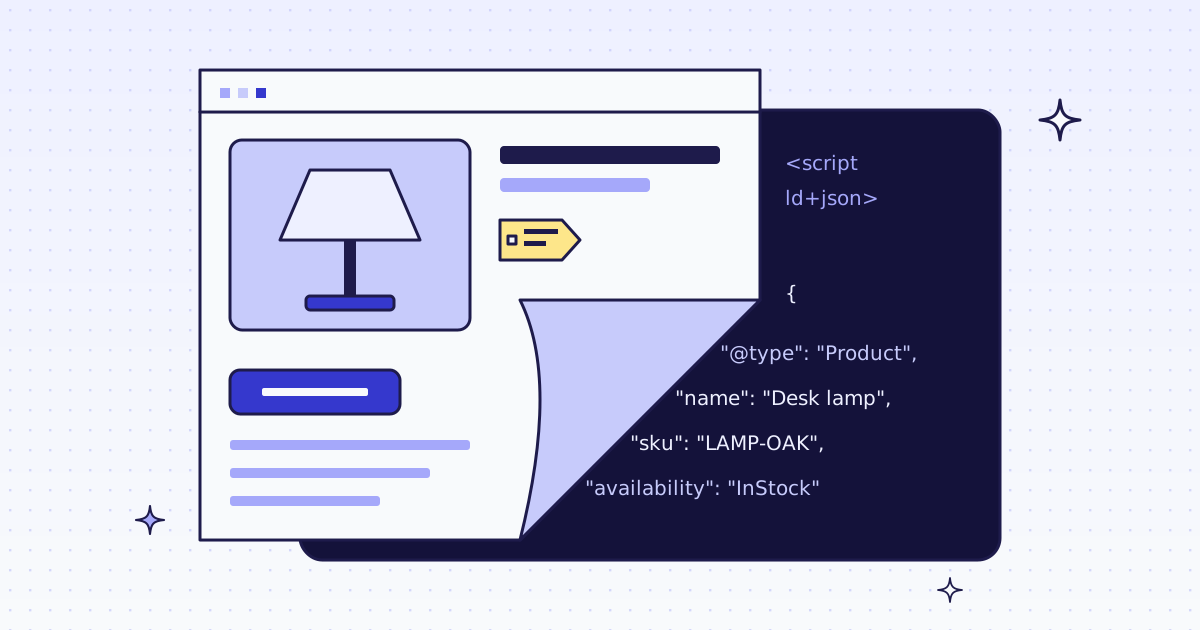
Most product pages have a hidden JSON-LD block with the name, SKU, brand, price, currency and stock. Search engines read it, so stores keep it correct. Ask for response_types=page_data and you get every JSON-LD block as JSON, at no extra cost. It works on any platform. See How to scrape product data from any store.
Many products: one batch
Send the product URLs as one batch, with the same rules. Nothing is charged when you submit it. Each URL is charged when we fetch it. Set max_credits to cap each product, so a store that starts to block cannot surprise the bill. An Idempotency-Key makes a retry safe. See Batches.
Every day: monitors
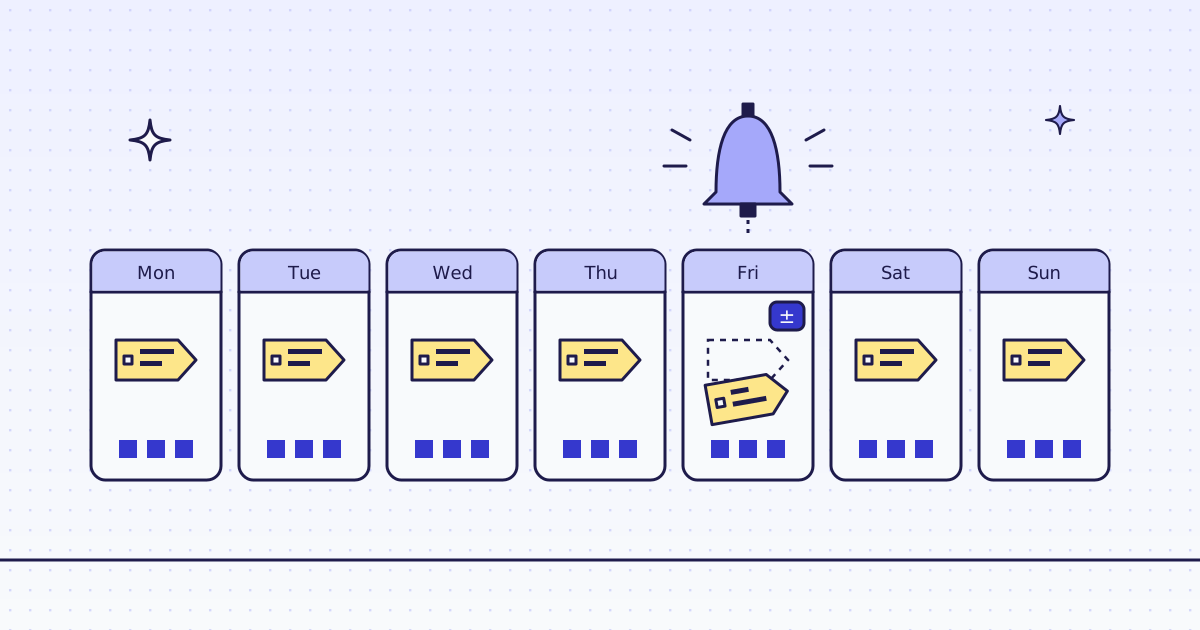
A monitor runs the check for you. Give it the URLs, a schedule (once a day, or a cron line) and a webhook URL. To watch only the price and stock, give it the same CSS rules. Each check compares the pages with the last check. You get a signed webhook only when something changed, with the old and the new value. A failed, blocked or skipped check costs nothing. See Monitors and How to monitor a web page for changes.
What it costs
- Ask first, for free.
check_siteover MCP, orGET /v1/tier?host=..., shows the price of a store before you fetch. - Cheapest route first. We try plain HTTP first, and climb to a residential IP or a browser only when the store blocks us.
X-Hopsshows every try. - Blocks we detect are free, and so are our own errors. Plans are on the pricing page.
Limits
- A rule fits one platform. The variant rule above is WooCommerce. On another store, look for the JSON its size picker uses;
inspectlists the JSON a page embeds. - Some stores load variants by script. Then you need the browser engine, which costs more.
- Public pages only. We do not log in or add items to a cart. Read each store's terms and robots.txt, and follow them.