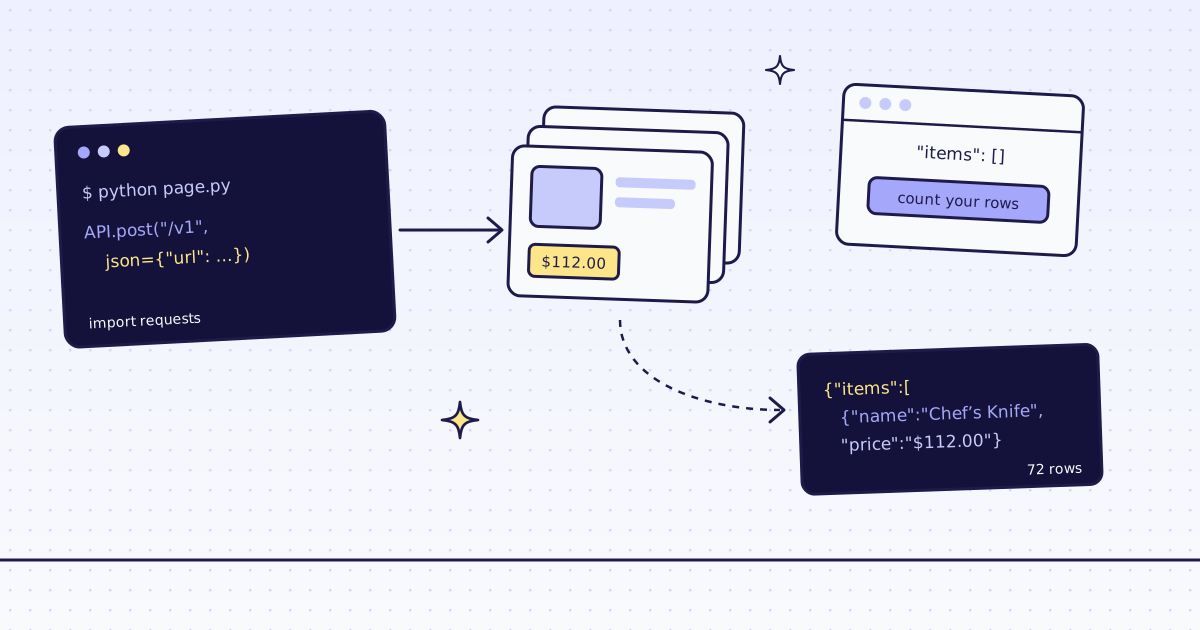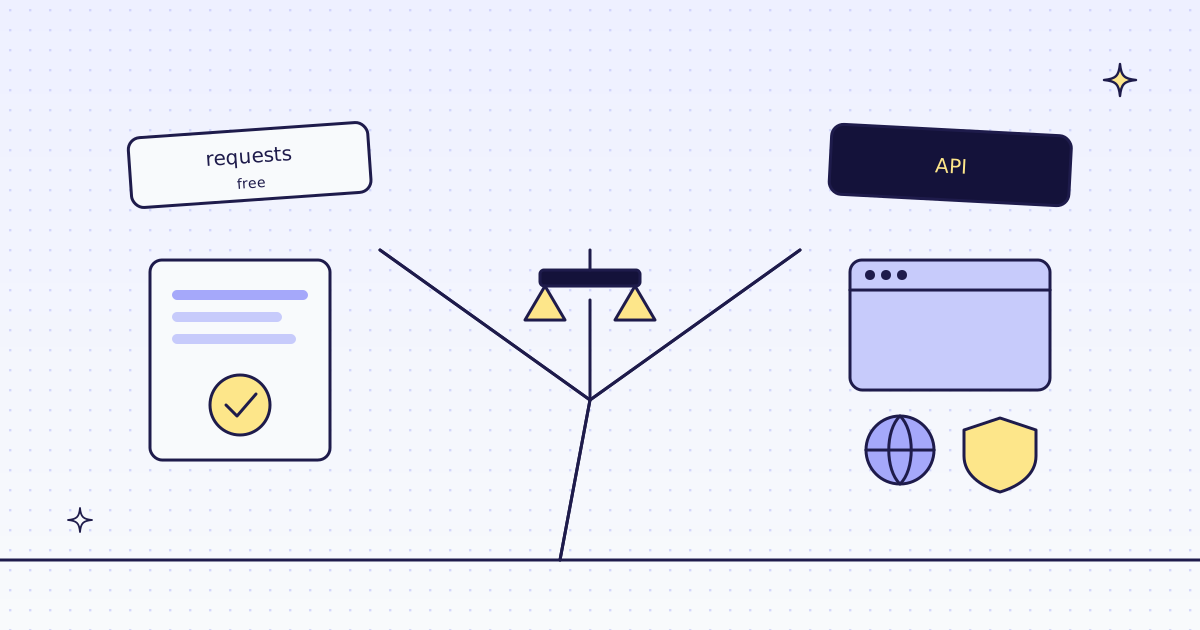
The short answer: often, no. If the data is in the page’s HTML and the site does not block you, Python requests and a parser get it for free. If the page draws its data with JavaScript, a browser you run yourself, like Playwright, gets that too. You need more than that when a site blocks scripts, when you need an exit in another country, or when you do not want to run browsers and proxies yourself. On our test store, lab.megalania.io, free tools got the data in all 4 cases we could measure there. The fifth, a site that blocks scripts, is not on our test store.
Five cases on our test store
| Case | Free tools | Through our API |
|---|---|---|
A product list in the HTML (/shop/) |
requests: 9 products, 0.7 s |
2 credits, as JSON fields |
The store’s own JSON (/wp-json/wc/store/v1/products) |
requests: 72 products, 2.0 s |
1 credit |
A list drawn by JavaScript (/new-arrivals/) |
requests: 200, 0 products. Playwright: 12 products, 1.8 s |
19 credits, in our browser |
Page text for an LLM (/shipping/) |
requests: 55,409 bytes of HTML to clean up |
1 credit, 633 characters of Markdown |
| A site that blocks scripts | Not on our test store: it has no bot rule | 0 credits when we detect a block |
The free numbers are from this script. Run it on your own pages before you pay anyone, us included:
import re
import time

import requests
from playwright.sync_api import sync_playwright

LAB = "https://lab.megalania.io"
rows = lambda html: re.findall(r'<h2 class="woocommerce-loop-product__title">(.*?)</h2>', html)

for path in ["/shop/", "/new-arrivals/", "/shipping/"]:
    t = time.time()
    r = requests.get(LAB + path, timeout=30)
    print("requests", path, r.status_code, len(r.text), "bytes", len(rows(r.text)), "products", f"{time.time() - t:.1f}s")

t = time.time()
r = requests.get(LAB + "/wp-json/wc/store/v1/products?per_page=100", timeout=30)
print("requests store api", r.status_code, len(r.json()), "products", f"{time.time() - t:.1f}s")

with sync_playwright() as p:
    t = time.time()
    browser = p.chromium.launch()
    page = browser.new_page()
    page.goto(LAB + "/new-arrivals/")
    page.wait_for_selector("#item-12")
    print("playwright /new-arrivals/", page.locator("#arrivals li").count(), "products", f"{time.time() - t:.1f}s")
browser.close()requests /shop/ 200 75688 bytes 9 products 0.7s requests /new-arrivals/ 200 56548 bytes 0 products 0.6s requests /shipping/ 200 55409 bytes 0 products 0.6s requests store api 200 72 products 2.0s playwright /new-arrivals/ 12 products 1.8s
/new-arrivals/is the trap.requestsgets a 200 and an empty list, and nothing warns you. Count your rows.- Playwright fixed it for free, on our own server. It needs a Chrome on that server: its headless shell was 282 MB on disk here.
- The store’s JSON was the best free answer. A shop’s own API, when it has one, beats any scraping. See WooCommerce products as JSON.
You do not need an API when
- The data is in the HTML. Open the page’s source, not the inspector. If you see your data there,
requestsgets it. - The site has a public JSON address. A shop’s product API, a
sitemap.xml, an RSS feed, anllms.txt. - Nobody blocks you, at your volume. A few hundred pages a day from one server is fine for many sites, at a polite rate.
- You can run a browser. Playwright or Puppeteer on your own server reads JavaScript pages, if you keep Chrome updated and give it memory.
You need more when
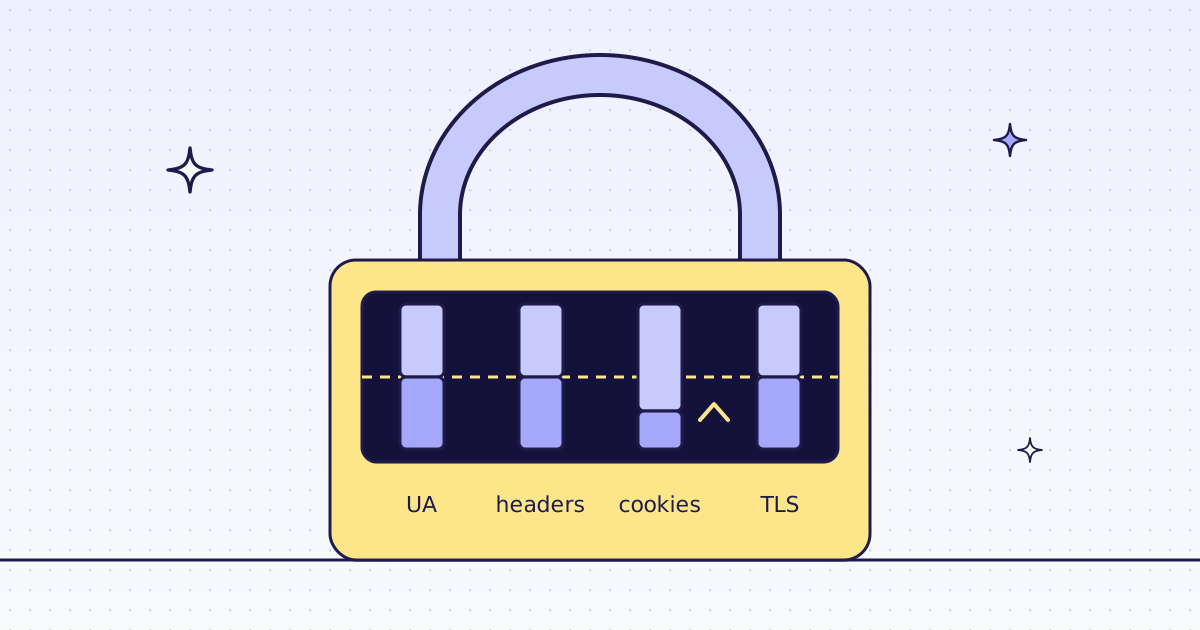
- A site blocks scripts. It can check your
User-Agent, your TLS hello and your IP. From a data center,requestslooks like a script on all three. We measured what each client looks like in Why your scraper gets 403 Forbidden and Scrape a Cloudflare website in Python. - You need another country. Prices and stock change by country, and you need an exit IP there: Scrape a website from a different country.
- You cannot run a browser. An n8n Cloud workflow, a serverless function, or an AI agent in a chat app has no Chrome to start.
- You want text or fields, not HTML. 55 KB of HTML became 633 characters of Markdown. That matters when an LLM pays per token.
Then you have three options: run browsers and buy proxies yourself, use a browser service, or use a scraping API. Running it yourself is cheapest per page, and it is your time when a site changes its defenses.
What our API costs, and what it does not do
| Page | Credits |
|---|---|
| A plain page over HTTP, Markdown or HTML | 1 |
| The same page as JSON fields | 2 |
| A JavaScript page in our browser, with one action | 19 |
| A block we detect, or one of our errors | 0 |
check_site: a site’s prices and our recent results there |
0 |
These prices are for our test store on the datacenter route. A site that blocks it costs more: run check_site over MCP or GET /v1/tier?host= first, for free. All the rules are in Credits. Plans are on the pricing page.
What we do not do: we do not log in, and we do not solve CAPTCHAs. When a page needs either, we stop and say so, for free. Neither does requests.
A test for your own site
- Open the page source. If your data is there, try
requestsfirst. - Look for JSON. Search the source for
wp-json,.jsonorapi. A page’s own script often calls an address you can call too. - Run
free_first.pyon 20 of your pages, at a polite rate. Count the rows, not the status codes. - Only for the pages that fail, try an API or a browser of your own. Send just those pages. Keep the free path for the rest.
How we measured: one server on 17 Nov 2026, Python 3.13, requests 2.34.2 and Playwright 1.65.2 with its headless Chrome 159, against our test store at lab.megalania.io. The output above is copied from that run; times are one run each, from that server. The API column is from our live API the same day, through our MCP tools, which run the same pipeline as /v1.
Limits
- One store, one day. Our test store has no bot rule, so it shows what free tools do on an open site. A site with a bot rule is another story; the 403 post shows what it checks.
- Times are one run each. They show the order of size, not a benchmark.
- Fetch public pages only. Read the site’s terms and robots.txt, and follow them.