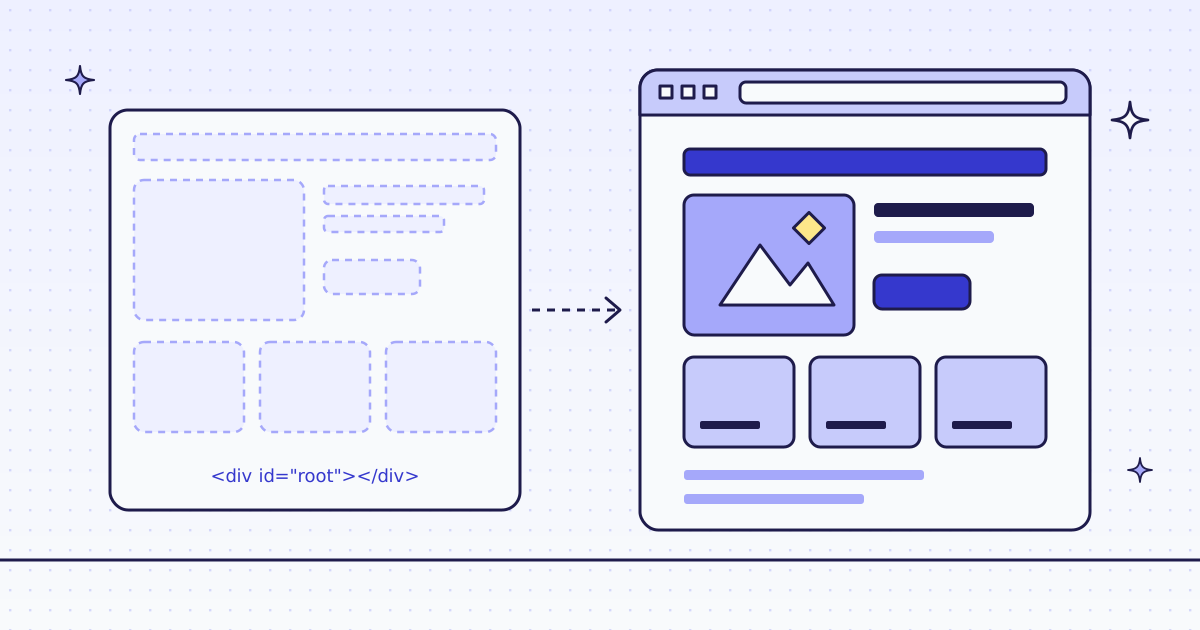
The short answer: first check if you need a browser at all. Fetch the page over plain HTTP and look at what comes back. If it is an empty shell, ask for page_data: the data is often in the HTML as JSON. Only then send engine: "browser", which renders the page in Chrome on our side, from 15 credits a page. On a storefront we tested, plain HTTP already returned the whole page: the browser gave back the same 2,266 bytes of Markdown for many more credits.
The test: three requests
- Markdown over HTTP. Cheap. If the answer has the text you need, stop here.
page_dataover HTTP. Same price, 0 extra credits. Many apps ship their data in the HTML as JSON-LD or a JSON state script, even when the visible page is empty.- Markdown with
engine: "browser". Only when 1 and 2 have nothing. This is the expensive step.
Here is what step 1 and step 3 gave on our three sites:
| Site | Step 1: HTTP Markdown | X-Hint |
Step 3: browser Markdown (median) |
|---|---|---|---|
| quotes.toscrape.com/js (a practice site) | 95 bytes, 0 of 10 quotes | none | 1,567 bytes, all 10 quotes, on 9 pages |
| jobs.ashbyhq.com (a job board app) | empty | needs_js |
8,793 bytes, on 7 pages |
| www.worx.com (a storefront) | 2,266 bytes, the full page | none | 2,266 bytes, on 1 page |
- The storefront did not need a browser. It looks like a modern app, but its HTML already holds the content. Step 1 was enough.
- The job board answered step 1 with an empty shell and
X-Hint: needs_js. But step 2 found its data: aJobPostingJSON-LD block with 5 of the 6 job fields we looked for, at the HTTP price. See How to scrape job postings. - The practice site really needs a browser: its quotes are built by a script. Note that our HTTP answer had no hint there. A short answer can still be a shell, so check the content, not only the header.
The free ways: hidden API or your own browser
Before you pay anyone, us included:
- Find the hidden API. Open the page in your browser’s developer tools, Network tab, and reload. A JavaScript page loads its data from somewhere, often a JSON URL you can call directly.
- Run your own headless browser. Playwright or Puppeteer render the page on your machine for free.
They are not enough when the JSON URL needs tokens the page makes on the fly, when the site blocks your server’s IP or your headless browser, or when you do not want to run and update a fleet of browsers.
Check a site first
Before a big run, ask about the host. It is free. Over MCP, your agent calls check_site:
{"name": "check_site", "arguments": {"host": "quotes.toscrape.com"}}From cURL, the same answer is two calls: /v1/tier for the price, /v1/stats/domain for how our routes have done there lately.
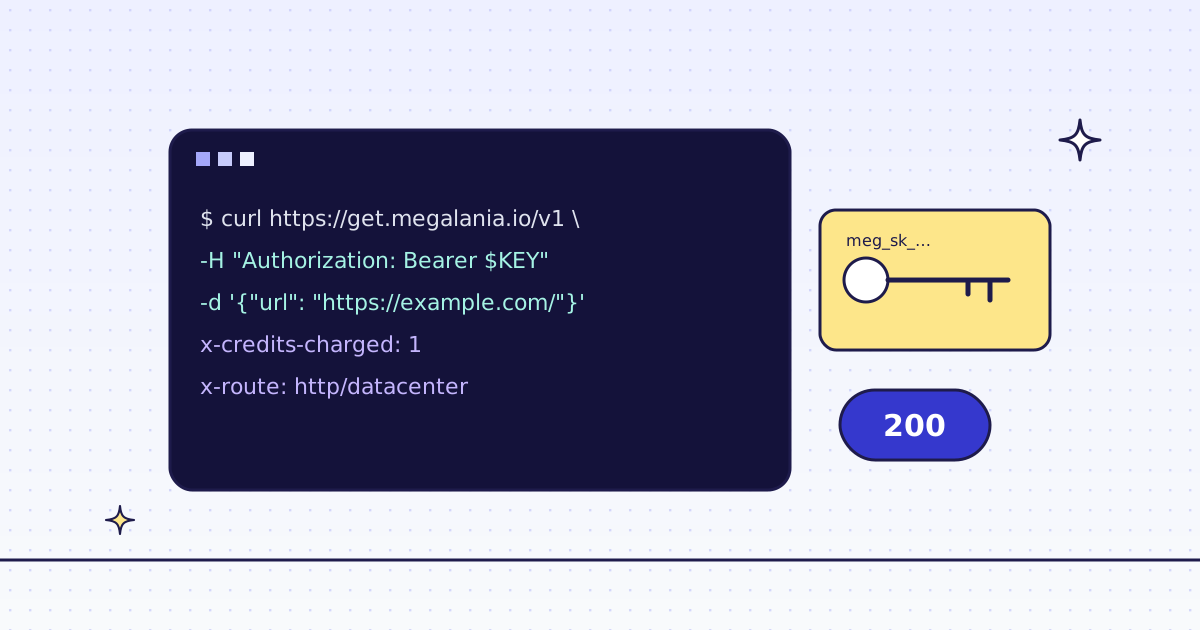
curl -s -H "Authorization: Bearer YOUR_KEY" \
  "https://get.megalania.io/v1/tier?host=quotes.toscrape.com"
curl -s -H "Authorization: Bearer YOUR_KEY" \
  "https://get.megalania.io/v1/stats/domain?host=quotes.toscrape.com&days=30"
capabilities lists which routes can serve each engine for you right now, and quotes is the price of a page on each route. All three sites answered tier: null: not priced yet, so a page pays the price of the route that delivers it. Check a site first explains every field.
Step 1 and step 3 (cURL)
These are the two bodies we ran. Step 1, plain HTTP:
curl -sS https://get.megalania.io/v1 \
  -H "Authorization: Bearer YOUR_KEY" \
  -H "Content-Type: application/json" \
  -D headers.txt -o page.md \
  -d '{"url": "https://quotes.toscrape.com/js/page/1/", "engine": "http", "response_types": "markdown", "max_credits": "64"}'
Step 3, the same page in a browser:
curl -sS https://get.megalania.io/v1 \
  -H "Authorization: Bearer YOUR_KEY" \
  -H "Content-Type: application/json" \
  -D headers.txt -o page.md \
  -d '{"url": "https://quotes.toscrape.com/js/page/1/", "engine": "browser", "response_types": "markdown", "max_credits": "128"}'
Step 2 is step 1 with "response_types": "page_data". The answer is {"json_ld": [...], "state": {...}}: every JSON-LD object, and every JSON script with an id, such as __NEXT_DATA__, parsed. max_credits is the most this page may cost; we skip any route above it. A browser page costs more, so we gave it 128.
Python: HTTP first, browser only if needed
The script uses the same rule our measurement used: a page needs the browser when the HTTP answer says needs_js, or when its Markdown is under 1,500 bytes.
# pip install requests
# Run: MEG_API_KEY=YOUR_KEY python render_if_needed.py https://quotes.toscrape.com/js/page/1/
import os
import sys
import uuid

import requests


def get(url, engine, max_credits):
    resp = requests.post(
        "https://get.megalania.io/v1",
        headers={
            "Authorization": f"Bearer {os.environ['MEG_API_KEY']}",
            "Idempotency-Key": str(uuid.uuid4()),
        },
        json={"url": url, "engine": engine, "response_types": "markdown", "max_credits": max_credits},
        timeout=120,
    )
    if resp.status_code != 200:
        err = resp.json()["error"]
        sys.exit(f"{resp.status_code} {err['code']}: {err['message']}")
    return resp


url = sys.argv[1]
resp = get(url, "http", "64")
if resp.headers.get("X-Hint") == "needs_js" or len(resp.content) < 1500:
    print("HTTP gave a shell, credits:", resp.headers["X-Credits-Charged"], "- rendering")
    resp = get(url, "browser", "128")
with open("page.md", "w", encoding="utf-8") as f:
    f.write(resp.text)
print("engine:", resp.headers["X-Engine"], "credits:", resp.headers["X-Credits-Charged"], "bytes:", len(resp.content))
A block is HTTP 422 with error.code blocked and X-Billing: blocked, and it costs 0 credits, so the status check catches it. X-Hops on that answer lists every route we tried. 1,500 bytes is a rule of thumb: tune it to the pages you scrape.
Try it on our Lab. lab.megalania.io/js?seed=7 is our own test page. Over HTTP it is empty; with engine=browser the script runs and “seed 7” appears.
What it costs
A browser page starts at 15 credits on Browser datacenter (c:dc), with 1 MiB of page included. Each started 128 KiB above that adds 1. On Browser residential (c:res) a page starts at 32, with 64 KiB included and 8 for each started 128 KiB above it. Rendered pages are big, so the size counts. A sample answer’s headers:
content-type: text/markdown; charset=utf-8
x-credits-charged: 40
x-engine: browser
x-hops: c:res=3875
x-identity: chrome
x-route: browser/residential
x-target-status: 200
Measured on our dev cluster with the datacenter routes off, so this climb starts at c:res.
A page like this costs about 15-18 credits on c:dc (75-1,298 KiB, the sites in the table below), worked out from our price table on 4 Oct 2026, because that route was off in our test; run check_site (free) to see the price for your site.
A page like this was billed 40-112 credits on c:res (75-1,298 KiB, the sites in the table below) in our test on 3 and 4 Oct 2026; run check_site (free) to see the price for your site. The job board and the storefront are among the expensive ones.
| Site | Browser page size (median-p90) | c:dc, by price table |
c:res, billed (median) |
Cheaper HTTP answer |
|---|---|---|---|---|
| quotes.toscrape.com/js | 75-76 KiB | 15 | 40 | none: needs the browser |
| jobs.ashbyhq.com | 1,062-1,094 KiB | 16 | 96 | page_data: 15 on h:res |
| www.worx.com | 1,298 KiB | 18 | 112 | Markdown: 15 on h:res |
That last column is the point of the test. On the storefront, the browser page cost 112 credits on c:res; the HTTP page with the same Markdown cost 15. On a datacenter exit, the HTTP page would cost 1.
How we measured: one HTTP request per site first, then browser renders: 9 on quotes.toscrape.com, 7 on jobs.ashbyhq.com, 1 on www.worx.com. 3 Oct 2026, 00:08 UTC, to 4 Oct 2026, 04:48 UTC, with the bodies above. The page_data result for the job board is from our job postings run on the same host.
Limits
- Blocks we detect are free, on HTTP and in the browser. The answer carries
X-Billing: blockedand costs 0 credits. - The hint is a hint.
X-Hint: needs_jsmarks the shells we detect, not all of them. Check the content too. - Terms: this is not legal advice. Read each site’s terms and robots.txt, and follow them.
Every engine and response type: Fetch, extract and lists.