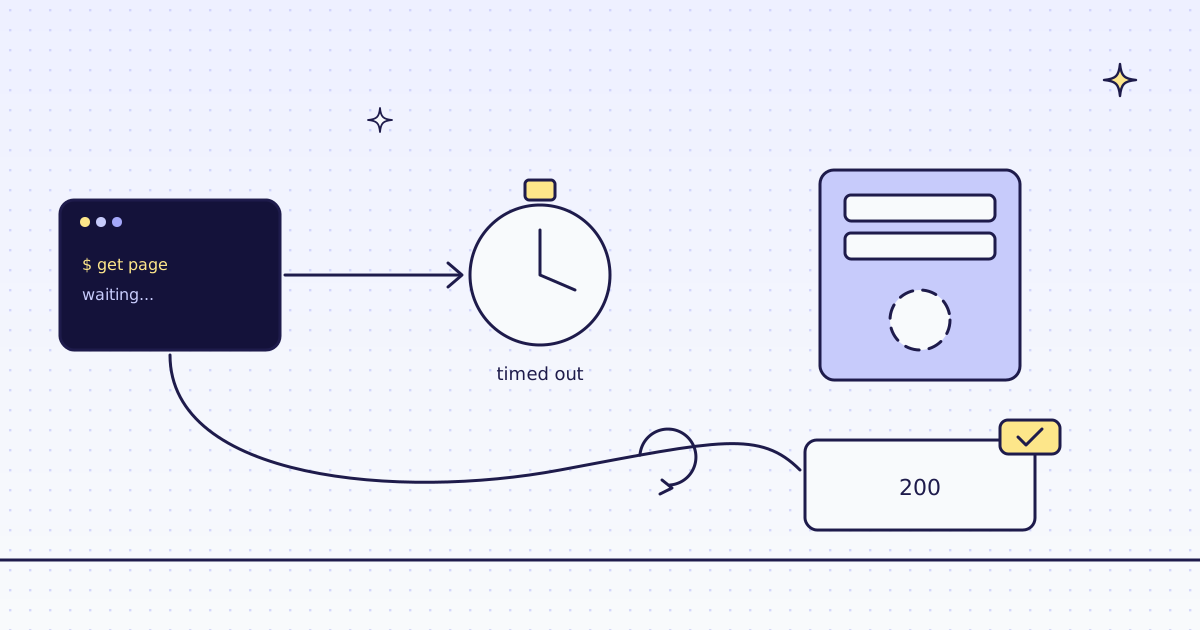
The short answer: axios has timeout: 0 by default, which means no limit: in Node, a server that never answers keeps the request open. Set timeout in milliseconds, per call or with axios.create(). When it runs out, axios rejects with an AxiosError whose code is ECONNABORTED and whose message is timeout of 5000ms exceeded. Set transitional: { clarifyTimeoutError: true } to get ETIMEDOUT instead, so a timeout no longer looks like any other aborted request. There is no err.response. For retries, a small loop on that code is enough. When a page is slow because it needs a browser, post it to our API, and a call that runs out of time costs nothing.
What axios does on a slow server
Start a listener in one terminal with nc -lk 8799. It takes each connection and never answers, like a server that hangs. Run this in a second terminal:
timeout 10 node -e 'require("axios").get("http://127.0.0.1:8799/")'
echo "exit code: $? (124 = still waiting when timeout stopped it after 10 s)"
node -e 'require("axios").get("http://127.0.0.1:8799/", { timeout: 5000 }).catch((e) => console.log(e.name, e.code, "|", e.message))'exit code: 124 (124 = still waiting when timeout stopped it after 10 s) AxiosError ECONNABORTED | timeout of 5000ms exceeded
- With the default
timeout: 0, axios was still waiting after 10 seconds, when the shell stopped it. - With
timeout: 5000, it rejected after 5 seconds:ECONNABORTED,timeout of 5000ms exceeded. - The limit covers the whole request, from start to the last byte, not only the wait for the first one.
How axios reports a timeout
Our test store answers fast, so give it a limit too short to meet. The error is the same one a slow site gives you:
// npm install axios
import axios from "axios";

for (const transitional of [undefined, { clarifyTimeoutError: true }]) {
  try {
    await axios.get("https://lab.megalania.io/product-category/kitchen/", { timeout: 20, transitional });
  } catch (err) {
    console.log(transitional ? "clarifyTimeoutError:" : "default:", err.code, "|", err.message, "| response:", err.response);
  }
}default: ECONNABORTED | timeout of 20ms exceeded | response: undefined clarifyTimeoutError: ETIMEDOUT | timeout of 20ms exceeded | response: undefined
ECONNABORTEDby default,ETIMEDOUTwithclarifyTimeoutError. Same message, differentcode, so pick one and branch on it.err.responseisundefined: the store never answered in 20 ms, so there is no status to read.
The free fix: timeouts and retries
Set a limit on every request, and retry a few times with a pause. This fixes servers that are slow now and then:
// npm install axios
import axios from "axios";

const client = axios.create({ timeout: 20000 });

async function get(url, tries = 3) {
  for (let n = 1; ; n++) {
    try {
      return await client.get(url);
    } catch (err) {
      if (err.code !== "ECONNABORTED" || n === tries) throw err;
      console.log("try", n, "timed out, waiting", 2 * n, "s");
      await new Promise((r) => setTimeout(r, 2000 * n));
    }
  }
}

const res = await get("https://lab.megalania.io/product-category/kitchen/");
console.log(res.status, (res.data.match(/<li[^>]*class="[^"]*product type-product/g) ?? []).length, "products on the page");200 9 products on the page
axios.create({ timeout: 20000 })sets the limit once for every call from that client.- The loop retries only
ECONNABORTED, waiting 2, then 4 seconds. A 404 or a 500 fails at once, since another try would not help.
The fix that climbs: our API
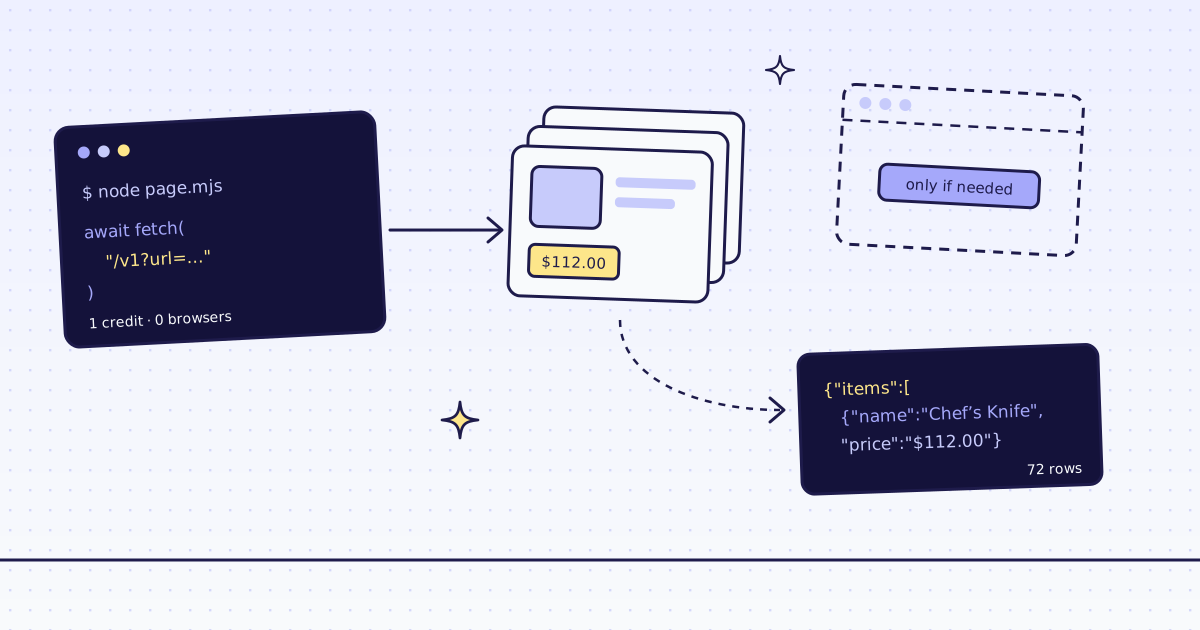
Send the page to our API instead. We fetch it, run a real Chrome when you ask, and an answer that runs out of time costs nothing:
// npm install axios
// Run: MEG_API_KEY=YOUR_KEY node fetch.mjs https://lab.megalania.io/product-category/kitchen/
import axios from "axios";

const extra = Object.fromEntries(process.argv.slice(3).map((a) => a.split(/=(.*)/s).slice(0, 2)));
const resp = await axios.post(
  "https://get.megalania.io/v1",
  { url: process.argv[2], response_types: "markdown", ...extra },
  { headers: { Authorization: `Bearer ${process.env.MEG_API_KEY}` }, timeout: 100000, validateStatus: () => true },
);
console.log(resp.status, "| route:", resp.headers["x-route"], "| credits:", resp.headers["x-credits-charged"] ?? 0);
console.log(typeof resp.data === "string" ? resp.data.slice(0, 120) : JSON.stringify(resp.data).slice(0, 150));200 | route: http/datacenter | credits: 1 # Kitchen Cast iron, good knives and the slow morning coffee setup. Showing all 9 results -  => true, axios hands you our422as a normal response, not anAxiosError.
One honest note: our test store is fast, so these runs show a short limit or a page that never gets ready, not a slow site. On a slow site, the call is the same; the price depends on the route that worked, and our MCP tool check_site tells you that price for free.
What it costs
| What we ran | Route | Credits |
|---|---|---|
| The kitchen category as Markdown | h:dc | 1 |
| A page that never got ready, in the browser | c:dc | 0 |
The nc runs, seen.mjs and fix.mjs, straight from Node | none | 0 |
Every rule is in Credits. Plans are on the pricing page.
How we measured: axios 1.21.1 on Node 24.21, one Linux server, 17 Nov 2026. nc -lk 8799 (OpenBSD netcat) as a server that never answers, and the shell's timeout to stop the call with no limit. Our test store for the short limit and for fix.mjs. Our API on our dev cluster for fetch.mjs, against the same store on our dev domain. The outputs are copied from those runs.
Limits
- Public pages only. We do not log in, and we do not solve CAPTCHAs. When a page needs either, we stop and say so, for free.
- A page built by JavaScript needs
engine=browser. It costs more. See How to scrape JavaScript-rendered pages. - Slow can mean slow down. A site that answers slowly may be under load. Keep your rate low, fetch public pages only, and follow the site's terms and robots.txt.
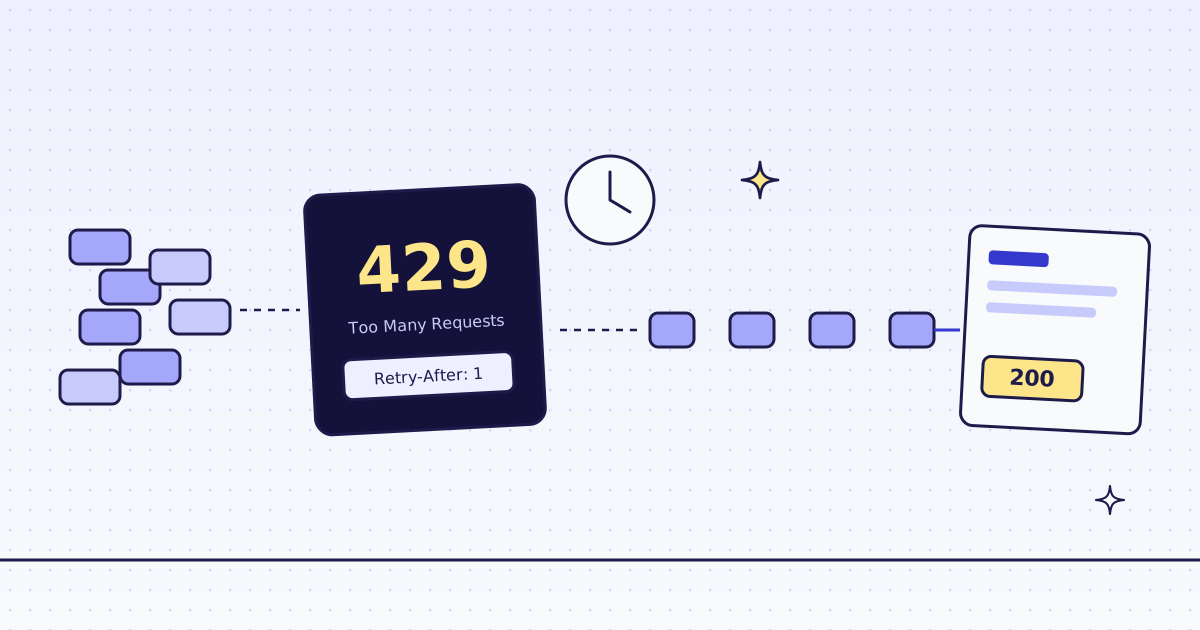
What to do when a site answers 429 instead is in 429 Too Many Requests when scraping.