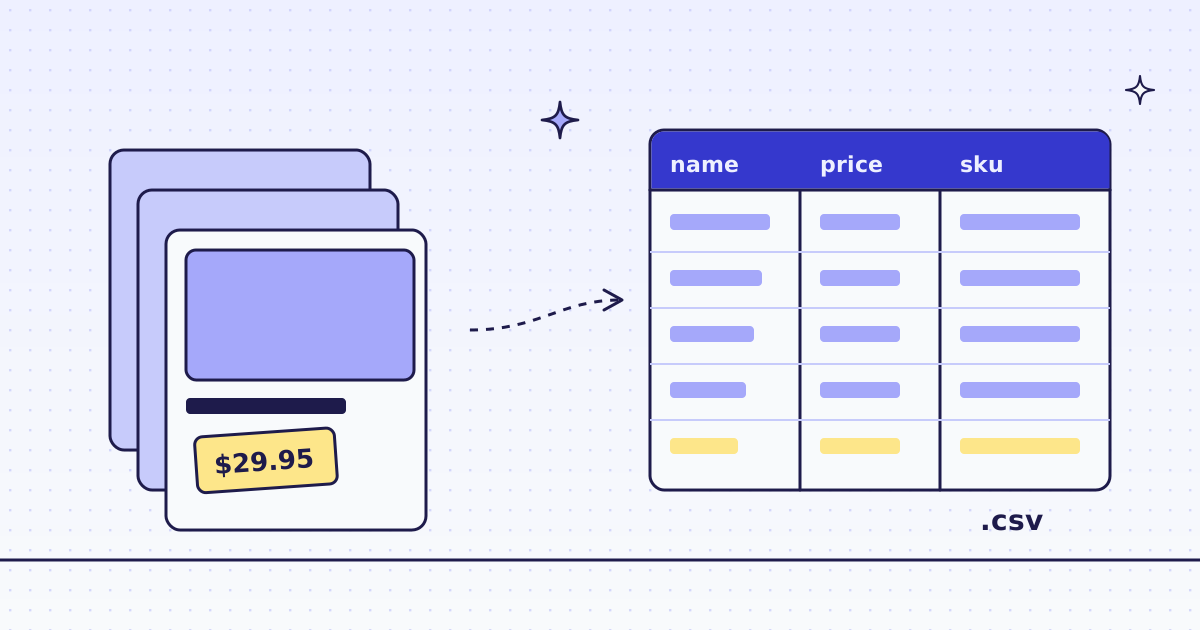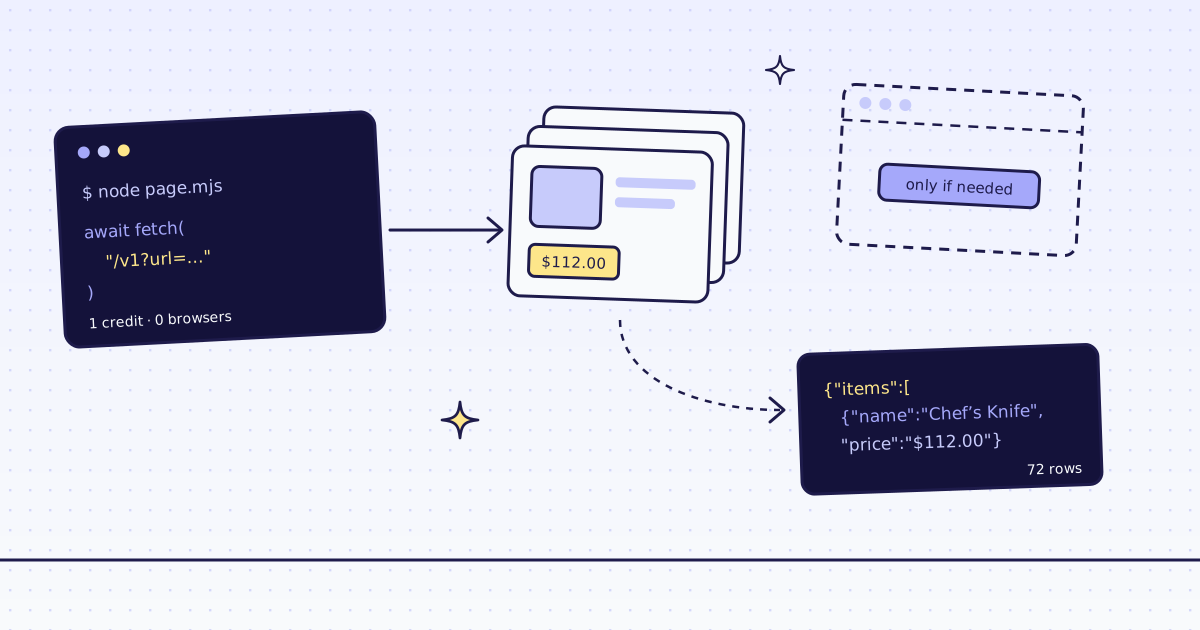
The short answer: for web scraping in Node.js, you do not need to run a headless browser. Node’s built-in fetch sends the page’s URL to GET /v1, and the answer is the page as Markdown or as JSON fields. On our test store, lab.megalania.io, the kitchen page came back as 3,042 characters of Markdown for 1 credit. All 8 shop pages, 72 products with name, price and link, cost 16 credits, one page at a time or as one batch. No dependencies, no browser, no HTML parser.
The free way first
Node can fetch a page and read it with a regular expression:
const res = await fetch("https://lab.megalania.io/shop/");
const html = await res.text();
const names = [...html.matchAll(/<h2 class="woocommerce-loop-product__title">(.*?)<\/h2>/g)].map((m) => m[1]);
console.log(res.status, html.length, names.length, names[0]);200 75688 9 20 cm Chef’s Knife
It works on the Lab, for free. But look at the name: ’ is an HTML entity, not the ’ a shopper sees. Real scraping needs an HTML parser, a decoder and selectors you test. And fetch gets nothing from a site that blocks plain requests or builds its page with JavaScript.
Use the API when you want clean Markdown, fields as JSON, or pages that block fetch.
Web scraping in Node.js with one fetch
One small helper. Save it as meg.mjs:
export async function scrape(params) {
  const res = await fetch("https://get.megalania.io/v1?" + new URLSearchParams(params), {
    headers: { Authorization: `Bearer ${process.env.MEG_API_KEY}` },
  });
  if (!res.ok) {
    const { error } = await res.json();
    throw new Error(`${res.status} ${error.code}: ${error.message}`);
  }
  return { body: await res.text(), credits: Number(res.headers.get("x-credits-charged")), route: res.headers.get("x-route") };
}
Then ask for one page as Markdown:
export MEG_API_KEY='meg_sk_...'
node page.mjs
import { scrape } from "./meg.mjs";

const page = await scrape({ url: "https://lab.megalania.io/product-category/kitchen/", response_types: "markdown" });
console.log(page.credits, page.route, page.body.length);
console.log(page.body.slice(0, 300));

try {
  await scrape({ url: "https://lab.megalania.io/shop/", response_types: "jsn" });
} catch (e) {
  console.log(e.message.slice(0, 80));
}1 http/datacenter 3042 # Kitchen Cast iron, good knives and the slow morning coffee setup. Showing all 9 results -  ## [20 cm Chef’s Knife](https://lab.megalania.io/product/chef-knife/) Rated **4.67** out of 5 $112.00 400 bad_parameter: response_types must be a comma list of html, markdown, text,
- The answer is the page’s main content. Menus, header and footer are gone, and the name reads
’, not’. X-Credits-Chargedsays what the call cost: 1 credit.X-Routesays how we got the page: plain HTTP on a datacenter IP.- Errors are JSON and free. The typo
jsncame back as a 400 that names the problem. Nothing was fetched and nothing was charged.
Fields as JSON, every page
Send response_types: "json" and CSS rules in extract. The answer is the fields, not the page. One more rule, next, reads the link to the next page, so a loop can follow it to the end:
import { scrape } from "./meg.mjs";

const rules =
  "items:li.product{name:h2|price:.price > .amount|was:.price del .amount|now:.price ins .amount|url:a.woocommerce-loop-product__link@href}*|next:a.next@href";

let url = "https://lab.megalania.io/shop/";
const rows = [];
let credits = 0;
let pages = 0;
while (url) {
  const page = await scrape({ url, response_types: "json", extract: rules });
  const data = JSON.parse(page.body);
  rows.push(...data.items);
  credits += page.credits;
  pages += 1;
  url = data.next;
}
console.log(pages, rows.length, credits);
console.log(rows[0]);8 72 16
{
name: '20 cm Chef’s Knife',
price: '$112.00',
was: null,
now: null,
url: 'https://lab.megalania.io/product/chef-knife/'
}8 pages, 72 products, 16 credits: 1 for each page and 1 for its JSON. was and now are filled only on a sale; on the last page next is null and the loop ends. How to write the rules, and the same loop in Python with a CSV file at the end, is in How to scrape a website to CSV.
Many pages: one batch
The loop waits for each page. When you know the URLs, send them all at once. Our TypeScript SDK, megalania on npm, has the batch calls. It has no dependencies either: it uses the same built-in fetch.
npm install megalania
import { Megalania } from "megalania";

const meg = new Megalania(process.env.MEG_API_KEY);
const rules =
  "items:li.product{name:h2|price:.price > .amount|was:.price del .amount|now:.price ins .amount|url:a.woocommerce-loop-product__link@href}*";
const urls = ["https://lab.megalania.io/shop/"];
for (let n = 2; n <= 8; n++) urls.push(`https://lab.megalania.io/shop/page/${n}/`);

const batch = await meg.createBatch({ urls, response_types: "json", extract: rules });
const done = await meg.waitBatch(String(batch.id));
let rows = 0;
for await (const [item, body] of meg.batchResults(String(batch.id))) {
  rows += JSON.parse(new TextDecoder().decode(body)).items.length;
}
console.log(done.status, done.item_count, rows, done.counts.charged_credits);
console.log((await meg.getTier("lab.megalania.io")).quotes);done 8 72 16
{ browser: 15, browser_residential: 32, datacenter: 1, residential: 8 }createBatchtakes the URLs and the same parameters as one page. Nothing is charged at submit; each page is charged when a worker reaches it.waitBatchwaits until the batch ends. Each call holds for up to 25 seconds and answers as soon as it is done, so the script never sleeps blind.batchResultsyields each page’s result. It downloads them from signed links and never sends your key there.- The same 72 products, the same 16 credits, and no loop to wait on.
When you do need a browser
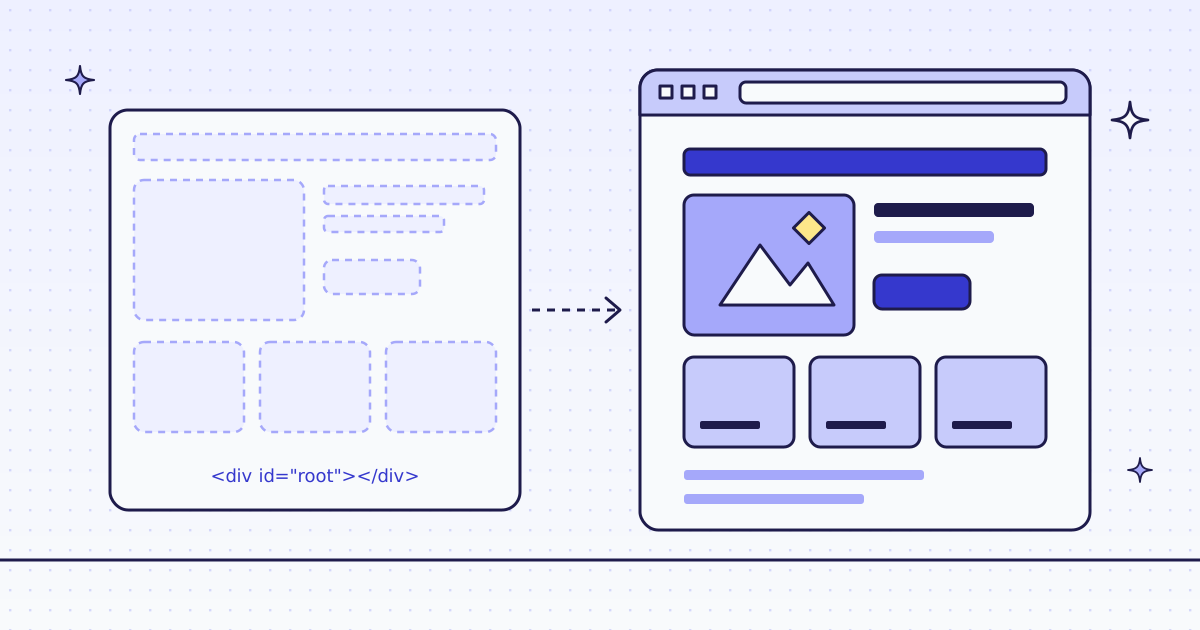
Every Lab page above is built on the server, so plain HTTP was enough. Some sites send an empty shell and fill it with JavaScript. Leave engine out and we move to a real browser on our side when your plan and max_credits allow it. When we cannot, you get the shell back for free, marked X-Hint: needs_js. Then send engine: "browser".
Look at the last line of the batch output. getTier is free, the price part of our MCP check_site tool. On the Lab, a page costs 1 credit on plain HTTP and 15 in the browser. Check before you send a site to the browser. How to scrape JavaScript-rendered pages shows how to test if a page needs it at all.
What it costs
| Step | Pages | Credits |
|---|---|---|
Plain fetch of the shop page |
1 | 0 |
| The kitchen page as Markdown | 1 | 1 |
| The shop pages as JSON, one at a time | 8 | 16 |
| The same 8 pages as one batch | 8 | 16 |
getTier on the Lab |
— | 0 |
| A bad parameter, a blocked page or one of our errors | — | 0 |
These prices are for this site on the datacenter route. A site that blocks it costs more, and the browser costs more. Plans are on the pricing page.
How we measured: our dev cluster on 16 Nov 2026, the Lab store on our dev domain, Node 24 and megalania 0.3.0 from npm. We ran free.mjs, page.mjs, extract.mjs and batch.mjs once each.
Limits
- Node 18 or newer for
fetch(we ran Node 24), and save the files as.mjsfor top-levelawait. The SDK needs Node 22.18 or newer, Deno or Bun. - Rules break when the site changes its layout. You get
nullfields, not an error. Check a few rows after a redesign. - Too many requests at once is a 429. The SDK retries once after
Retry-After. With plainfetch, wait that long yourself.
Every SDK method is in TypeScript SDK. Fetch public pages only. Read the site’s terms and robots.txt, and follow them.