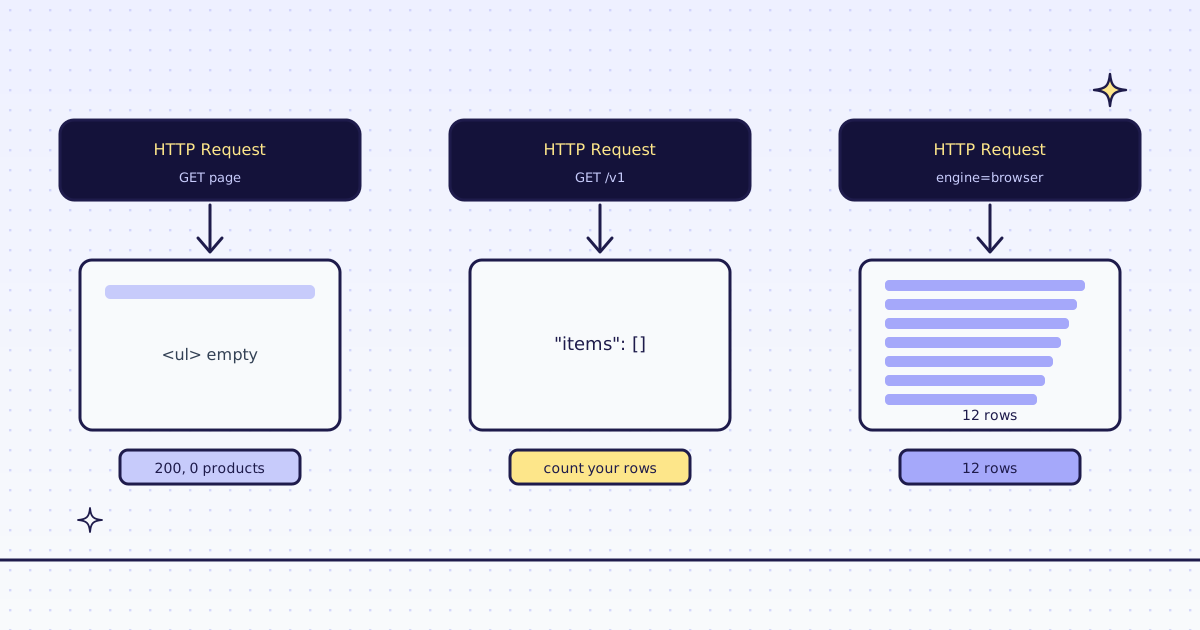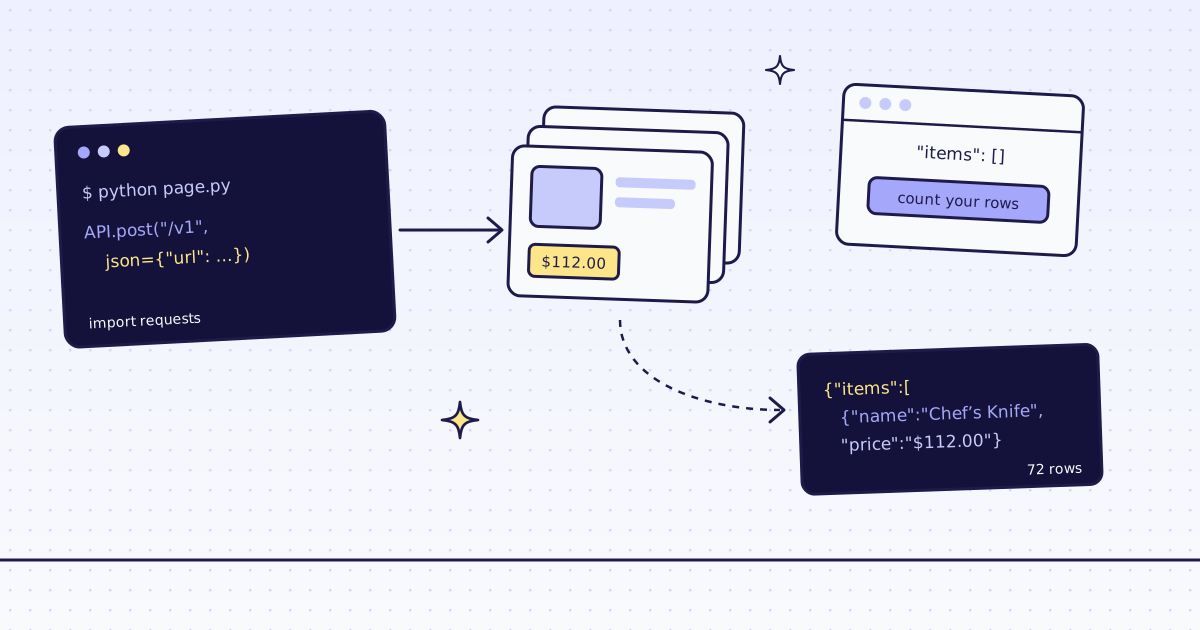
The short answer: The n8n HTTP Request node downloads the HTML a server sends and runs no JavaScript. On a page that draws its list in the browser, the HTML node then returns cards: [] while the heading is found, and the execution ends with status success. Add an IF node that stops the workflow when the array is empty. Then point an HTTP Request node at the JSON address the page's own script calls: n8n turns each product into an item, no HTML node needed. When a page has no such address, call our API with engine=browser from the same node.
What the n8n HTTP Request node gets back
Our test store's new arrivals page draws its list with JavaScript after it loads. Fetch it the plain way:
{
  "url": "https://lab.megalania.io/new-arrivals/",
  "options": {
    "response": {
      "response": {
        "responseFormat": "text"
      }
    }
  }
}

{
  "operation": "extractHtmlContent",
  "sourceData": "json",
  "dataPropertyName": "data",
  "extractionValues": {
    "values": [
      {
        "key": "cards",
        "cssSelector": "#arrivals li h2",
        "returnValue": "text",
        "returnArray": true
      },
      {
        "key": "heading",
        "cssSelector": "h1",
        "returnValue": "text"
      }
    ]
  }
}status: success | HTML node: 1 item
{"cards": [], "heading": "New arrivals"}- The heading was found and the cards were not. The server sends
#arrivalsempty; a script fills it in a browser, and n8n runs no scripts. - Response Format: Text puts the HTML in
data, where the HTML node reads it.
How the n8n HTTP Request node reports an empty page
Nothing fails, so nothing tells you. Count what you expected to get:
{
  "conditions": {
    "conditions": [
      {
        "leftValue": "={{ $json.cards.length }}",
        "rightValue": 0,
        "operator": {
          "type": "number",
          "operation": "gt"
        }
      }
    ]
  }
}status: success | 0 items out of the HTML node's cards true branch: nothing | false branch: 1 item
- n8n marked the run a success. An empty array is valid data, so no error workflow fires.
- Route the false branch to a Stop and Error node, or to a message to yourself, so an empty run is seen.
The free fix: the page's own API
The page's own script fetches the list from the store's JSON API. Call that address yourself, for free:
{
  "url": "https://lab.megalania.io/wp-json/wc/store/v1/products",
  "sendQuery": true,
  "queryParameters": {
    "parameters": [
      {
        "name": "orderby",
        "value": "title"
      },
      {
        "name": "order",
        "value": "asc"
      },
      {
        "name": "per_page",
        "value": "12"
      }
    ]
  }
}status: success | HTTP Request node: 12 items first: 20 cm Chef’s Knife 11200 | last: Cable Knit Cotton Throw
- n8n split the JSON array into 12 items, one per product: the next node runs once for each, no HTML node needed.
- Prices come in cents, as strings:
{{ $json.prices.price / 100 }}. The’is the store's own escaping.
The fix that climbs: our API
Or send the page to our API with engine=browser. A real Chrome runs the page's script, and we return the fields:
{
  "method": "POST",
  "url": "https://get.megalania.io/v1",
  "authentication": "genericCredentialType",
  "genericAuthType": "httpBearerAuth",
  "sendBody": true,
  "specifyBody": "json",
  "jsonBody": "{\"url\": \"https://lab.megalania.io/new-arrivals/\", \"engine\": \"browser\", \"actions\": \"wait_for:#item-12\", \"response_types\": \"json\", \"extract\": \"items:#arrivals li{name:h2|price:.price}*\"}",
  "options": {
    "timeout": 100000,
    "response": {
      "response": {
        "fullResponse": true
      }
    }
  }
}statusCode: 200 | x-route: browser/datacenter | x-credits-charged: 19
body.items: 12 | first: {"name": "20 cm Chef’s Knife", "price": "$112.00"} | node ran 4809 ms- Our Chrome ran the page's script and waited for the 12th card, then the
extractrule read name and price from each. - Add a Split Out node on
body.itemsto get one n8n item per product. 19 credits: 15 for the browser, 1 for JSON, 3 for the wait.
The same call without the browser, on the same page:
{
  "method": "POST",
  "url": "https://get.megalania.io/v1",
  "authentication": "genericCredentialType",
  "genericAuthType": "httpBearerAuth",
  "sendBody": true,
  "specifyBody": "json",
  "jsonBody": "{\"url\": \"https://lab.megalania.io/new-arrivals/\", \"response_types\": \"json\", \"extract\": \"items:#arrivals li{name:h2|price:.price}*\"}",
  "options": {
    "timeout": 100000,
    "response": {
      "response": {
        "fullResponse": true
      }
    }
  }
}statusCode: 200 | x-route: http/datacenter | x-credits-charged: 2 | node ran 1676 ms body.items: []
- Without the browser, our plain HTTP fetch saw what n8n saw: an empty list, charged all the same.
- Put the same IF node after our call:
{{ $json.body.items.length }}greater than 0.
One honest note: our check for JavaScript shells did not flag this page, because it has a heading and some text. So the plain call was charged for an empty list. Count your rows on every answer, ours included.
What it costs
| What we ran | Route | Credits |
|---|---|---|
| The page in our browser, 12 rows as JSON | c:dc | 19 |
| The same page over plain HTTP: no rows | h:dc | 2 |
| The HTTP Request, HTML and IF nodes, straight from n8n | none | 0 |
Every rule is in Credits. Plans are on the pricing page.
How we measured: n8n 2.47.7 in Docker, HTTP Request node version 4.2 and HTML node version 1.2, run with n8n execute on one Linux server, 17 Nov 2026. Our test store's new arrivals page, which draws 12 products with JavaScript, for the first three runs. Our API on our dev cluster for the last two nodes, against the same store on our dev domain. The code blocks are each node's parameters as n8n exports them; the outputs are fields copied from each execution's data.
Limits
- Public pages only. We do not log in, and we do not solve CAPTCHAs. When a page needs either, we stop and say so, for free.
- A page built by JavaScript needs
engine=browser. It costs more. See How to scrape JavaScript-rendered pages. - Read the site's terms. A page's JSON API is public when the page calls it with no key, but follow the site's terms and robots.txt.
More ways to tell which pages need a browser are in How to scrape JavaScript-rendered pages.