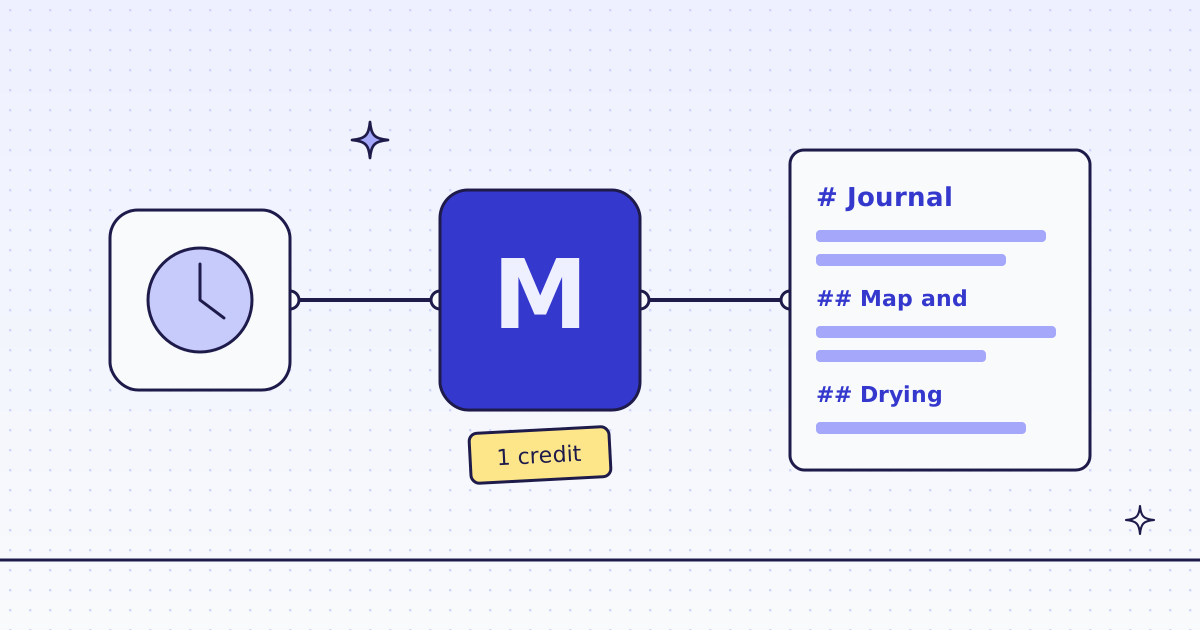
The short answer: n8n can read a web page in one node, and you do not need to host a browser for it. Install the community node n8n-nodes-megalania, add your key as a credential, and add a Megalania node with Page → Scrape and Response Type: Markdown. Its output has the page as clean Markdown in content, and credits_charged. No community node allowed? One HTTP Request node does the same call. We ran both in n8n 2.47.7 on our test store’s journal page: 68 KB of HTML came back as 2.8 KB of Markdown, for 1 credit.
The free way first: n8n’s own nodes
If the site answers plain requests and the page is not built with JavaScript, n8n can do it alone: an HTTP Request node gets the HTML, and the Markdown node turns HTML into Markdown. It costs nothing.
It stops working when the site blocks plain requests (you get a 403 or a “checking your browser” page), when the page needs JavaScript, or when you get the whole page with its menus and footer and only wanted the article. That is when a scraping API earns its credits.
Install the node
- In n8n, open Settings → Community Nodes and select Install.
- Enter
n8n-nodes-megalaniaand confirm. - Create a credential of type Megalania API. Paste your key (it starts with
meg_sk_). Leave the two hosts as they are. n8n tests the key with a free call.
Self-hosted n8n can install any community node. On n8n Cloud, check first that the node is offered there. If it is not, use the HTTP Request way below. The full guide is n8n in our docs.
Way 1: the Megalania node
Add a Megalania node after your trigger and set:
| Field | Value |
|---|---|
| Credential | your Megalania API credential |
| Resource | Page |
| Operation | Scrape |
| URL | https://lab.megalania.io/journal/ |
| Options → Response Type | Markdown |
| Options → Max Credits | 8 |
Leave Engine and Proxy Tier out. Then we start on the cheapest route and move up only when the site blocks it. Max Credits is the most one page may cost. A bigger page comes back cut, and the node’s truncated field says so.
Or paste this into the n8n canvas, then pick your credential in the node:
{
  "nodes": [
    {"name": "Start", "type": "n8n-nodes-base.manualTrigger", "typeVersion": 1, "position": [0, 0], "parameters": {}},
    {"name": "Megalania", "type": "n8n-nodes-megalania.megalania", "typeVersion": 1, "position": [240, 0],
     "parameters": {"resource": "page", "operation": "scrape", "url": "https://lab.megalania.io/journal/",
                    "options": {"responseTypes": "markdown", "maxCredits": 8}}}
  ],
  "connections": {"Start": {"main": [[{"node": "Megalania", "type": "main", "index": 0}]]}}
}
What the node gave us (shortened):
{
  "content": "# [Gibber & Co.](https://lab.megalania.io/)\n\nPosted on [October 30, 2026](https://lab.megalania.io/reading-a-map-and-compass/) ...\n\n## Map and compass: the five-minute basics\n\n...",
  "credits_charged": 1,
  "request_id": "01a1e159-..."
}
The Markdown keeps the headings and the links of each post on the list, and drops the menus and the footer. Send content to the next node: an AI node that writes a summary, a Slack or email node, or a Google Sheets row.
Way 2: one HTTP Request node
No community node? The HTTP Request node calls the API directly.
- Create a credential of type Header Auth: name
Authorization, valueBearer meg_sk_...(your key). - Add an HTTP Request node and set:
| Field | Value |
|---|---|
| Method | POST |
| URL | https://get.megalania.io/v1 |
| Authentication | Generic Credential Type → Header Auth |
| Send Body | on, JSON, the body below |
| Options → Response → Include Response Headers and Status | on |
| Options → Response → Response Format | Text |
{"url": "https://lab.megalania.io/journal/", "response_types": "markdown", "max_credits": 8}The node gives you the Markdown in data, and the headers next to it. x-credits-charged is what the page cost, and x-route is the route that delivered it, here http/datacenter.
Run it every day
Swap the manual trigger for a Schedule Trigger, for example every day at 07:00. Each run reads the page again and costs 1 credit on a page like this, so 30 days cost 30 credits.
If you only want to hear when the page changes, do not compare in n8n. A monitor watches the page for you and sends a signed webhook with only what changed. An n8n Webhook node can receive it. See How to monitor a web page for changes with an API.
What it costs
| Step | Credits |
|---|---|
| The journal page as Markdown, datacenter route | 1 |
| The same page again within 5 minutes, from our recent copy | 1 |
| A blocked page we detect, or an error | 0 |
Markdown costs no extra credit. In our run, the Megalania node fetched the page, and the HTTP Request node right after it got our recent copy: also 1 credit. Your site’s price can differ, so check it first with GET /v1/tier?host=... or the MCP tool check_site. Both are free.
How we measured: n8n 2.47.7 in Docker, the community node n8n-nodes-megalania 0.2.0, both ways in one workflow, run once against our dev cluster on 16 Nov 2026, with the Lab store on our dev domain.
Limits
- Pages built with JavaScript. Some lists load after the page opens; then the Markdown is empty or short. In the Megalania node set Options → Engine → Browser, or send
"engine": "browser"in the body. It costs more: see How to scrape JavaScript-rendered pages. - Big pages. Max Credits caps the price. A page that would cost more comes back cut, and
truncatedsays so. Raise the cap in the node to get the whole page. - One page per node run. For many pages, use Batch → Create, then Get until
statusisdone, then List Items. Our docs page shows the steps.
Fetch public pages only. Do not log in. Read the site’s terms and robots.txt, and follow them.