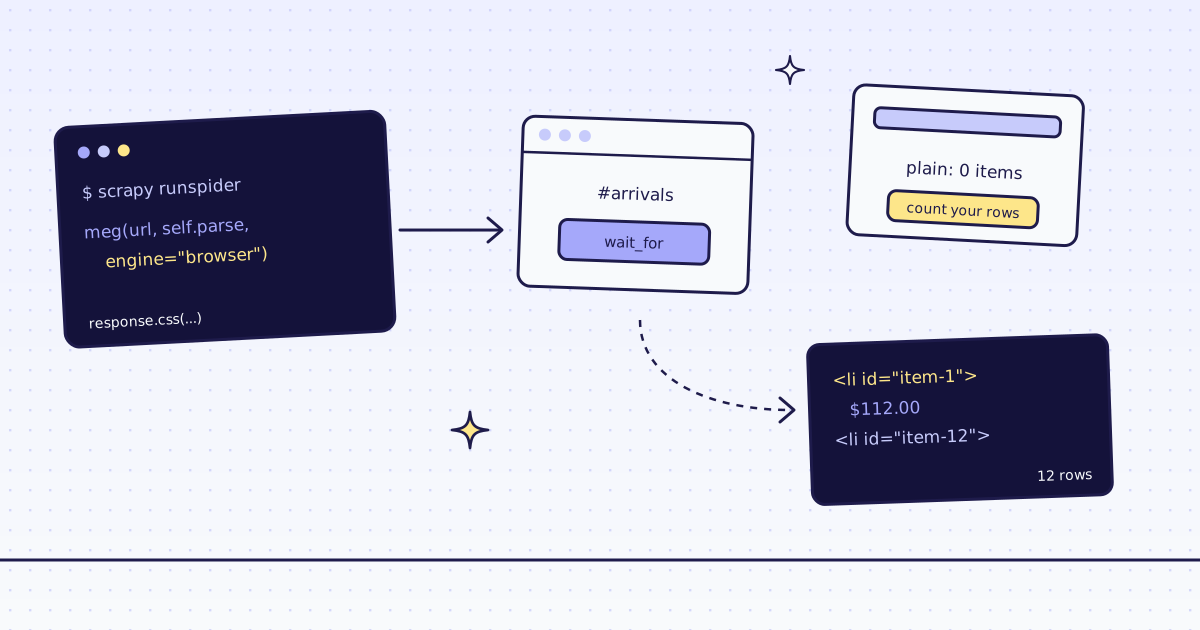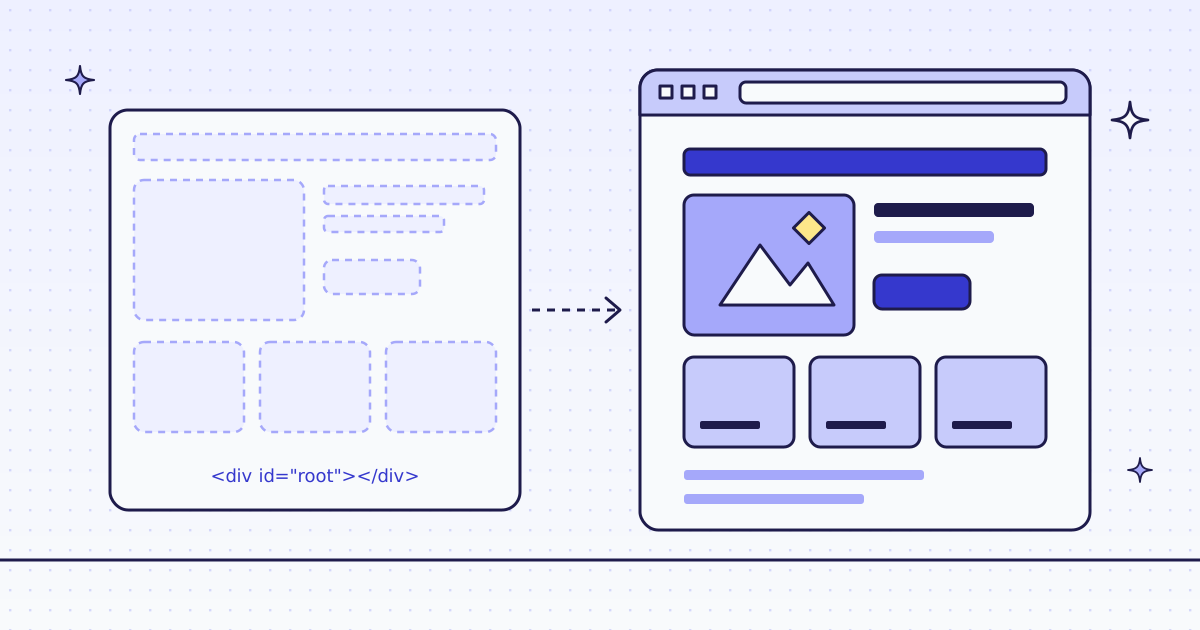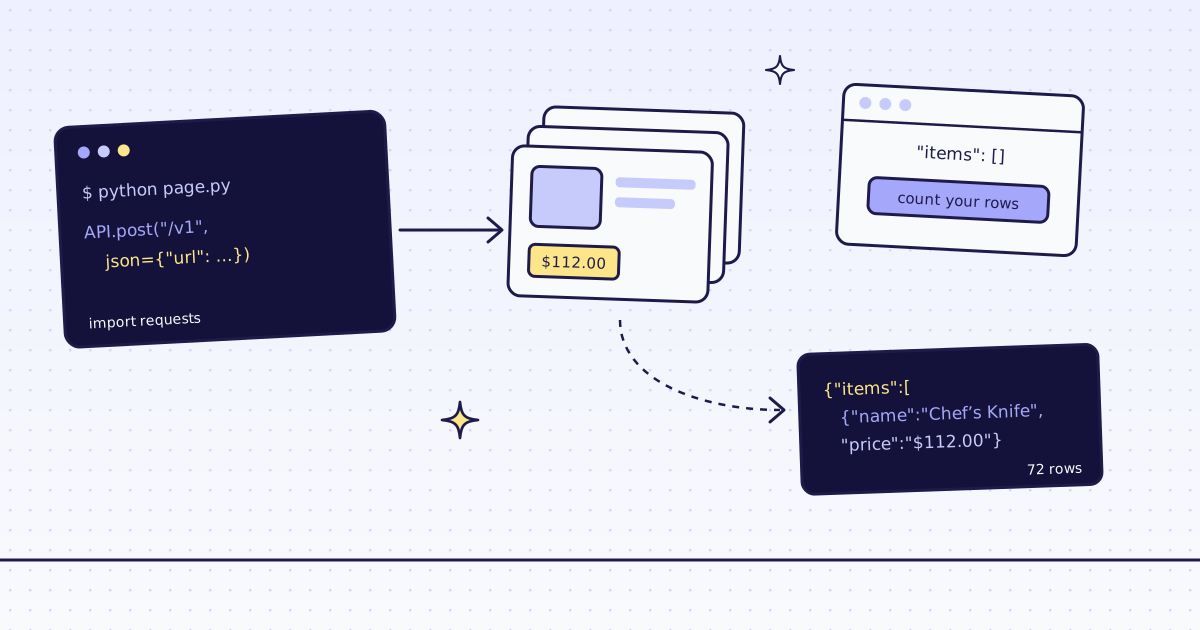
The short answer: A spider that yields nothing from a page full of products in your browser is usually reading a list that JavaScript fills in later. Scrapy keeps the response exactly as the server sent it and runs no scripts, so here it gets an empty <ul id="arrivals"></ul>. The spider ends with finish_reason: finished and no items, and nothing in the log says why. Check for rows in parse and raise CloseSpider with a reason when there are none. Then request the JSON address the page's script calls with a JsonRequest: free, and faster than HTML. When a site has no such address, let api.py ask our API for engine=browser.
What Scrapy gets back
Our test store's new arrivals page draws its list with JavaScript after it loads. Fetch it the plain way:
import scrapy


class Arrivals(scrapy.Spider):
    name = "arrivals"
    start_urls = ["https://lab.megalania.io/new-arrivals/"]
    custom_settings = {"LOG_LEVEL": "ERROR"}

    def parse(self, response):
        print(response.status, "|", response.css("h1::text").get(), "|", len(response.text), "characters")
print(response.css("#arrivals").get())200 | New arrivals | 56548 characters <ul id="arrivals" class="products columns-4"></ul>
- A 200 with the heading and an empty list. The server sends
#arrivalswith no children; a script fills it in the browser. - Scrapy did nothing wrong: it returned the page exactly as the server sent it.
How Scrapy reports an empty page
Nothing fails, so nothing tells you. Count what you expected to get:
import scrapy
from scrapy.exceptions import CloseSpider


class Arrivals(scrapy.Spider):
    name = "arrivals"
    start_urls = ["https://lab.megalania.io/new-arrivals/"]

    def parse(self, response):
        cards = response.css("#arrivals li")
        if not cards:
            raise CloseSpider("no cards in #arrivals: the list is drawn by JavaScript")
        for card in cards:
yield {"name": card.css("h2::text").get()}Closing spider (no cards in #arrivals: the list is drawn by JavaScript) 'downloader/response_status_count/200': 1, 'finish_reason': 'no cards in #arrivals: the list is drawn by JavaScript',
- Without the check, the same spider ended with
finish_reason: finishedand noitem_scraped_countat all. A scheduled crawl reports success and writes nothing. CloseSpiderputs your reason in the log and in the stats, where a monitor can read it.
The free fix: the page's own API
The page's own script fetches the list from the store's JSON API. Call that address yourself, for free:
import scrapy

API = "https://lab.megalania.io/wp-json/wc/store/v1/products?orderby=title&order=asc&per_page=12&page=1"


class Arrivals(scrapy.Spider):
    name = "arrivals"
    custom_settings = {"LOG_LEVEL": "ERROR"}

    async def start(self):
        yield scrapy.http.JsonRequest(API)

    def parse(self, response):
        products = response.json()
        print(response.status, "|", len(products), "products |", products[-1]["name"], int(products[-1]["prices"]["price"]) / 100)
        for p in products:
yield {"name": p["name"], "price": int(p["prices"]["price"]) / 100}200 | 12 products | Cable Knit Cotton Throw 78.0
- The address is in the page's own
<script>: the store's public Store API, the same call the page makes. AJsonRequestandresponse.json()replace every CSS selector. - The Store API sends each price as a string of cents, so
int(...) / 100gives 78.0.
The fix that climbs: our API
Or send the page to our API with engine=browser. A real Chrome runs the page's script, and we return the fields:
# Run: MEG_API_KEY=YOUR_KEY scrapy runspider api.py --nolog -a engine=browser -a actions=wait_for:#item-12
import os

import scrapy


class ViaApi(scrapy.Spider):
    name = "via_api"
    custom_settings = {"DOWNLOAD_TIMEOUT": 100}

    async def start(self):
        body = {"url": "https://lab.megalania.io/new-arrivals/", "response_types": "json", "extract": "items:#arrivals li{name:h2|link:a@href}*"}
        body.update({k: v for k, v in vars(self).items() if k in ("engine", "actions")})
        yield scrapy.http.JsonRequest(
            "https://get.megalania.io/v1",
            data=body,
            headers={"Authorization": f"Bearer {os.environ['MEG_API_KEY']}"},
            meta={"handle_httpstatus_list": [422, 503]},
        )

    def parse(self, response):
        items = response.json().get("items", [])
        h = lambda k: (response.headers.get(k) or b"-").decode()
        print("status:", response.status, "route:", h("X-Route"), "credits:", h("X-Credits-Charged"), "items:", len(items))
yield from itemsstatus: 200 route: browser/datacenter credits: 19 items: 12
{"name": "Cable Knit Cotton Throw", "link": "https://lab.megalania.io/product/cable-knit-throw/"}- With
-a engine=browser -a actions=wait_for:#item-12, we loaded the page in Chrome, held on until card 12 existed, and theextractrule turned each card into a row. yield from itemshands our rows to your pipelines:-O items.jsonlwrote 12 lines. The browser route is 15 of the 19 credits; JSON is 1 and the wait 3.
The same call without the browser, on the same page:
MEG_API_KEY=YOUR_KEY scrapy runspider api.py --nolog
status: 200 route: http/datacenter credits: 2 items: 0
- No
engineargument, so we fetched over plain HTTP and met the same empty#arrivalsasgets.py. We still charged 2 credits. - The
itemscount is the same check asseen.py. Put it on our answers too.
One honest note: our check for JavaScript shells did not flag this page, because it has a heading and some text. So the plain call was charged for an empty list. Count your rows on every answer, ours included.
What it costs
| What we ran | Route | Credits |
|---|---|---|
api.py with engine=browser: 12 items | c:dc | 19 |
api.py without it: 0 items | h:dc | 2 |
gets.py, seen.py and fix.py, straight from Scrapy | none | 0 |
Every rule is in Credits. Plans are on the pricing page.
How we measured: Scrapy 2.18.0 with Twisted 26.10 on Python 3.13.5, one Linux server, 17 Nov 2026. The first three spiders crawl the new arrivals page of our test store, where a script fills in 12 products after load. api.py calls our API on our dev cluster, against the same store on our dev domain. The outputs are copied from those runs; log lines are cut to the message.
Limits
- Public pages only. We do not log in, and we do not solve CAPTCHAs. When a page needs either, we stop and say so, for free.
- A page built by JavaScript needs
engine=browser. It costs more. See How to scrape JavaScript-rendered pages. - Read the site's terms. A page's JSON API is public when the page calls it with no key, but follow the site's terms and robots.txt.
More ways to tell which pages need a browser are in How to scrape JavaScript-rendered pages.