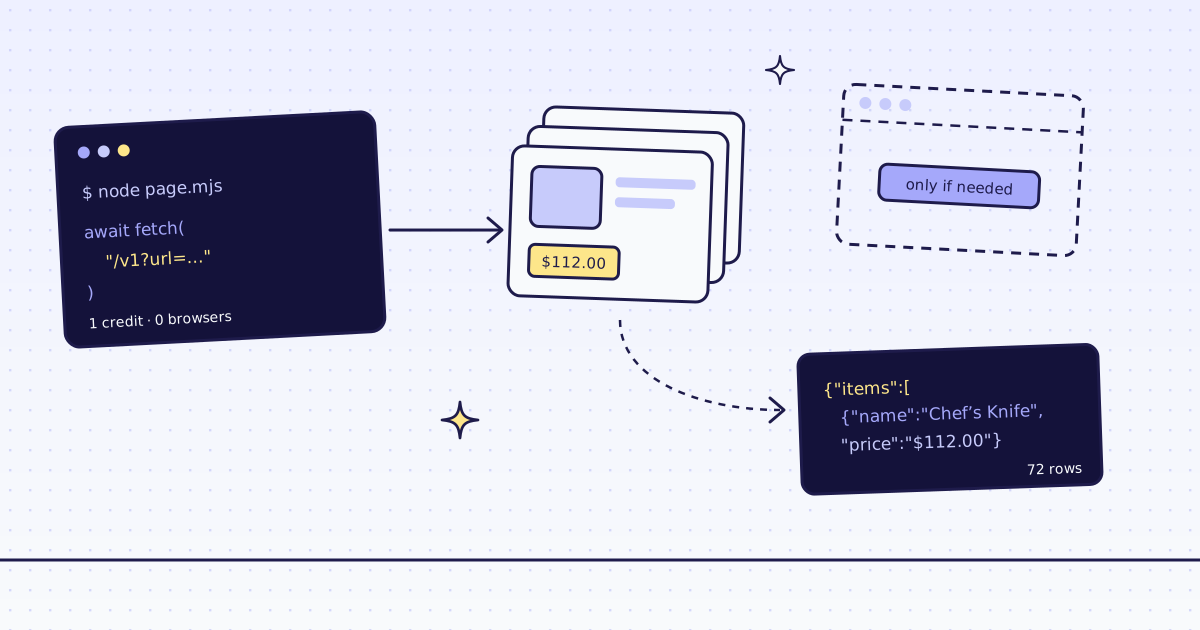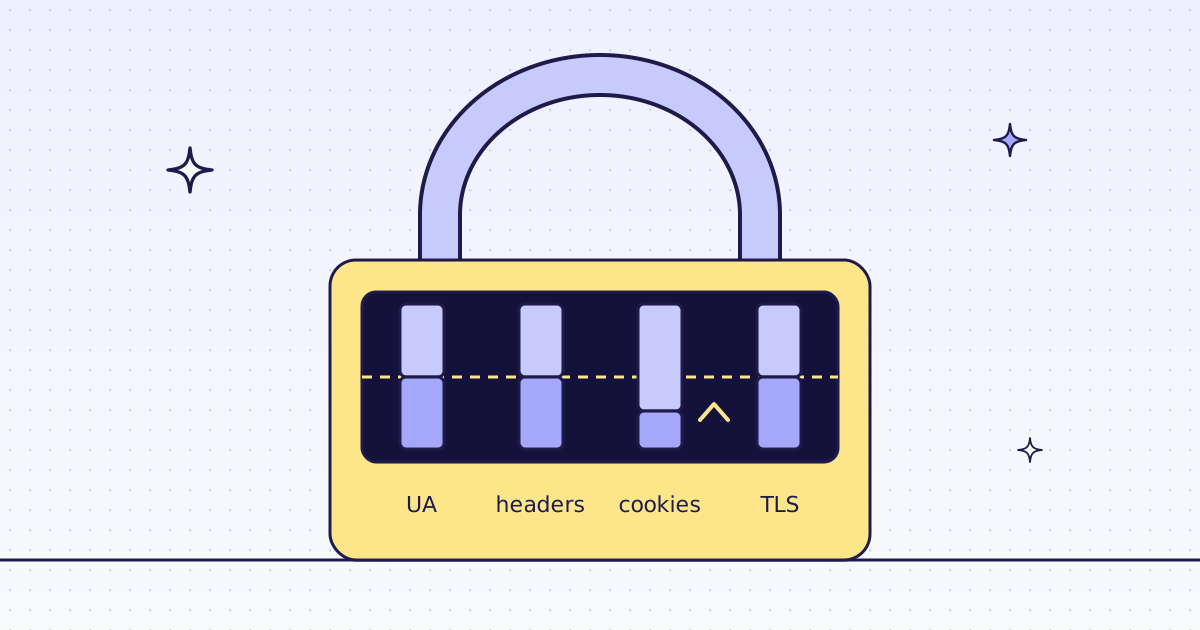
The short answer: Puppeteer's Chrome gets 403 Forbidden when a site spots that it runs headless, and the User-Agent says it outright: HeadlessChrome/157. Its sec-ch-ua brands are only Chromium and a filler, with no Google Chrome, which an installed Chrome sends. page.goto() resolves on a 403, so check res.ok(). page.setUserAgent() and setExtraHTTPHeaders() change what the page sends, and that is enough for sites that read headers. Sites that read the browser more closely still see a test build. Then post the page to our API, which tries other IPs and its own Chrome, and returns a free blocked when nothing works.
What Puppeteer sends
Start a listener in one terminal with nc -l 8799. It prints every byte a client sends and never answers, so the client times out. Run this in a second terminal:
// npm install puppeteer
import puppeteer from "puppeteer";

const browser = await puppeteer.launch();
const page = await browser.newPage();
await page.goto("http://127.0.0.1:8799/", { timeout: 3000 }).catch((e) => console.log(e.name, "|", e.message));
await browser.close();TimeoutError | Navigation timeout of 3000 ms exceeded GET / HTTP/1.1 Host: 127.0.0.1:8799 Connection: keep-alive sec-ch-ua: "Chromium";v="157", "Not-A.Brand";v="99" sec-ch-ua-mobile: ?0 sec-ch-ua-platform: "Linux" Upgrade-Insecure-Requests: 1 User-Agent: Mozilla/5.0 (X11; Linux x86_64) AppleWebKit/537.36 (KHTML, like Gecko) HeadlessChrome/157 Safari/537.36 Accept: text/html,application/xhtml+xml,application/xml;q=0.9,image/jxl,image/avif,image/webp,image/apng,*/*;q=0.8,application/signed-exchange;v=b3;q=0.7 Sec-Fetch-Site: none Sec-Fetch-Mode: navigate Sec-Fetch-User: ?1 Sec-Fetch-Dest: document Accept-Encoding: gzip, deflate, br, zstd Accept-Language: en-US,en;q=0.9
HeadlessChrome/157in theUser-Agent. That one word is enough for many filters.sec-ch-ualistsChromiumandNot-A.Brand, notGoogle Chrome. Puppeteer downloads Chrome for Testing, and a desktop Chrome sends three brands.- Puppeteer did send
Accept-Language: en-US,en;q=0.9, last. We cut Chrome's version to157in this output.
How Puppeteer reports a 403
Our test store answers 403 on its uploads folder, because folder listing is off. That is a real "no", not a bot filter, and a handy way to see what your code gets back:
// npm install puppeteer
import puppeteer from "puppeteer";

const browser = await puppeteer.launch();
const page = await browser.newPage();
const res = await page.goto("https://lab.megalania.io/wp-content/uploads/");
console.log("goto resolved:", res.status(), "| ok:", res.ok(), "| title:", await page.title());
await browser.close();goto resolved: 403 | ok: false | title: 403 Forbidden
gotoresolved with the 403 page loaded in the tab. Only network errors and timeouts reject it.- Your next
$evalruns on the error page and throws when the element is missing, far from the real cause. Checkres.ok()first.
The free fix: browser headers
Send the headers a browser sends. This fixes sites that read only the headers:
// npm install puppeteer
import puppeteer from "puppeteer";

const browser = await puppeteer.launch();
const page = await browser.newPage();
await page.setUserAgent({ userAgent: "Mozilla/5.0 (Windows NT 10.0; Win64; x64) AppleWebKit/537.36 (KHTML, like Gecko) Chrome/154.0 Safari/537.36" });
await page.setExtraHTTPHeaders({ "Accept-Language": "en-US,en;q=0.9" });
const res = await page.goto("https://lab.megalania.io/product/chef-knife/");
console.log(res.status(), "|", await page.$eval("h1", (h) => h.textContent), "|", await page.$eval(".price", (p) => p.textContent.trim()));
await browser.close();200 | 20 cm Chef’s Knife | $112.00
setUserAgenttakes an object in Puppeteer 25. It also changesnavigator.userAgent, so scripts in the page see the same value.setExtraHTTPHeadersadds headers to every request from the page, images and API calls included.
The fix that climbs: our API
Send the page to our API instead. We fetch it like a real browser, move to a residential IP or a real Chrome when the site blocks us, and a block we detect costs nothing:
// Run: MEG_API_KEY=YOUR_KEY node fetch.mjs https://lab.megalania.io/product/chef-knife/
const res = await fetch("https://get.megalania.io/v1", {
  method: "POST",
  headers: { Authorization: `Bearer ${process.env.MEG_API_KEY}`, "Content-Type": "application/json" },
  body: JSON.stringify({ url: process.argv[2], response_types: "json", extract: "name:h1|price:.summary .price", max_credits: "64" }),
});
console.log(res.status, res.headers.get("x-target-status"), res.headers.get("x-route"), "credits:", res.headers.get("x-credits-charged") ?? 0);
console.log((await res.text()).slice(0, 150));200 200 http/datacenter credits: 2
{"name":"20 cm Chef’s Knife","price":"$112.00"}- Two fields as JSON, from plain HTTP: 1 credit for the page, 1 for JSON. No Chrome needed for this page.
.summary .pricepicks the product's own price, not the prices of related products further down.
The same call on the uploads folder that answers 403 to everyone:
MEG_API_KEY=YOUR_KEY node fetch.mjs https://lab.megalania.io/wp-content/uploads/
422 403 browser/residential credits: 0
{"error":{"code":"blocked","message":"The site blocked us and there is nothing to show. You are not charged. X-Untried lists the routes left to try; n422from us,403from the site, after our last route,browser/residential.?? 0prints 0 when there is no charge header: a block is free.
One honest note: our test store blocks nobody, so these runs show the calls, not a bot filter being beaten. On a site that blocks, the call is the same; the price depends on the route that worked, and our MCP tool check_site tells you that price for free.
What it costs
| What we ran | Route | Credits |
|---|---|---|
| A product's name and price as JSON | h:dc | 2 |
| The uploads folder: 403 on every route | h:dc h:res c:dc c:res | 0 |
sends.mjs, seen.mjs and fix.mjs, in your own Chrome | none | 0 |
Every rule is in Credits. Plans are on the pricing page.
How we measured: Puppeteer 25.17.0 with its Chrome 157 on Node 24.21, one Linux server, 17 Nov 2026. nc -l 8799 (OpenBSD netcat) for what the browser sends; we cut Chrome's version to 157. Our test store for the 403 and for fix.mjs. Our API on our dev cluster for fetch.mjs, against the same store on our dev domain. The outputs are copied from those runs.
Limits
- Public pages only. We do not log in, and we do not solve CAPTCHAs. When a page needs either, we stop and say so, for free.
- A page built by JavaScript needs
engine=browser. It costs more. See How to scrape JavaScript-rendered pages. - Read the site's terms. A 403 is sometimes the site saying no. Fetch public pages only, and follow the site's terms and robots.txt.
Why sites send 403 at all, and the other layers they check, are in Why your scraper gets 403 Forbidden.