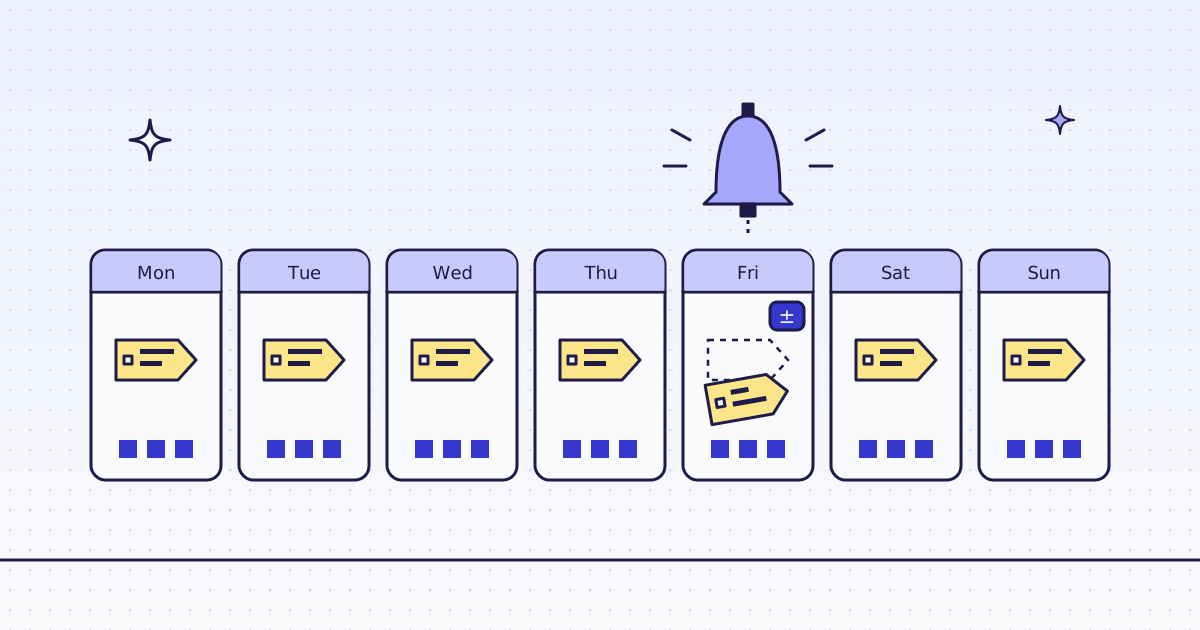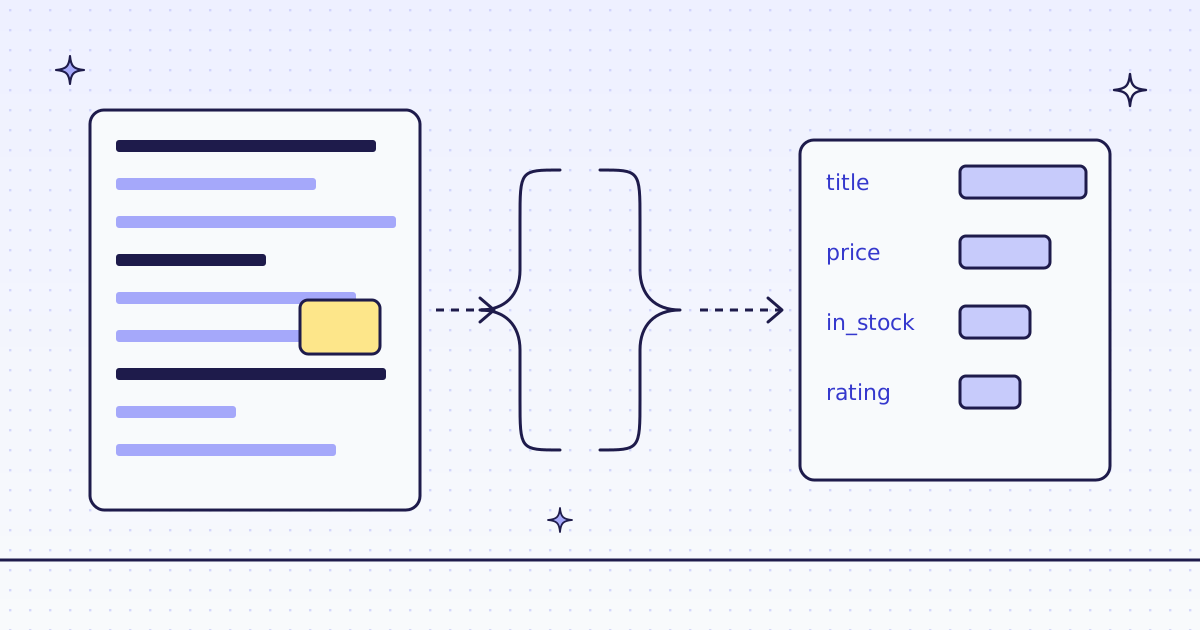
The short answer: create a monitor with POST /v1/monitors: the URLs, a schedule ("every": "1d" or a cron line), and a webhook_url. Each check fetches the pages, compares them with the last check, and posts a signed webhook only when something changed. Watch the whole main text ("scope": "main", a line diff), or only the fields you care about ("scope": "fields" with CSS rules, old and new values). A check that finds a page costs that page’s price plus 1 credit. A failed, blocked or skipped check costs nothing.
Text or fields: pick what counts as a change
maincompares the page’s main text as Markdown, without menus, footers and ads. Good for terms pages, docs, release notes and policy pages. You get a unified diff.fieldscompares only what yourextractrules read, such as a price and a stock line. Good for products and listings. You get a list of{path, old, new}.ignoreremoves text that changes on every visit before we compare: dates, counters, “Updated 3 min ago”. Each rule is a regex.
Pages change in small ways all the time. Without ignore and a narrow scope, a monitor alerts on noise.
The free way: cron and diff
A cron job, curl, and diff watch a page for free:
curl -s https://books.toscrape.com/catalogue/a-light-in-the-attic_1000/index.html > new.html
diff -q old.html new.html && echo same || echo changed
mv new.html old.html
It works for one page that never blocks you. It alerts on every ad and timestamp, it fails quietly when the site starts to refuse your server, and you build the storage, the history and the alerts yourself. How to track competitor prices and stock shows a fuller do-it-yourself version.
Check a site first
Before you watch a site, ask about the host. It is free. Over MCP, your agent calls check_site:
{"name": "check_site", "arguments": {"host": "books.toscrape.com"}}From cURL, the same answer is two calls: /v1/tier for the price, /v1/stats/domain for how our routes have done there lately.
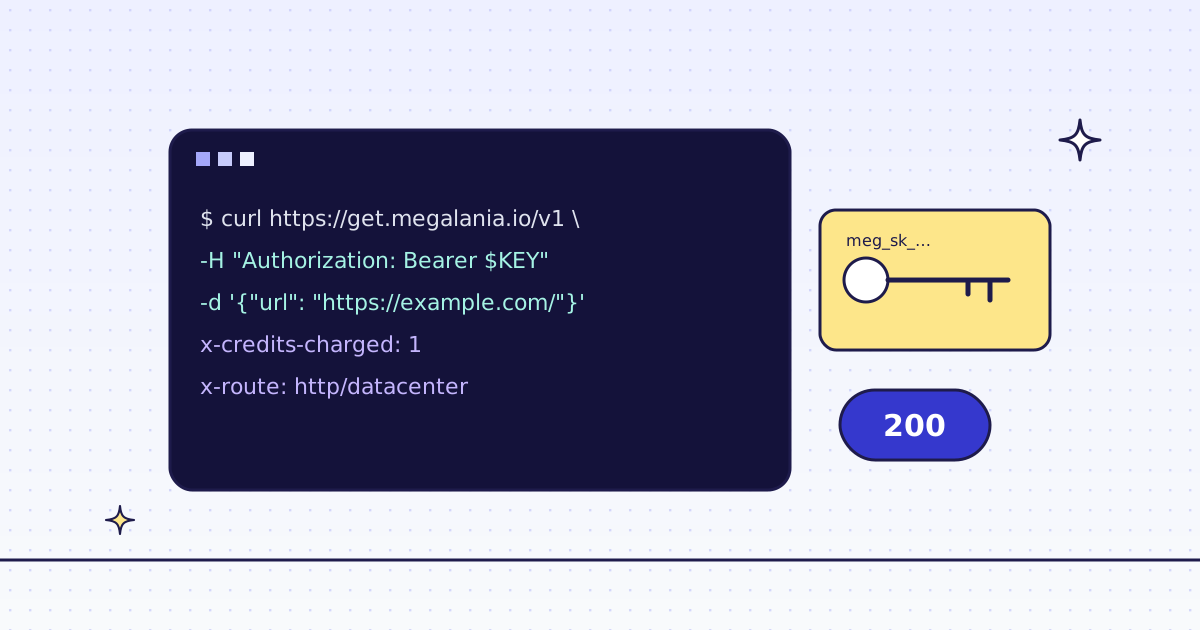
curl -s -H "Authorization: Bearer YOUR_KEY" \
  "https://get.megalania.io/v1/tier?host=books.toscrape.com"
curl -s -H "Authorization: Bearer YOUR_KEY" \
  "https://get.megalania.io/v1/stats/domain?host=books.toscrape.com&days=30"
Check a site first explains every field.
Step 1: see the price, then test
Monitors live on the API host, api.megalania.io. POST /v1/monitors/quote takes the body you plan to send and answers the credits a month, low and high, before anything runs:
curl -sS https://api.megalania.io/v1/monitors/quote \
  -H "Authorization: Bearer YOUR_KEY" \
  -H "Content-Type: application/json" \
  -d '{"urls": ["https://books.toscrape.com/catalogue/a-light-in-the-attic_1000/index.html"], "scope": "fields", "extract": "price:.price_color|stock:.availability", "every": "1d"}'
POST /v1/monitors/test takes the same body and checks the first 3 pages now. It shows exactly what the monitor would compare, after your ignore rules. Each page it fetches costs its normal price; failures are free. Run it once: it is the fastest way to catch a selector that matches nothing.
Step 2: create the monitor (cURL)
curl -sS https://api.megalania.io/v1/monitors \
  -H "Authorization: Bearer YOUR_KEY" \
  -H "Content-Type: application/json" \
  -d '{
        "name": "Attic book price",
        "urls": ["https://books.toscrape.com/catalogue/a-light-in-the-attic_1000/index.html"],
        "scope": "fields",
        "extract": "price:.price_color|stock:.availability",
        "every": "1d",
        "webhook_url": "https://hooks.example.com/megalania",
        "max_credits_month": 100
      }'
The answer is 201 with the monitor and its estimate. max_credits_month is a hard cap: when a month’s checks reach it, the monitor pauses until the 1st. A create has no Idempotency-Key, so list your monitors before you retry a create that lost its answer.
Step 3: read what changed (Python)
No webhook receiver yet? Read the history instead. GET /v1/monitors/{id}/checks?outcome=changed lists the checks that found a change, newest first. One check, read by its id, carries the diff. History is kept 30 days.
# pip install requests
# Run: MEG_API_KEY=YOUR_KEY python what_changed.py MONITOR_ID
import os
import sys

import requests

API = "https://api.megalania.io/v1/monitors"
KEY = {"Authorization": f"Bearer {os.environ['MEG_API_KEY']}"}


def get(url, **params):
    resp = requests.get(url, headers=KEY, params=params, timeout=30)
    if resp.status_code != 200:
        err = resp.json()["error"]
        sys.exit(f"{resp.status_code} {err['code']}: {err['message']}")
    return resp.json()


monitor = sys.argv[1]
checks = get(f"{API}/{monitor}/checks", outcome="changed")
for check in checks["checks"][:5]:
    detail = get(f"{API}/{monitor}/checks/{check['id']}")
    for page in (detail["diff"] or {}).get("pages", []):
        where = page.get("url", f"page {page['position']}")
        for field in page.get("fields") or []:
            print(check["created_at"], where, field["path"], field.get("old"), "->", field.get("new"))
        if page.get("diff"):
            print(check["created_at"], where)
            print(page["diff"])
For a fields monitor each change is a path with its old and new value. For a main monitor it is a unified diff of the Markdown.
Step 4: the webhook
With a webhook_url, each check that finds a change posts the same diff to you, signed. Check the signature before you trust the body: the steps and a code sample are in the webhook section. Want every result, not only changes, for example a daily snapshot? Set "notify": "every_run".
Try it on our Lab. lab.megalania.io/changing is our own test page. Its price changes once a day at 00:00 UTC, so a daily monitor shows a change on its second check.
What it costs
A delivered check costs the page’s price plus 1 credit (monitor_check). The page price depends on the route that fetched it, before page size:
| Route | Credits a page | With the check |
|---|---|---|
HTTP, datacenter (h:dc) |
1 | 2 |
HTTP, residential (h:res) |
8 | 9 |
Browser, datacenter (c:dc) |
15 | 16 |
Browser, residential (c:res) |
32 | 33 |
A fields monitor reads JSON, which adds 1 more. So one small product page, checked daily on h:dc, costs about 3 credits a day. Each started 128 KiB above the included data adds to the page price, as on any request. Failed, blocked and skipped checks are free. Run check_site (free) to see the price for your site.
Limits
- Up to 100 URLs per monitor. Your plan sets how many monitors and how many page checks a month: a beta account has 20 monitors and 38,000 page checks.
GET /v1/monitorsshows both inlimits. - Once an hour at most.
everytakes1h,6h,12h,1dor7d;cronwith atimezonetakes any 5-part schedule your plan allows. - No secrets. A monitor refuses
headers,session_idandactions: we would have to keep them as long as the monitor lives. - Large pages: we compare the first 2 MB of a page.
- Terms: this is not legal advice. Read each site’s terms and robots.txt, and follow them. Check a page as often as you need, not as often as you can.
Every field, the webhook and the pause rules: Watch pages with monitors.