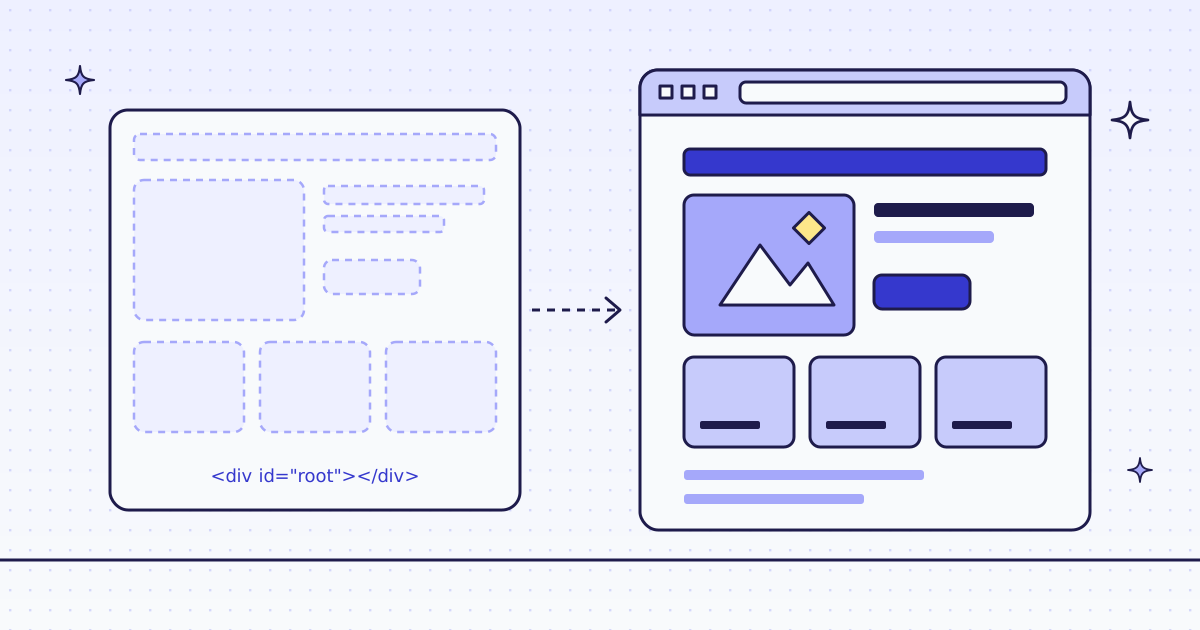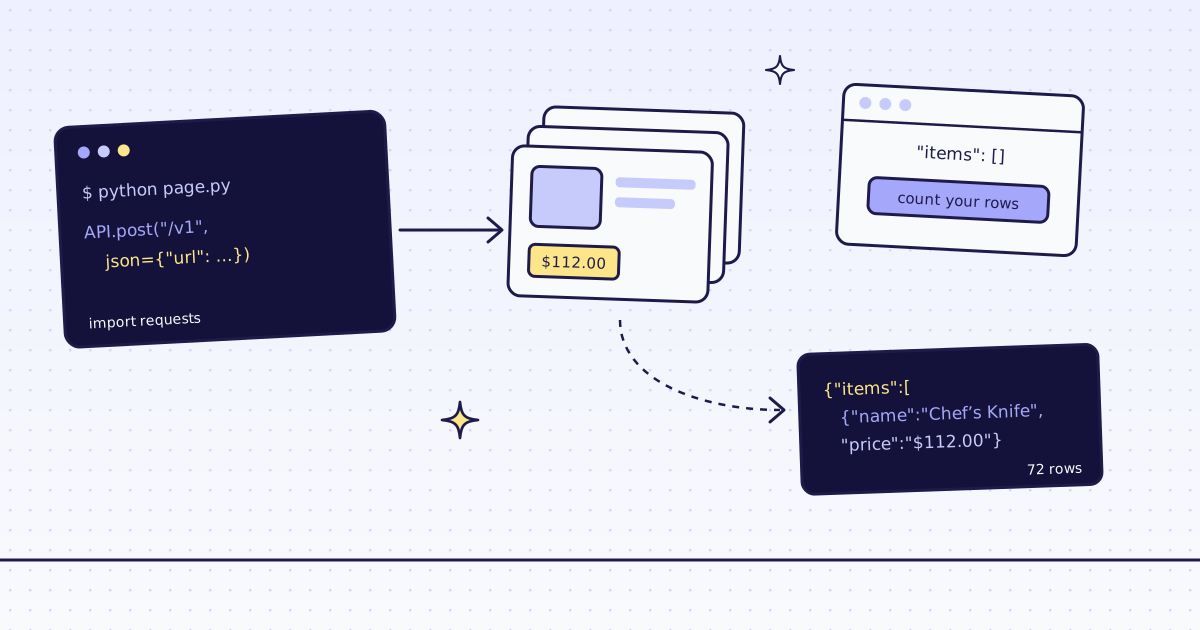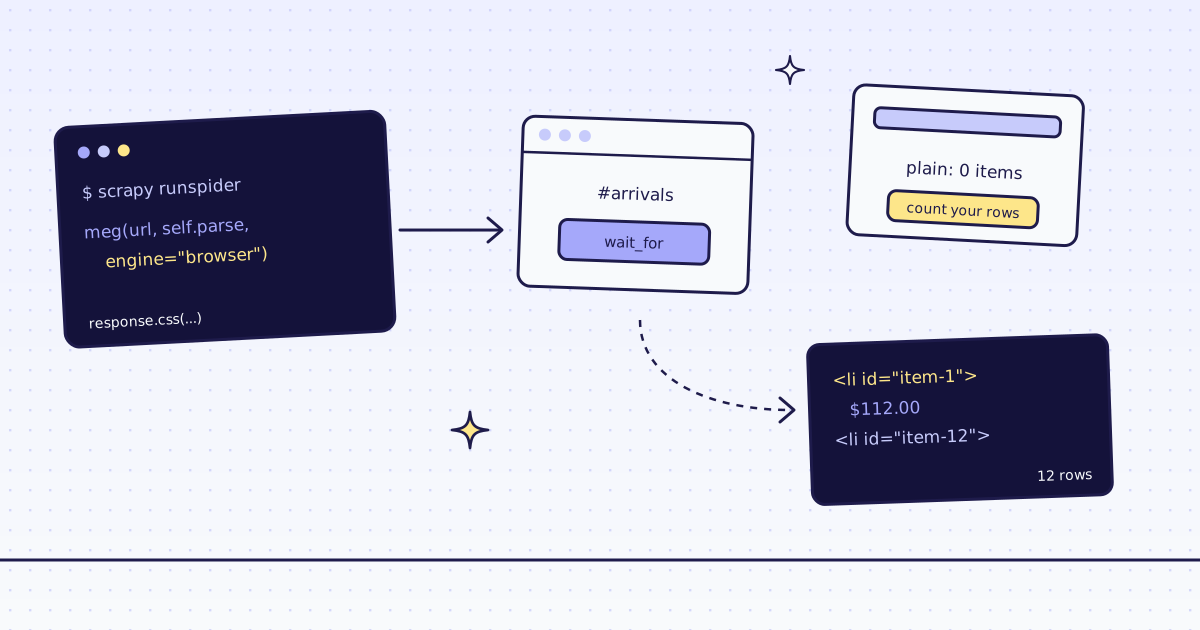
The short answer: Scrapy does not run JavaScript, so a page that draws its list in the browser comes back as an empty list. For Scrapy JavaScript rendering you do not need a browser of your own or a new plugin. Send that page’s URL to GET /v1 with engine=browser, and the response your callback gets is the rendered HTML. Your response.css(...) selectors stay the same. On our test store, lab.megalania.io, a JavaScript page with 12 products cost 18 credits in the browser, and all 8 shop pages, 72 products, cost 8 credits over plain HTTP.
What Scrapy sees on a JavaScript page
A plain spider, two pages from the Lab:
import scrapy


class Plain(scrapy.Spider):
    name = "plain"
    start_urls = ["https://lab.megalania.io/shop/", "https://lab.megalania.io/new-arrivals/"]
    custom_settings = {"LOG_LEVEL": "WARNING"}

    def parse(self, response):
        names = response.css("li.product h2::text, #arrivals li h2::text").getall()
print(response.url.split("/")[-2], response.status, len(names), names[:1])pip install scrapy scrapy runspider plain.py
new-arrivals 200 0 []
shop 200 9 ['20 cm Chef’s Knife']
Both pages answer 200. /shop/ has its 9 products in the HTML. /new-arrivals/ has an empty #arrivals list: the page fills it with JavaScript after it loads, and Scrapy only downloads the HTML. Nothing in the response says it failed.
If all your pages look like /shop/, plain Scrapy is free and fast. Keep it. The rest of this post is for the pages that look like /new-arrivals/.
Scrapy JavaScript rendering with one request
A small helper builds a scrapy.Request to our API. The page goes in the url parameter, and the key goes in a header:
import os
from urllib.parse import urlencode

import scrapy

KEY = os.environ["MEG_API_KEY"]


def meg(url, callback, **params):
    query = urlencode({"url": url, "response_types": "html", **params})
    return scrapy.Request(f"https://get.megalania.io/v1?{query}", callback, headers={"Authorization": f"Bearer {KEY}"}, cb_kwargs={"page": url})


class Arrivals(scrapy.Spider):
    name = "arrivals"
    custom_settings = {
        "ROBOTSTXT_OBEY": False,
        "DOWNLOAD_TIMEOUT": 130,
        "HTTPERROR_ALLOW_ALL": True,
        "LOG_LEVEL": "WARNING",
    }

    async def start(self):
        url = "https://lab.megalania.io/new-arrivals/"
        yield meg(url, self.parse)
        yield meg(url, self.parse, engine="browser", actions="wait_for:#item-12")

    def parse(self, response, page):
        if response.status != 200:
            print("error", response.status, response.text[:200])
            return
        prices = response.css("#arrivals li .price::text").getall()
print(response.headers["X-Route"].decode(), response.headers["X-Credits-Charged"].decode(), len(prices), prices[:3])export MEG_API_KEY='meg_sk_...' scrapy runspider arrivals.py
http/datacenter 1 0 []
browser/datacenter 18 12 ['$112.00', '$349.00', '$42.00']
- The first request is plain HTTP on our side. Same empty list as Scrapy alone, and it cost 1 credit. Our check for JavaScript shells did not flag this page: it has a heading and a paragraph, so it does not look empty. When we do flag a shell, the answer has
X-Hint: needs_jsand costs nothing. Here it did not, so count your rows. - The second request ran a real Chrome on our side. 12 products, 18 credits: 15 for the browser route and 3 for the page action.
wait_for:#item-12waits until the 12th card exists. The list loads after the page’sloadevent, so without it the browser can answer before the cards are there.response_types=htmlmakes the body plain HTML, soresponse.cssworks on it as on any page.
Three settings matter:
ROBOTSTXT_OBEY: False. Scrapy would ask our API host for/robots.txtand get a 404. The site’s own robots.txt still applies to you: read it and follow it.DOWNLOAD_TIMEOUT: 130. A page in a browser can take tens of seconds. Our own limit is 60 seconds by default and 90 at most.HTTPERROR_ALLOW_ALL: True. An error from us is JSON with a 4xx status, and it is free. With this setting your callback sees it and can print it. Without it, Scrapy drops it.
A whole crawl, with next links
Most spiders follow links. Here the spider reads all 8 shop pages, one after the other, and yields one item per product:
import os
from urllib.parse import urlencode, urljoin

import scrapy

KEY = os.environ["MEG_API_KEY"]


def meg(url, callback, **params):
    query = urlencode({"url": url, "response_types": "html", **params})
    return scrapy.Request(f"https://get.megalania.io/v1?{query}", callback, headers={"Authorization": f"Bearer {KEY}"}, cb_kwargs={"page": url})


class Shop(scrapy.Spider):
    name = "shop"
    custom_settings = {
        "ROBOTSTXT_OBEY": False,
        "DOWNLOAD_TIMEOUT": 130,
        "CONCURRENT_REQUESTS": 5,
        "LOG_LEVEL": "WARNING",
    }
    credits = 0

    async def start(self):
        yield meg("https://lab.megalania.io/shop/", self.parse)

    def parse(self, response, page):
        self.credits += int(response.headers["X-Credits-Charged"])
        for card in response.css("li.product"):
            price = card.css(".price ins .amount, .price > .amount")
            yield {
                "name": card.css("h2::text").get(),
                "price": "".join(price[0].css("::text").getall()) if price else None,
                "url": card.css("a.woocommerce-loop-product__link::attr(href)").get(),
            }
        next_page = response.css("a.next::attr(href)").get()
        if next_page:
            yield meg(urljoin(page, next_page), self.parse)

    def closed(self, reason):
print("credits", self.credits)scrapy runspider shop.py -o shop.json
credits 8
shop.json has 72 products. The first one:
{"name": "20 cm Chef’s Knife", "price": "$112.00", "url": "https://lab.megalania.io/product/chef-knife/"}urljoin(page, next_page), notresponse.urljoin.response.urlis our API URL, not the shop page. The helper passes the page’s own URL incb_kwargs, so a relative link joins to the right site.CONCURRENT_REQUESTS: 5. A beta account runs 5 requests at once. One more answers 429over_concurrencywith aRetry-Afterheader, for free. Scrapy’s retry middleware retries a 429 but does not wait forRetry-After, so stay at 5 and it does not happen.- The price rule reads the sale price. A product on sale has the old price in
<del>and the new one in<ins>..price ins .amount, .price > .amountpicks the one a shopper pays. - This crawl needs no browser.
/shop/is in the HTML, so it goes over plain HTTP, 1 credit a page. Addengine="browser"only to the requests for pages that need it.
How to tell, before you pay, which of your pages need the browser is in How to scrape JavaScript-rendered pages. The same crawl without Scrapy, as JSON fields, is in Web scraping with Python requests.
What it costs
| Step | Pages | Credits |
|---|---|---|
| Scrapy alone, both pages | 2 | 0 |
/new-arrivals/ through the API over plain HTTP (empty) |
1 | 1 |
/new-arrivals/ in the browser, with one action |
1 | 18 |
| The 8 shop pages as HTML | 8 | 8 |
| A bad parameter, a block we detect or one of our errors | — | 0 |
These prices are for the Lab on the datacenter route. A site that blocks it costs more. Our MCP tool check_site tells you a site’s prices for free. All the rules are in Credits. Plans are on the pricing page.
How we measured: our dev cluster on 16 Nov 2026, the Lab store on our dev domain, Python 3.13 and Scrapy 2.18.0. We ran plain.py, arrivals.py and shop.py, then ran them again within 5 minutes. HTML from the cache costs the same 1 credit a page, so shop.py cost 8 both times. The browser call is fetched fresh every time: a request with page actions does not use the cache.
Limits
- An empty list can still be a 200, from Scrapy and from us. Check the item count on pages you know.
- Selectors break when the site changes its layout. You get
Nonefields, not an error. Check a few items after a redesign. - We read public pages only. No logins and no CAPTCHA solving. When a page needs either, we stop and say so, for free.
- Scrapy’s own features still run on your side: the duplicate filter, item pipelines and feed exports work as before. Only the download goes through us.
Every parameter is in Fetch, extract and lists. Fetch public pages only. Read the site’s terms and robots.txt, and follow them.