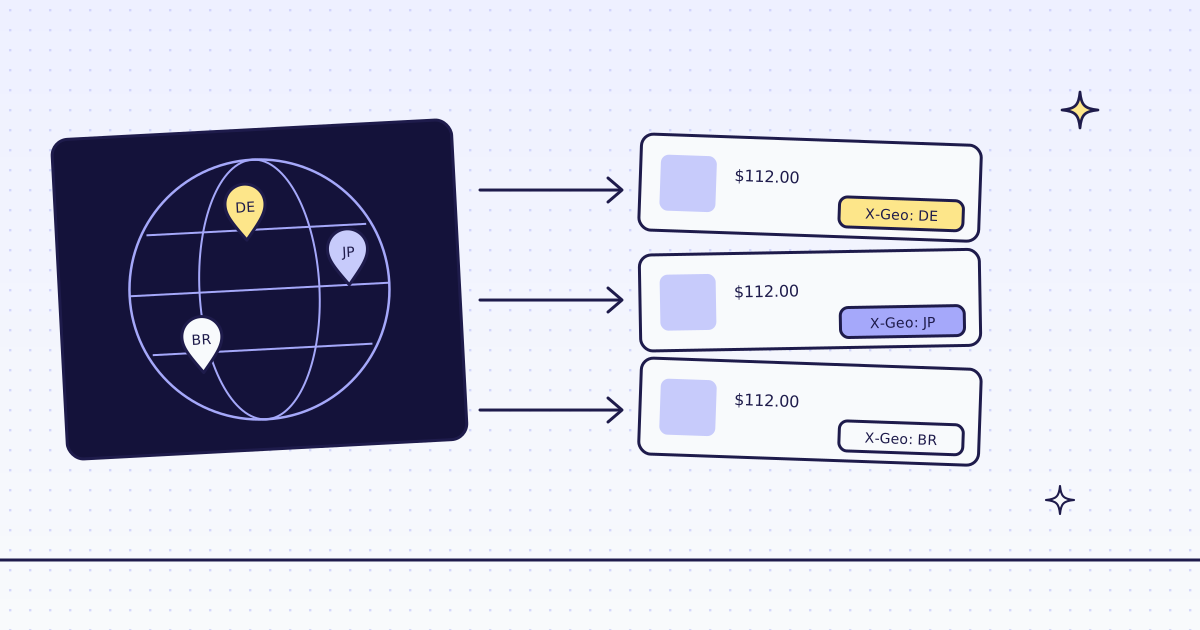
The short answer: to scrape a website from a different country, you need an exit IP in that country. With us, that is one parameter: country_code, two letters, like de. The X-Geo header on the answer says which country the request left from. GET /v1/geos lists every country each route serves, for free and with no key. On our test store, lab.megalania.io, the same page from Germany and Brazil cost 2 credits each. From Japan it cost 9, because only our residential routes serve Japan today.
Why the country matters
Many shops change what they show by the visitor’s country: the currency, the price, the tax line, what is in stock, what ships, or whether you see the page at all. A scraper that always leaves from one country sees only that country’s version.
One honest note first. Our test store is served from one place and shows the same page to every country. So the examples below show the country in X-Geo, not a different price. On a site that changes by country, the same calls show you that country’s version.
Which countries, on which route
GET /v1/geos needs no key and costs nothing:
import requests

geos = requests.get("https://get.megalania.io/v1/geos", timeout=30).json()
print(geos["default_country"], geos["premium"])
for r in geos["routes"]:
print(r["route"], len(r["countries"]), " ".join(r["countries"]))US [] h:dc 14 AU BR CA DE ES FR GB IN IT NL PL SE SG US h:res 15 AU BR CA DE ES FR GB IN IT JP NL PL SE SG US c:dc 14 AU BR CA DE ES FR GB IN IT NL PL SE SG US c:res 15 AU BR CA DE ES FR GB IN IT JP NL PL SE SG US
default_countryis where a request leaves from when you send nocountry_code: the US, unless your account has its own default.premiumlists the countries that cost extra on top of the route. Today there are none.- Each route has its own list.
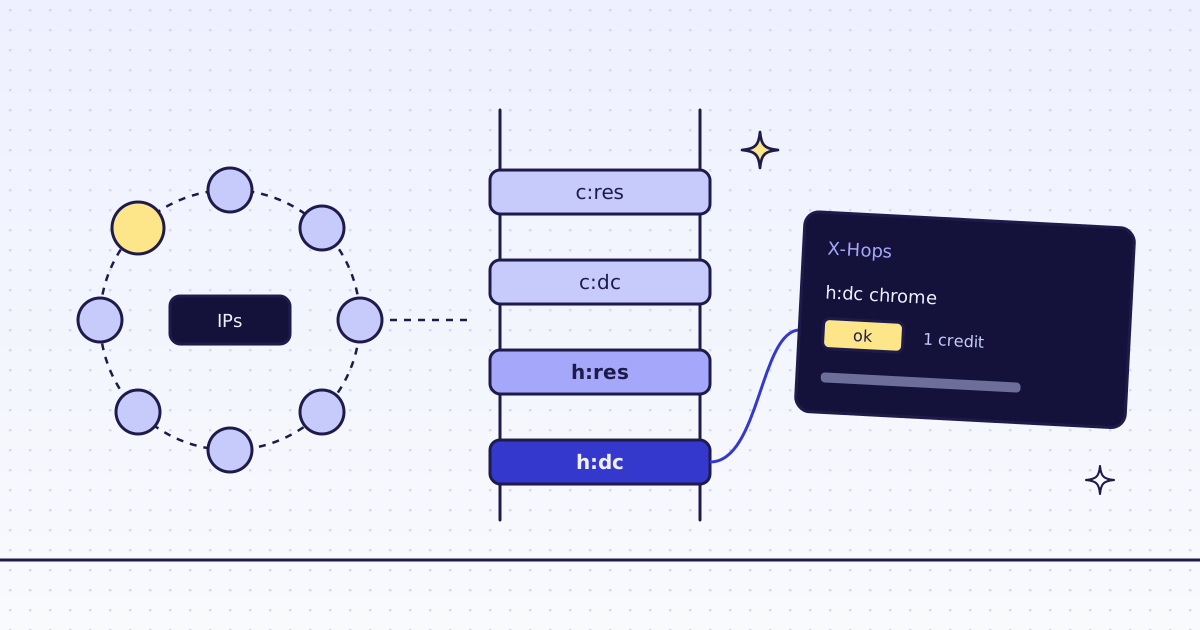
h:dcis plain HTTP on a datacenter IP,h:reson a residential IP,c:is the browser. Japan is only on the residential routes.
Check this list in your code, not in a blog post: it is the live list.
Scrape a website from a different country
One helper, and the country is one more field:
import os

import requests

API = requests.Session()
API.headers["Authorization"] = f"Bearer {os.environ['MEG_API_KEY']}"

for country in ["de", "jp", "br"]:
    res = API.post("https://get.megalania.io/v1", json={
        "url": "https://lab.megalania.io/shop/",
        "country_code": country,
        "response_types": "json",
        "extract": "first:li.product h2|price:li.product .price > .amount",
        "max_age": 0,
    }, timeout=120)
print(country, res.status_code, res.headers["X-Geo"], res.headers["X-Route"], res.headers["X-Credits-Charged"], res.headers["X-Timing-Target-Ms"], res.json())pip install requests export MEG_API_KEY='meg_sk_...' python geo.py
de 200 DE http/datacenter 2 407 {'first': '20 cm Chef’s Knife', 'price': '$112.00'}
jp 200 JP http/residential 9 2912 {'first': '20 cm Chef’s Knife', 'price': '$112.00'}
br 200 BR http/datacenter 2 1164 {'first': '20 cm Chef’s Knife', 'price': '$112.00'}X-Geois the country the request left from. Check it, and store it next to the data, so you know which version you saved.- Japan went to residential on its own. We pick only routes that serve the country you ask for. No datacenter route serves Japan, so the first try was residential HTTP: 8 credits for the route and 1 for the JSON.
X-Timing-Target-Msis how long the site took to answer. Farther exits are slower: 0.4 s from Germany, 2.9 s from Japan.max_age: 0fetches fresh. Without it, a copy from the last 5 minutes can answer for the cache price. A copy is kept per country, so a German request never gets a Brazilian copy.
When a country does not fit
Two mistakes, both free:
import os

import requests

API = requests.Session()
API.headers["Authorization"] = f"Bearer {os.environ['MEG_API_KEY']}"

for body in [{"country_code": "jp", "proxy_tier": "datacenter"}, {"country_code": "xx"}]:
    res = API.post("https://get.megalania.io/v1", json={"url": "https://lab.megalania.io/shop/", **body}, timeout=120)
    error = res.json()["error"]
print(res.status_code, error["code"], error["field"], res.headers.get("X-Credits-Charged", "0"), error["message"][:62])400 bad_parameter country_code 0 This route does not serve that country_code. GET /v1/geos list 400 bad_parameter country_code 0 country_code must be a two-letter country code (ISO 3166-1 alp
- Forcing a route that does not serve the country is a 400 that names
country_code. Nothing was fetched. Leaveproxy_tierandengineout and we pick a route that serves it. - A code that is not a country is the same 400. Read
GET /v1/geosfirst.
One default for the whole account
Most teams scrape one market. An account owner can set a default country once, in the dashboard under Settings, or with PATCH /api/account and {"default_country": "de"}. Then every request without country_code leaves from there: REST, map, MCP, batches and monitors. GET /v1/account shows it in country_in_use.
- A batch keeps the country it had when you sent it, for every page. A monitor run takes the default when the run starts.
- A batch or a monitor takes
country_codetoo, for every page, so one job can watch prices in one market. How to watch prices over time is in How to track prices and stock. - The browser works the same way.
engine=browserwithcountry_coderuns Chrome on an exit in that country, on the routes that serve it.
What it costs
| Step | Credits |
|---|---|
GET /v1/geos |
0 |
| One page as JSON from Germany or Brazil (plain HTTP, datacenter) | 2 |
| One page as JSON from Japan (plain HTTP, residential) | 9 |
| A route that does not serve the country, or a code we do not have | 0 |
| A block we detect, or one of our errors | 0 |
The country itself costs nothing extra today: the price is the route’s. A premium country would add its price on top, and GET /v1/geos would list it. These prices are for the Lab. A site that blocks the datacenter route costs more. Our MCP tool check_site tells you a site’s prices for free. All the rules are in Credits. Plans are on the pricing page.
How we measured: our dev cluster on 16 Nov 2026, the Lab store on our dev domain, Python 3.13 and requests 2.34.2. We ran geos.py, geo.py twice and mistakes.py. Both runs of geo.py gave the same routes and credits; the timings above are from the second run.
Limits
- A country is an exit IP, not a location inside the site. A site that picks the country from a cookie, a language setting or a store switcher needs that too. A page action can click the switcher in the browser.
- Some countries are on residential only. They cost more per page. Check
GET /v1/geosbefore you plan a big batch. - We read public pages only. No logins and no CAPTCHA solving. When a page needs either, we stop and say so, for free.
- Proxies in another country are not a way around a site’s rules. Read the site’s terms for each market.
Every country rule is in Countries. Why the route matters is in Rotating proxies for web scraping. Fetch public pages only. Read the site’s terms and robots.txt, and follow them.