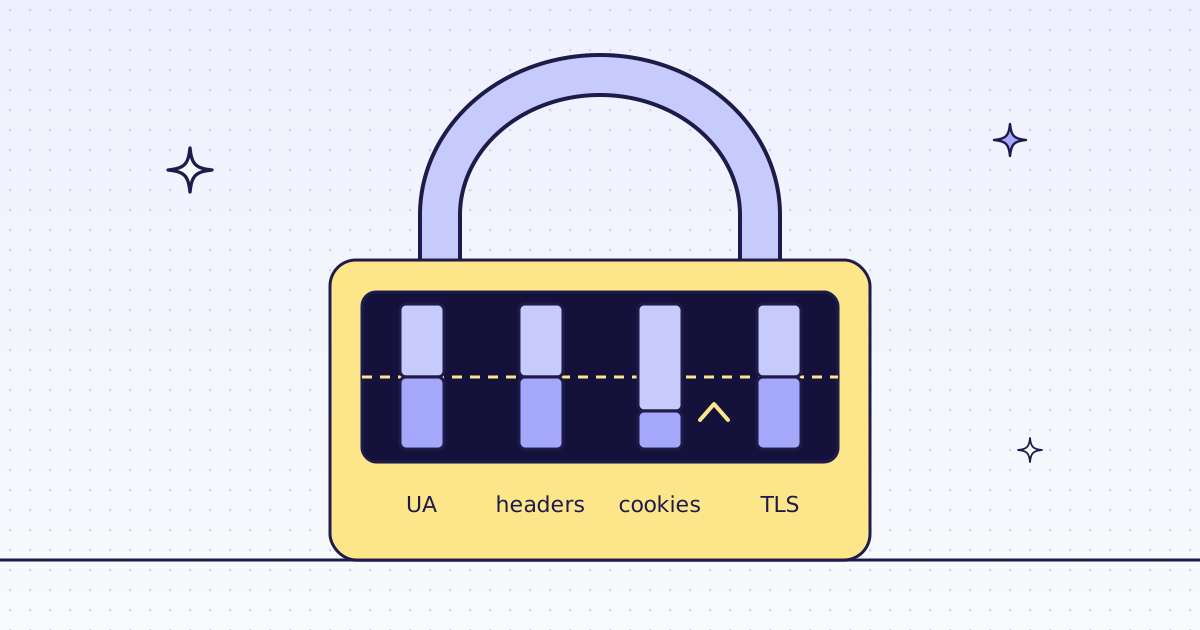
The short answer: a 403 Forbidden on a public page means the site decided your request is not a person. It checks four layers, in this order: the User-Agent, the rest of the headers, cookies from an earlier visit, and the TLS and HTTP/2 fingerprint of your client. Fix them one at a time, and test after each fix. The first three are free and take minutes. The fourth needs a client that looks like a real browser on the wire. If all four pass and you still get a 403, the site blocks your IP range, or it does not want to be scraped. Stop there and read its terms.
What a 403 means when you scrape
A browser opens the page. Your script gets 403. The page is the same, so the difference is in the request. Sites and the bot filters in front of them score each request:
- The
User-Agent.python-requests/2.32orcurl/8.7says “script” in plain text. - The header set. A browser sends a dozen headers, in a fixed order. A script sends three.
- Cookies. Many sites set a cookie on the first page and check it on the next one.
- The TLS and HTTP/2 fingerprint. Before any header is read, the TLS hello and the HTTP/2 settings of your client say which library you are. A Python or Go client looks nothing like Chrome.
- The IP address. A datacenter range gets less trust than a home connection.
A 403 can also be a real “no”: a page behind a login, or a country the site does not serve. Then no header will fix it.
Fix 1: send a real User-Agent
Copy the User-Agent of your own browser. Open any page, then developer tools, Network tab, click the first request, and copy the header. Test it:
curl -s -o /dev/null -w '%{http_code}\n' \
  -H 'User-Agent: Mozilla/5.0 (X11; Linux x86_64) AppleWebKit/537.36 (KHTML, like Gecko) Chrome/141.0 Safari/537.36' \
  https://books.toscrape.com/
200 means the User-Agent was the problem. Keep it current: a browser version from two years ago is a signal too.
Fix 2: send the whole header set
In the same Network tab, right-click the request and pick “Copy as cURL”. That copies every header the browser sent. Run it. If it gets 200 and your script does not, your script is missing headers. The ones that matter most are Accept, Accept-Language, Accept-Encoding, and the Sec-Fetch-* and Sec-CH-UA group.
# pip install requests
# Run: python headers_check.py https://books.toscrape.com/
import sys

import requests

BROWSER = {
    "User-Agent": "Mozilla/5.0 (X11; Linux x86_64) AppleWebKit/537.36 (KHTML, like Gecko) Chrome/141.0 Safari/537.36",
    "Accept": "text/html,application/xhtml+xml,application/xml;q=0.9,*/*;q=0.8",
    "Accept-Language": "en-US,en;q=0.9",
    "Sec-Fetch-Dest": "document",
    "Sec-Fetch-Mode": "navigate",
    "Sec-Fetch-Site": "none",
    "Upgrade-Insecure-Requests": "1",
}

url = sys.argv[1]
print("bare script:", requests.get(url, timeout=30).status_code)
print("browser headers:", requests.get(url, headers=BROWSER, timeout=30).status_code)
If the first line says 403 and the second 200, you found it.
Fix 3: keep cookies between requests
Some sites answer the first page and set a cookie, then refuse the second request without it. Use one session for the whole run, and start on the page a person would open first:
session = requests.Session()
session.headers.update(BROWSER)
session.get("https://books.toscrape.com/", timeout=30)
resp = session.get("https://books.toscrape.com/catalogue/page-2.html", timeout=30)
print(resp.status_code)
Go slower too. Many requests a second from one address is the oldest signal there is.
Fix 4: the TLS and HTTP/2 fingerprint
If “Copy as cURL” gets a 200 in the browser but the same headers from Python get 403, the site looks below the headers. Your client’s TLS hello and HTTP/2 frames name your library before any header is read.
The free fix is a client library that copies a real browser’s TLS and HTTP/2 settings. Several open-source ones exist for Python, Go and Node. Pick one that is updated often: each browser release changes the fingerprint a little, and an old copy stands out.
This is the layer where free fixes get expensive. You keep the fingerprints current, you rotate IP addresses when a range gets flagged, and you find out which layer failed from a status code that says only “no”.
Check a site first
Before you pay for anything, ask about the host. It is free. Over MCP, your agent calls check_site:
{"name": "check_site", "arguments": {"host": "books.toscrape.com"}}From cURL, the same answer is two calls: /v1/tier for the price, /v1/stats/domain for how our routes have done there lately.
curl -s -H "Authorization: Bearer YOUR_KEY" \
  "https://get.megalania.io/v1/tier?host=books.toscrape.com"
curl -s -H "Authorization: Bearer YOUR_KEY" \
  "https://get.megalania.io/v1/stats/domain?host=books.toscrape.com&days=30"
quotes is the price of a page on each route that can serve you now. Check a site first explains every field.
One request that climbs for you
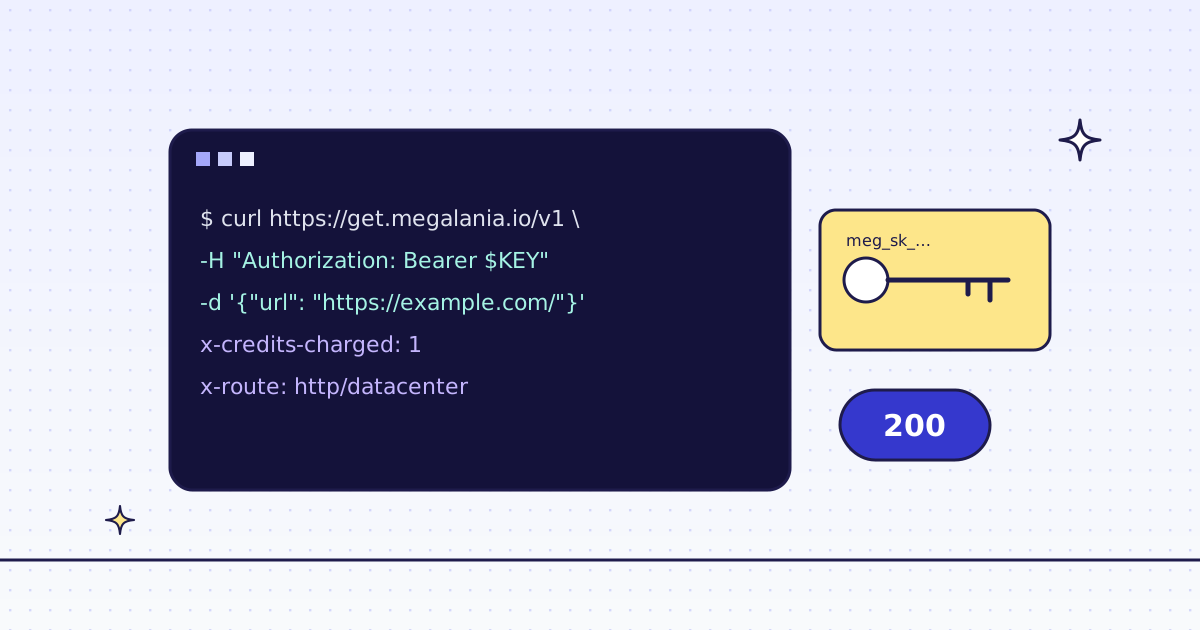
Send the URL to us instead. We fetch it over plain HTTP with a recorded Chrome or Firefox fingerprint, starting on a datacenter exit. If the site blocks that, we try the next route: a residential exit, then a real browser. You pay for the route that delivered the page, and a block we detect costs 0.
curl -sS https://get.megalania.io/v1 \
  -H "Authorization: Bearer YOUR_KEY" \
  -H "Content-Type: application/json" \
  -D headers.txt -o page.html \
  -d '{"url": "https://books.toscrape.com/", "max_credits": "64"}'
max_credits is the most this page may cost; we skip any route above it. In Python, with the checks a long run needs:
# pip install requests
# Run: MEG_API_KEY=YOUR_KEY python fetch_or_explain.py https://books.toscrape.com/
import os
import sys
import uuid

import requests

resp = requests.post(
    "https://get.megalania.io/v1",
    headers={
        "Authorization": f"Bearer {os.environ['MEG_API_KEY']}",
        "Idempotency-Key": str(uuid.uuid4()),
    },
    json={"url": sys.argv[1], "max_credits": "64"},
    timeout=90,
)
if resp.status_code != 200:
    err = resp.json()["error"]
    sys.exit(f"{resp.status_code} {err['code']}: {err['message']} Tries: {resp.headers.get('X-Hops')}")
print("target status:", resp.headers["X-Target-Status"])
print("route:", resp.headers["X-Route"], "tries:", resp.headers["X-Hops"])
print("credits:", resp.headers["X-Credits-Charged"])
A block is HTTP 422 with error.code blocked and X-Billing: blocked, and it costs 0 credits, so the status check catches it. X-Hops on that answer lists every route we tried.
Read X-Hops: which layer the site checked
X-Hops lists each try in order, with its time in milliseconds. It tells you what the site cared about:
X-Hops |
What it tells you |
|---|---|
h:dc:chrome=412 |
A browser fingerprint on a datacenter exit was enough. Your 403 was headers or TLS. |
h:dc:chrome=380,h:res:chrome=1245 |
The datacenter exit was blocked, a residential one was not. The site scores IP ranges. |
h:dc:chrome=380,h:res:chrome=1100,c:dc=4200 |
Plain HTTP was blocked everywhere; a real browser got the page. The site checks JavaScript. |
X-Untried on a blocked answer names a route we did not try, for example one above your max_credits.
What it costs
The route that delivers the page sets its price, before page size:
| Route | Credits a page | Included data |
|---|---|---|
HTTP, datacenter (h:dc) |
1 | 64 KiB |
HTTP, residential (h:res) |
8 | 64 KiB |
Browser, datacenter (c:dc) |
15 | 1 MiB |
Browser, residential (c:res) |
32 | 64 KiB |
Each started 128 KiB above the included data adds 1 on h:dc and c:dc, and 8 on h:res and c:res. A site we have not priced yet costs at least 15 on a residential or browser route. Run check_site (free) to see the price for your site. Blocks we detect, and our own errors, cost 0.
When to stop
- A login wall is a real
403. We read public pages only. - A CAPTCHA you must solve is the site saying no. We do not solve them.
- Terms and robots.txt. This is not legal advice. Read each site’s terms and robots.txt, and follow them. A site that blocks every route is often telling you something.
Every error code and what it costs: Error codes.