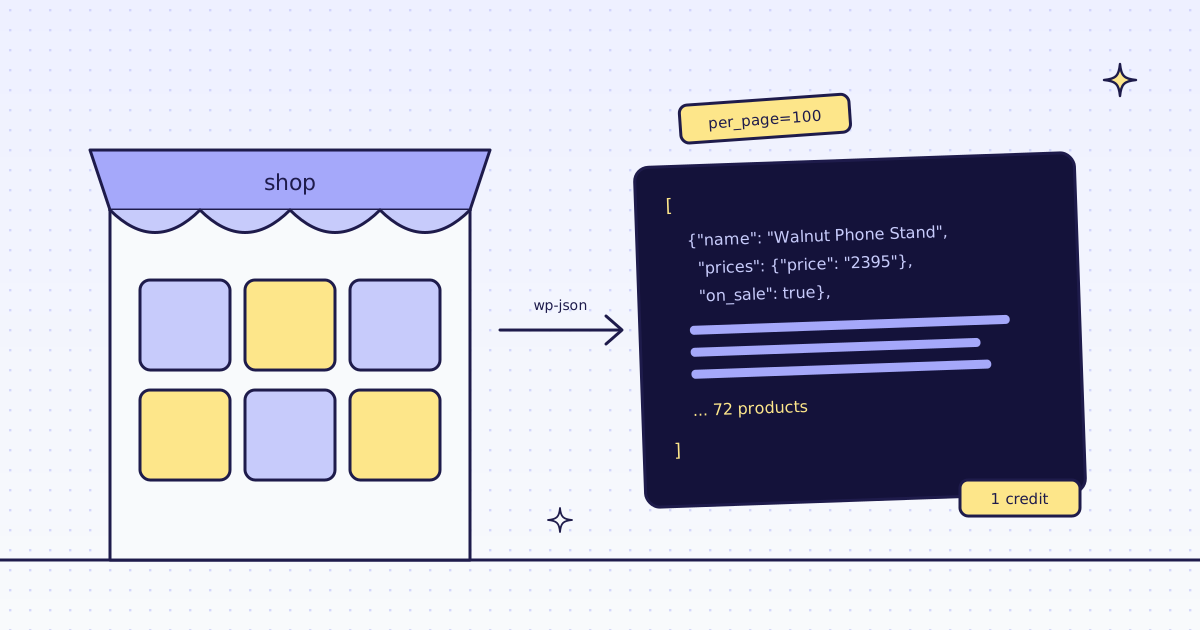
The short answer: most WooCommerce stores have a public JSON address for their catalog: /wp-json/wc/store/v1/products. It needs no key. Ask for 100 products a call, the most it allows, and add &page=2, &page=3 until a page has fewer than 100. Try it from your own script first: it is free. When the store blocks your script, send the same address through our API: on our test store, lab.megalania.io, all 72 products came back in one call, for 1 credit.
The Store API in one call
curl -s "https://lab.megalania.io/wp-json/wc/store/v1/products?per_page=100&page=1"
The answer is a JSON list, one object per product. The fields you usually want:
| Field | Example | Note |
|---|---|---|
id, sku, name |
385, GBR-TEC-072, Walnut Phone Stand |
|
prices.price |
"2395" |
A string, in minor units |
prices.regular_price |
"3200" |
The price before a sale |
prices.currency_code |
USD |
|
prices.currency_minor_unit |
2 |
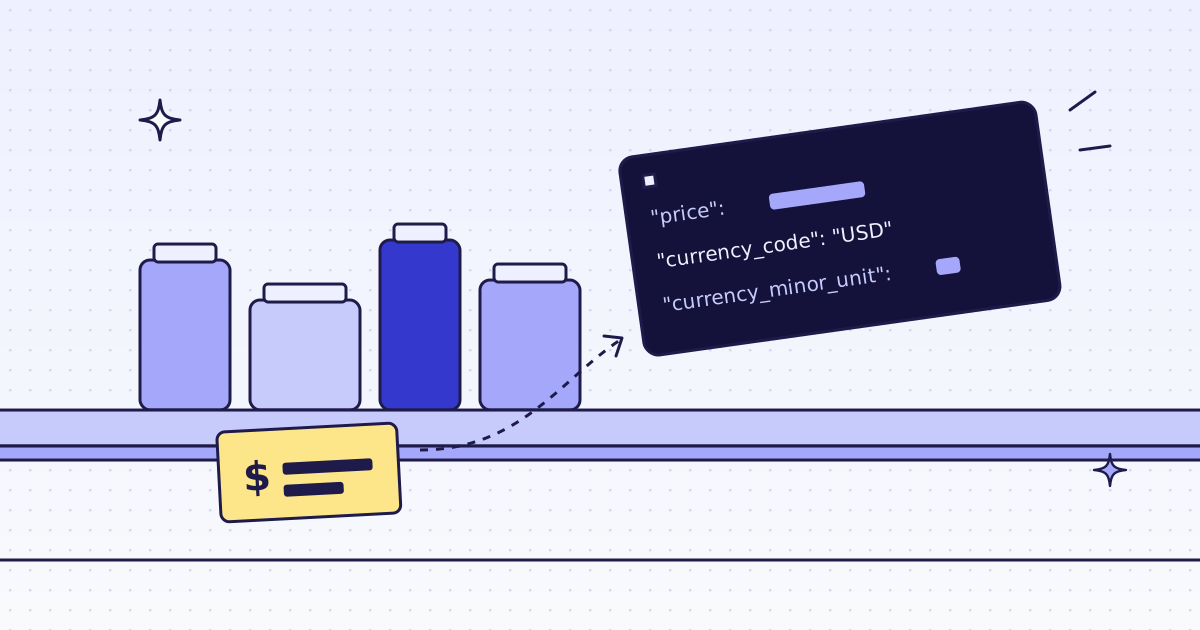
2395 means 23.95 |
on_sale, is_in_stock |
true, true |
|
permalink |
the product page | |
categories, attributes, variations |
lists | Sizes and colors for variable products |
Divide price by 10 to the power of currency_minor_unit. Do not divide by 100 on every store: a currency with no cents has currency_minor_unit 0.
Every product, page by page
import csv
import os
import sys

import requests

STORE = "https://lab.megalania.io"
API = "https://get.megalania.io/v1"
PER_PAGE = 100


def get_page(page, via_api):
    url = f"{STORE}/wp-json/wc/store/v1/products?per_page={PER_PAGE}&page={page}"
    if not via_api:
        r = requests.get(url, timeout=60)
        r.raise_for_status()
        return r.json(), 0
    r = requests.get(API, params={"url": url}, headers={"Authorization": f"Bearer {os.environ['MEG_API_KEY']}"}, timeout=120)
    r.raise_for_status()
    if r.headers["X-Target-Status"] != "200":
        raise RuntimeError(f"store answered {r.headers['X-Target-Status']}: {r.text[:200]}")
    return r.json(), int(r.headers["X-Credits-Charged"])


def all_products(via_api):
    rows, credits, page = [], 0, 1
    while True:
        batch, cost = get_page(page, via_api)
        rows += batch
        credits += cost
        if len(batch) < PER_PAGE:
            return rows, credits, page
        page += 1


def price(p):
    return int(p["prices"]["price"]) / 10 ** p["prices"]["currency_minor_unit"]


rows, credits, pages = all_products(via_api="--api" in sys.argv)
print(f"{len(rows)} products, {pages} page(s), {credits} credits")
with open("products.csv", "w", newline="") as f:
    w = csv.writer(f)
    w.writerow(["id", "sku", "name", "price", "currency", "on_sale", "in_stock", "url"])
    for p in rows:
        w.writerow([p["id"], p["sku"], p["name"], price(p), p["prices"]["currency_code"], p["on_sale"], p["is_in_stock"], p["permalink"]])
for p in rows[:3]:
print(p["sku"], "|", p["name"], "|", f"{price(p):.2f}", p["prices"]["currency_code"], "| on sale" if p["on_sale"] else "")72 products, 1 page(s), 0 credits GBR-TEC-072 | Walnut Phone Stand | 23.95 USD | on sale GBR-ACC-059 | Ribbed Merino Beanie | 26.00 USD | on sale GBR-TOP-046 | Loopback Cotton Hoodie | 85.00 USD 72 products, 1 page(s), 1 credits GBR-TEC-072 | Walnut Phone Stand | 23.95 USD | on sale GBR-ACC-059 | Ribbed Merino Beanie | 26.00 USD | on sale GBR-TOP-046 | Loopback Cotton Hoodie | 85.00 USD
- The same rows, both ways. Without
--api, your script calls the store. With it, our API fetches the same address and returns the store’s JSON as it is, so the parsing code does not change. - 1 credit for 72 products. It is one fetch over plain HTTP. The JSON is 336 KB, but the store compresses it to about 37 KB on the wire, inside the 64 KiB a page includes.
- Stop on a short page. Our API does not pass on the store’s
X-WP-TotalandX-WP-TotalPagesheaders, so the loop stops when a page has fewer than 100 products. That works the same both ways. - Check
X-Target-Status. If the store answers an error, our API still returns200, with the store’s status inX-Target-Statusand its error JSON in the body, and it is a charged answer. The script stops on anything but200.
Three things that trip loops
We measured each one on our test store:
- More than 100 a page is an error.
per_page=200answers400withrest_invalid_param: “per_page must be between 1 (inclusive) and 100 (inclusive)”. Through our API, that is a200withX-Target-Status: 400, for 1 credit. - A page past the end is an empty list. With
per_page=50, page 2 had 22 products and page 3 was[], still a200. Through our API, the empty page costs 1 credit, so stop on the short page, not the empty one. - The
Linkheader’s next URL is broken. WordPress writes&as#038;in it:...?per_page=5&page=2#038;page=1. Build the next URL yourself instead of following it.
Filters the Store API takes
Add these to the same address. Each answer is the filtered list, measured on our test store:
| Query | Products |
|---|---|
on_sale=true |
19 |
category=tech (a category slug) |
7 |
search=walnut |
1 |
stock_status=outofstock |
5 |
type=variable |
33 |
/wp-json/wc/store/v1/products/categories lists the categories with their slugs. One product with its variations is at /wp-json/wc/store/v1/products/<id>. The names come back with HTML entities, like Bags & Accessories: unescape them before you show them.
The page’s own script often calls it
On our test store’s new arrivals page, the products are drawn by JavaScript. The page’s script calls the Store API:
fetch("/wp-json/wc/store/v1/products?orderby=title&order=asc&per_page=12&page=" + page)Reading that page in a real browser cost 19 credits in our n8n test. Calling the address the script calls cost 1 credit, for every product in the store. When a store page is empty in your scraper, search its HTML for wc/store before you pay for a browser.
When the Store API is off
Some stores turn it off, or a security plugin blocks /wp-json/. Then read the HTML. A category page is plain HTML on most stores, with WooCommerce’s own class names:
items:ul.products li.product{name:h2|price:.price > .amount, .price ins .amount|was:.price del .amount|url:a.woocommerce-LoopProduct-link@href}*{"name": "Closed-Back Headphones", "price": "$129.00", "was": null, "url": "https://lab.megalania.io/product/studio-headphones/"}
{"name": "Pocket Power Bank 10,000 mAh", "price": "$36.00", "was": "$45.00", "url": "https://lab.megalania.io/product/pocket-power-bank/"}7 products for 2 credits: 1 for the page, 1 for the JSON. During a sale, WooCommerce puts the old price in <del> and the new one in <ins>, so price takes the <ins> one when there is one, and was is null when nothing is on sale. One product page at a time is in How to scrape any WooCommerce store.
And Shopify?
The same idea on Shopify is /products.json. We did not test it for this post: see How to scrape any Shopify store.
What it costs
| Step | Credits |
|---|---|
| The Store API from your own script | 0 with us |
| The Store API through our API, 72 products in one call | 1 |
| A page past the end, or an error the store answers | 1 |
| A category page as JSON fields | 2 |
| A JavaScript page in the browser | 19 |
| A block we detect, or one of our errors | 0 |
These prices are for our test store on the datacenter route. A store that blocks it costs more: check_site over MCP, or GET /v1/tier?host=, tells you how much, for free. All the rules are in Credits. Plans are on the pricing page.
How we measured: our dev cluster on 16 Nov 2026, the Lab store on our dev domain, Python 3.13 with requests 2.34. We ran woo_products.py as above, both ways; the outputs are copied from those runs. The filters, the paging cases and the extract rule were single calls the same day.
Limits
- Public data only. The Store API shows what a shopper sees. We do not log in, and we do not solve CAPTCHAs.
- Not every store runs it. It ships with WooCommerce, but a store can turn it off or change it with a plugin.
- Keep your rate low. One call a page of 100 is enough; prices rarely change every minute.
Fetch public pages only. Read the store’s terms and robots.txt, and follow them.