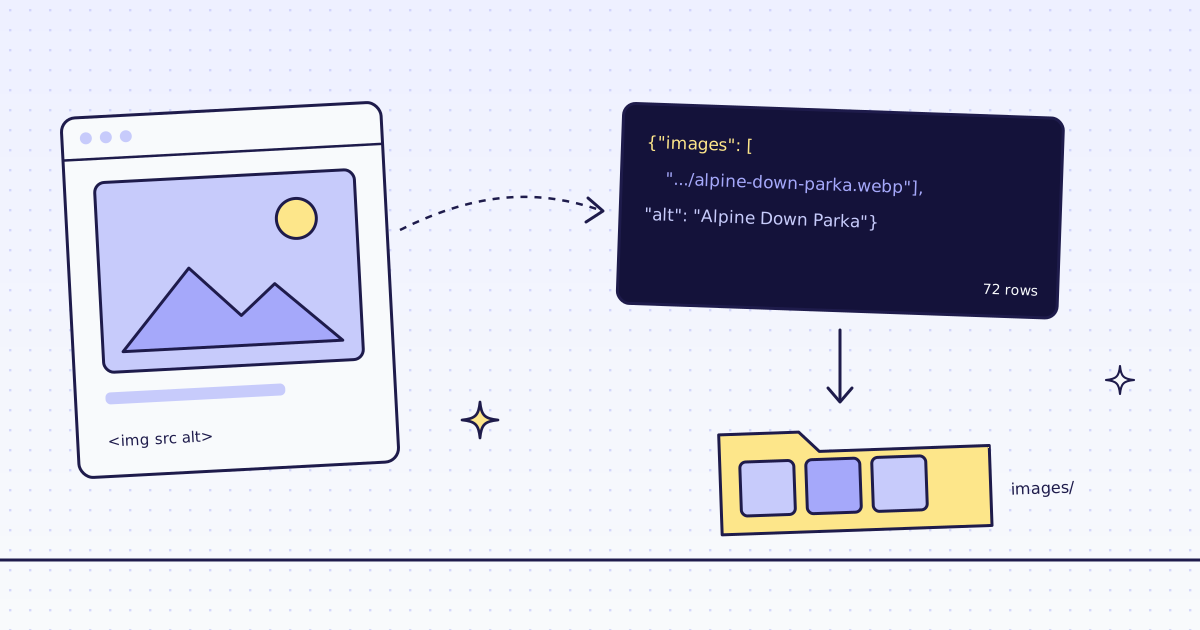
The short answer: to scrape images from a website with Python, read the image URLs and their alt text from the HTML, then download the files with your own client. We do the first part: an extract rule like thumb:img@src|alt:img@alt gives you every URL and its text as JSON, one batch reads a whole catalog, and you never parse HTML. The download is yours, and it is free. On our test store, lab.megalania.io, 72 products and their full-size images took 16 credits for the list pages and 144 for the product pages. The 72 files, 5.1 MB, cost nothing.
We return URLs, not image files
Our API reads pages. Its answers are HTML, Markdown, text, links or JSON fields. An image file is none of those. We checked on our dev cluster what happens when you send an image’s URL anyway:
IMG=https://lab.megalania.io/wp-content/uploads/gibber/alpine-down-parka-416x628.webp
curl -s -o parka.webp -D - -H "Authorization: Bearer $MEG_API_KEY" \
  "https://get.megalania.io/v1?url=$IMG&max_age=0" | grep -iE '^(HTTP|content-type|x-credits-charged)'
curl -s -H "Authorization: Bearer $MEG_API_KEY" \
  "https://get.megalania.io/v1?url=$IMG&response_types=markdown" | cut -c1-60
HTTP/2 200
content-type: text/html; charset=utf-8
x-credits-charged: 1
{"error":{"code":"unsupported_content","field":"url","messag- The default answer had the file’s bytes: all 14,996 of them, the same as a direct download. But it is labeled
text/html, it cost 1 credit, and it is not a documented output. Do not build on it. We reported the label on 16 Nov 2026. markdown,linksorjsonis a free 422unsupported_content; we tried all three. There is no text in an image to turn into Markdown or fields.- A direct download is free with us, because it never touches us. Use your own client for the files.
So the plan: we read the pages, you fetch the files.
Image URLs and alt text from one page
Every <img> has a src, the file’s URL, and should have an alt, the text a screen reader says. Two rules read both. @src and @alt read an attribute instead of the text:
curl -s -H "Authorization: Bearer $MEG_API_KEY" -G "https://get.megalania.io/v1" \
  --data-urlencode "url=https://lab.megalania.io/shop/" \
  --data-urlencode "response_types=json" \
--data-urlencode "extract=items:li.product{name:h2|thumb:img@src|alt:img@alt}*"{"items":[{"name":"20 cm Chef’s Knife","thumb":"https://lab.megalania.io/wp-content/uploads/gibber/chef-knife-324x324.webp","alt":"20 cm Chef's Knife"},{...}*is a row rule: one row perli.productcard, with the fields inside it. 9 cards on the page, 2 credits: 1 for the page, 1 for the JSON.- The list shows thumbnails, 324 x 324 pixels. That is enough for a preview. The full-size file is on the product page.
To list every link and image on a page without rules, response_types=links and Markdown both help; see Extract all links from a website.
Scrape images from a website with Python: a whole catalog
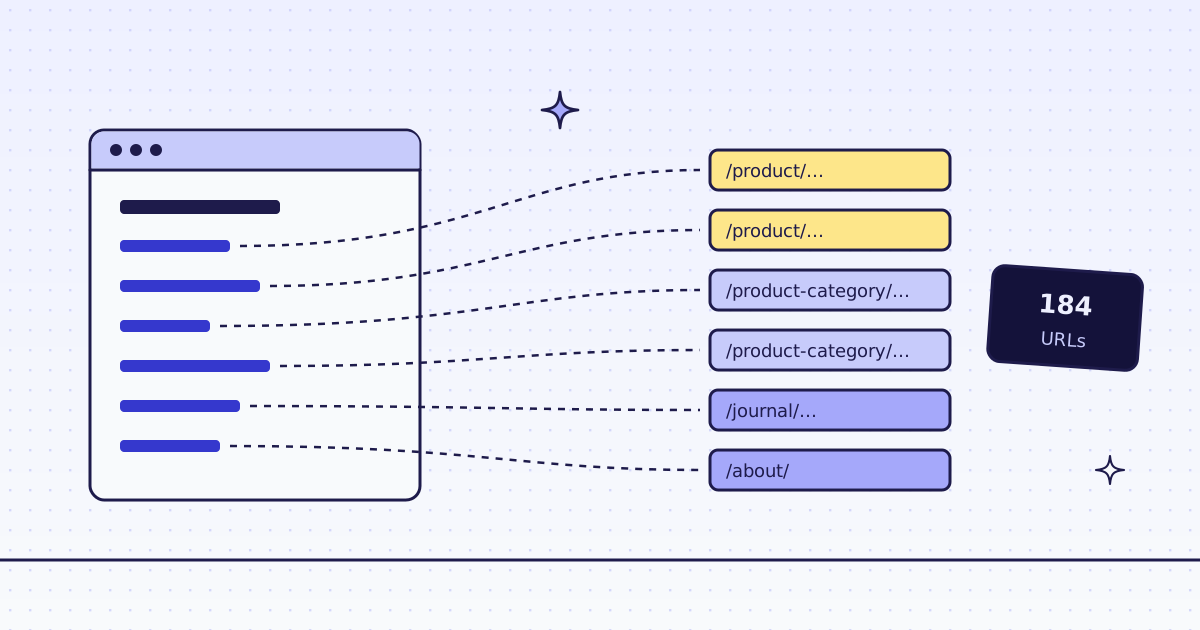
Three steps. Follow the “next” link through the shop and collect each product’s URL. Send the product pages as one batch with a rule for the gallery. Then download each file once and write a CSV with the product, the alt text, the URL and the file name. Save it as images.py:
import csv
import os
import pathlib
import time
import uuid
from urllib.parse import urlparse

import requests

GET = "https://get.megalania.io/v1"
API = "https://api.megalania.io/v1/batches"
HEADERS = {"Authorization": f"Bearer {os.environ['MEG_API_KEY']}"}
SHOP = "https://lab.megalania.io/shop/"
CARDS = "items:li.product{name:h2|url:a.woocommerce-loop-product__link@href|thumb:img@src|alt:img@alt}*|next:a.next@href"
PRODUCT = "name:h1.product_title|alt:.wp-post-image@alt|images:div.product > .woocommerce-product-gallery a@href*"


def listing():
    url, cards, spent = SHOP, [], 0
    while url:
        r = requests.get(GET, params={"url": url, "response_types": "json", "extract": CARDS},
                         headers=HEADERS, timeout=120)
        r.raise_for_status()
        cards += r.json()["items"]
        spent += int(r.headers["X-Credits-Charged"])
        url = r.json()["next"]
    return cards, spent


def batch(urls):
    body = {"urls": urls, "response_types": "json", "extract": PRODUCT, "max_credits": 4}
    r = requests.post(API, json=body, headers={**HEADERS, "Idempotency-Key": str(uuid.uuid4())}, timeout=60)
    r.raise_for_status()
    bid = r.json()["id"]
    while True:
        b = requests.get(f"{API}/{bid}", params={"wait_seconds": 25}, headers=HEADERS, timeout=60).json()
        if b["status"] in ("done", "failed", "canceled"):
            break
    items = requests.get(f"{API}/{bid}/items", params={"limit": 1000}, headers=HEADERS, timeout=60).json()["items"]
    pages = [requests.get(i["result_url"], timeout=60).json() for i in items if i["result_url"]]
    return pages, b["counts"]["charged_credits"]


t = time.monotonic()
cards, spent = listing()
print(f"{len(cards)} products, {spent} credits for the listing")
print(cards[0])

pages, spent = batch([c["url"] for c in cards])
rows = [{"product": p["name"], "alt": p["alt"], "image": src} for p in pages for src in p["images"]]
print(f"{len(rows)} full-size images on {len(pages)} pages, {spent} credits for the batch")

folder = pathlib.Path("images")
folder.mkdir(exist_ok=True)
size = 0
with requests.Session() as s:
    for row in rows:
        path = folder / pathlib.PurePosixPath(urlparse(row["image"]).path).name
        if not path.exists():
            r = s.get(row["image"], timeout=60)
            r.raise_for_status()
            path.write_bytes(r.content)
        row["file"] = str(path)
        size += path.stat().st_size

with open("images.csv", "w", newline="") as f:
    w = csv.DictWriter(f, fieldnames=["product", "alt", "image", "file"])
    w.writeheader()
    w.writerows(rows)
print(f"{len(list(folder.iterdir()))} files, {size / 1e6:.1f} MB, {sum(not r['alt'] for r in rows)} without alt text, {time.monotonic() - t:.1f} s")pip install requests export MEG_API_KEY='meg_sk_...' python images.py
72 products, 16 credits for the listing
{'name': '20 cm Chef’s Knife', 'url': 'https://lab.megalania.io/product/chef-knife/', 'thumb': 'https://lab.megalania.io/wp-content/uploads/gibber/chef-knife-324x324.webp', 'alt': "20 cm Chef's Knife"}
72 full-size images on 72 pages, 144 credits for the batch
72 files, 5.1 MB, 0 without alt text, 57.3 sproduct,alt,image,file 20 cm Chef’s Knife,20 cm Chef's Knife,https://lab.megalania.io/wp-content/uploads/gibber/chef-knife.webp,images/chef-knife.webp Alpine Down Parka,Alpine Down Parka,https://lab.megalania.io/wp-content/uploads/gibber/alpine-down-parka.webp,images/alpine-down-parka.webp
What to know about the rules:
- The gallery link is the full-size file. On WooCommerce each gallery image is wrapped in a link,
<a href>, to the original: 795 x 1200 pixels for the parka, where the page shows 416 x 628.a@href*reads every link in the gallery; the*makes it a list. div.product >matters. Our first rule,.woocommerce-product-gallery__image a@href*, gave 105 images for 72 products. Products with sizes or colors keep a second, hidden copy of the gallery in a<template>for the size picker. Limiting the rule to the gallery right under the product removed the copies: 72 images. Count your rows on a page you know.- Every Lab product has one image. A store with five photos per product gives five rows per product with the same rule.
- The batch lives on the API host,
api.megalania.io.wait_seconds=25holds each poll until the batch ends, andIdempotency-Keymakes a retry safe: the same key gives the same batch, not a second bill. Every option is in Batches.
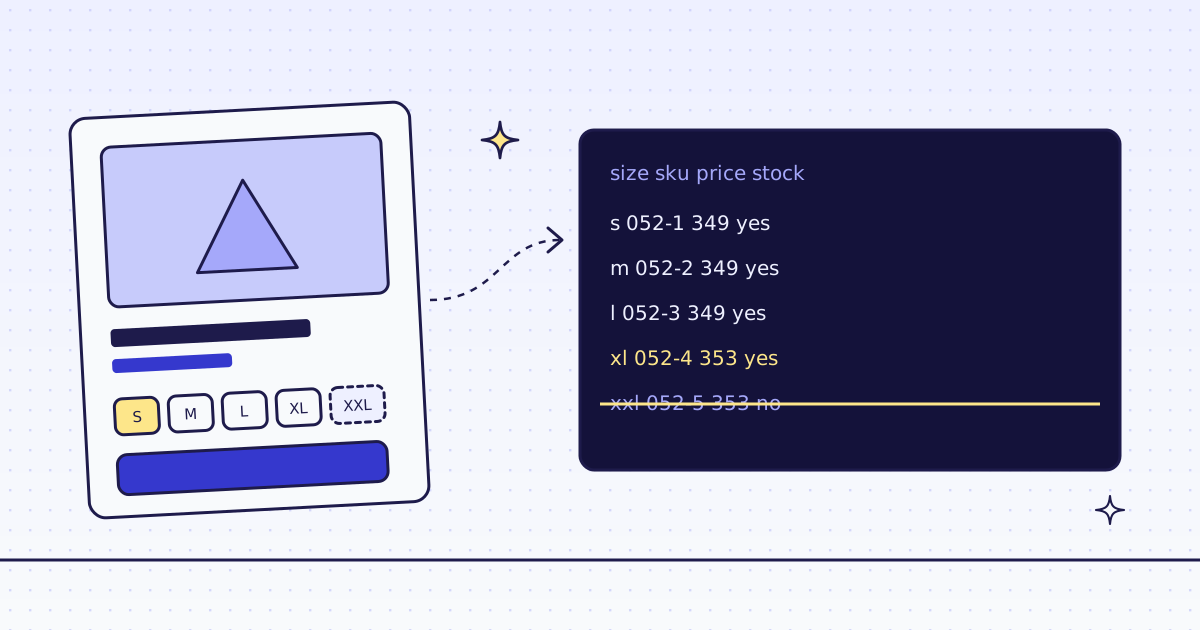
For one row per size or color, with its own price and stock, use the variant rule in How to scrape product variants. Its JSON names an image for each variant too.
What it costs
| Step | Pages | Credits |
|---|---|---|
| The 8 shop pages as JSON | 8 | 16 |
| The batch of 72 product pages as JSON | 72 | 144 |
Downloading the 72 image files with requests |
— | 0 |
An image URL sent to us as markdown, links or json |
— | 0 |
| A bad parameter, a block we detect or one of our errors | — | 0 |
Each page costs 1 credit on the datacenter route, plus 1 for the JSON. A batch is priced like single requests. These prices are for the Lab; a store that blocks the datacenter route costs more. Our MCP tool check_site tells you a site’s prices for free. All the rules are in Credits. Plans are on the pricing page.
How we measured: our dev cluster on 16 Nov 2026, the Lab store on our dev domain, Python 3.13 and requests 2.34.2. We ran the two curl checks, then images.py on an empty cache and an empty images folder. The time includes the list pages, the batch and the 72 downloads.
Limits
- You need the right to reuse an image. Product photos are someone’s work. Reading a URL is one thing; copying the file into your own catalog, a dataset or a model can need the owner’s permission. Check the site’s terms first.
- Image URLs come from the page. The Lab writes full URLs. If a site writes a relative one, like
/img/a.webp, join it with the page’s URL withurllib.parse.urljoinbefore you download. A page can point at any host. Check that each URL is on the host you expect before you download it, and cap the file size if you do not trust the site. - Lazy images. Some sites put the real URL in
data-srcorsrcsetand a placeholder insrc. Read the attribute that has it:img@data-src, orimg@srcsetfor every size. A gallery drawn by JavaScript needs"engine": "browser"; see How to scrape JavaScript-rendered pages. - Empty alt text is common. The Lab has alt text on every image. Many sites do not; plan for an empty column.
- We read public pages only. No logins and no CAPTCHA solving. When a page needs either, we stop and say so, for free.
Every parameter is in Fetch, extract and lists. Fetch public pages only. Read the site’s terms and robots.txt, and follow them. Keep batches to the size you need.