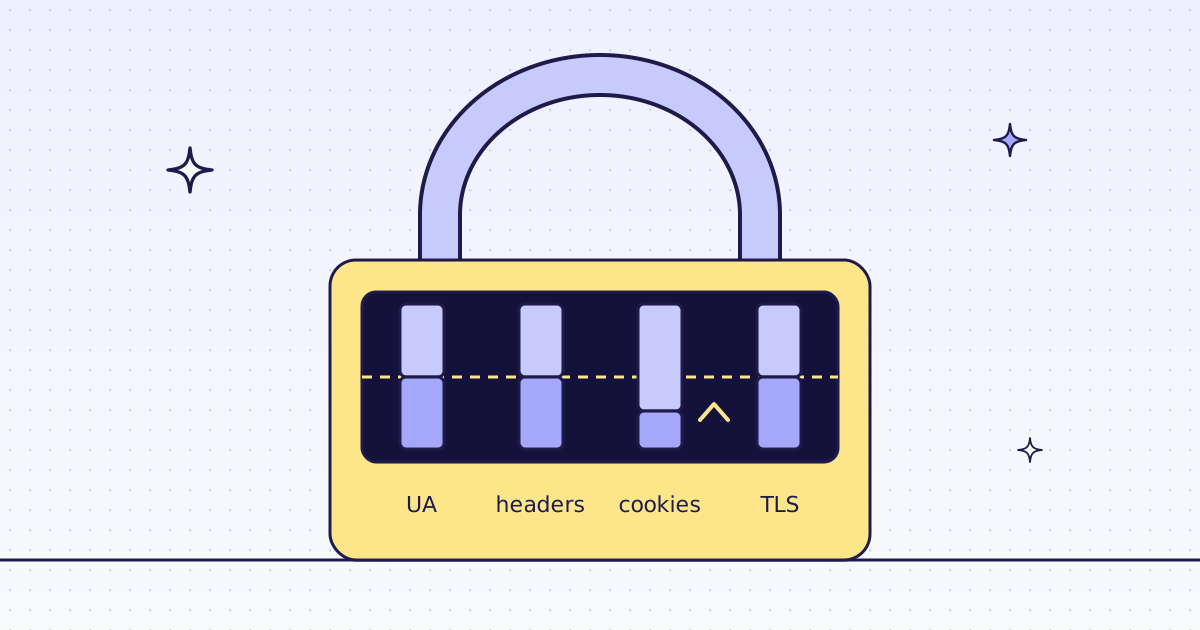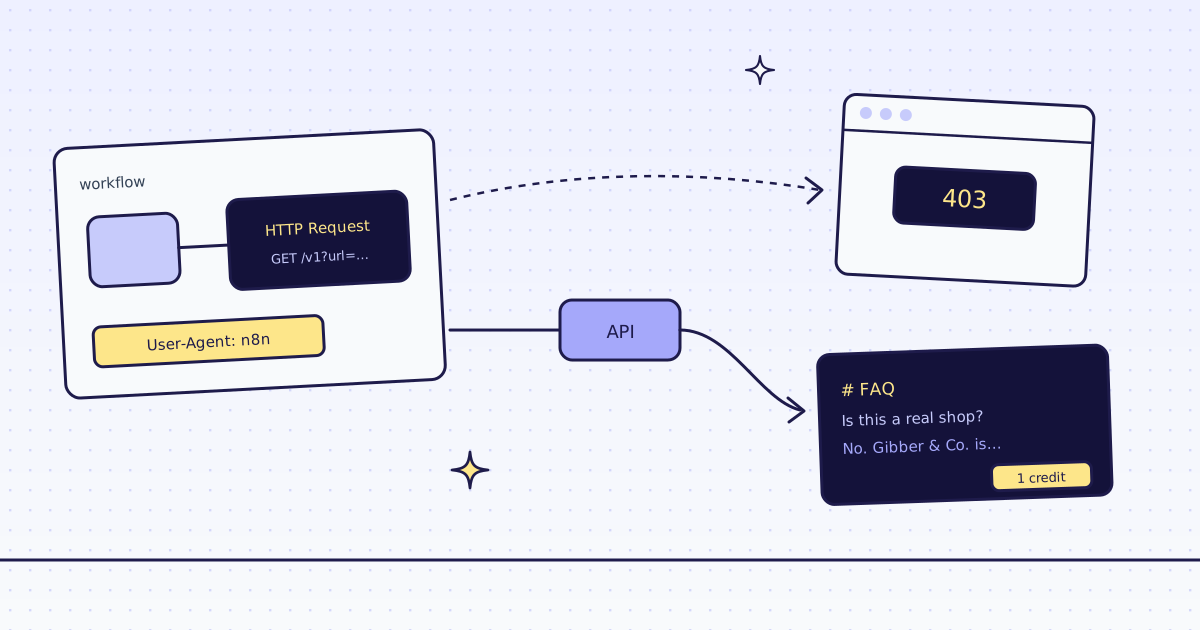
The short answer: the n8n HTTP Request node gets a 403 Forbidden when the site’s bot filter decides it is not a browser. By default the node says so itself: it sends User-Agent: n8n. A browser User-Agent header fixes the sites that only read that header. Sites that also check how the connection looks (its TLS and HTTP/2 fingerprint) still answer 403, and no header changes that. For those, keep the same HTTP Request node and point it at our API with the page in a url parameter: we fetch it like a real browser, move to a residential IP or a real Chrome when the site blocks us, and a block we detect costs nothing. In n8n 2.47.7, our test store’s FAQ came back as Markdown for 1 credit.
What the HTTP Request node sends
We pointed a default HTTP Request node (method GET, no options) at a small echo server on our own machine, and printed the headers it received:
{
  "Accept": "application/json,text/html,application/xhtml+xml,application/xml,text/*;q=0.9, image/*;q=0.8, */*;q=0.7",
  "User-Agent": "n8n",
  "Accept-Encoding": "gzip, compress, deflate, br",
  "Host": "127.0.0.1:8799",
  "Connection": "close"
}
User-Agent: n8nis the first thing a bot filter reads. No browser sends it.- No
Accept-Language, noSec-Fetch-*headers. A real browser sends these on every page. - The connection is Node.js, not a browser. Its TLS hello and HTTP/2 settings differ from Chrome’s or Firefox’s. Many bot filters check that too, and an n8n node cannot change it.
The free fix first: browser headers
In the HTTP Request node, turn on Send Headers and add:
| Name | Value |
|---|---|
User-Agent |
the User-Agent of your own browser |
Accept-Language |
en-US,en;q=0.9 |
If the 403 goes away, you are done, for free. If it does not, the site checks more than headers: the connection, the IP’s reputation, or a JavaScript challenge. More headers will not help, and adding cookies from your browser breaks the next day. That is the point to use a scraping API.
The fix: the same node, a different URL
Keep your HTTP Request node. Change three things:
- URL:
https://get.megalania.io/v1 - Send Query Parameters: on. Add
url= the page you want, andresponse_types=markdown(orjsonwith anextractrule). - Authentication: Generic Credential Type → Header Auth, with Name
Authorizationand ValueBearer meg_sk_.... The key lives in n8n’s credentials, not in the workflow, and never in the URL.
Under Options, add Response and turn on Include Response Headers and Status, so the next node can read what the call cost.
We ran it in n8n 2.47.7 on our test store’s FAQ page. The node’s output:
statusCode: 200
headers.x-credits-charged: 1
headers.x-route: http/datacenter
headers.x-hops: [{"rung":"h:dc","identity":"chrome","ms":1796,"outcome":"ok"}]
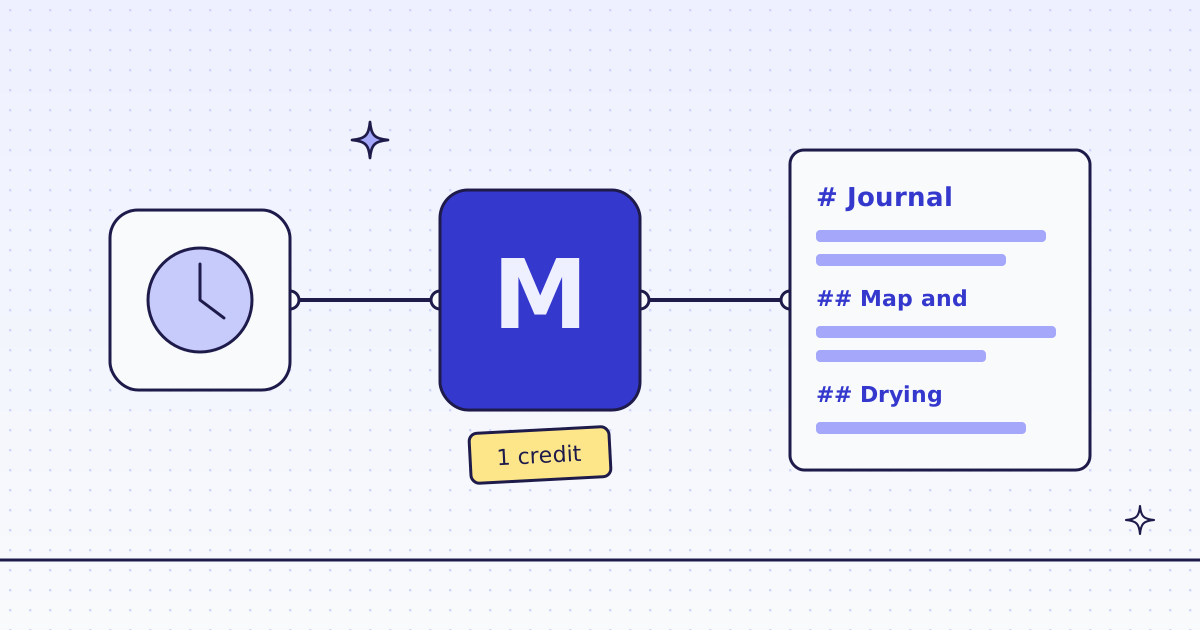
data: "# FAQ\n\nIs this a real shop?\n\nNo. Gibber & Co. is a demo store …" (1,127 characters)datais the page as Markdown: the questions and answers, without the menu and footer.x-hopslists every try. Here the first one worked: plain HTTP from a datacenter IP, looking like Chrome. On a site that blocks it, you see the blocked try (free) and the route that worked.x-credits-chargedis what the call cost: 1 credit.
One honest note: our test store blocks nobody, so this run shows the fixed call, not a 403 being beaten. On a site that blocks, the call is the same; the price depends on the route that worked, and our MCP tool check_site tells you that price for free.
When our answer is an error
By default the HTTP Request node stops the workflow on any 4xx. Our errors are JSON and free, and they say what to change: a bad_parameter names the field, a blocked answer says which routes are left. To branch on them instead of stopping:
- Under Options, add Response and turn on Never Error.
- Add an IF node after it on
{{ $json.statusCode }}: 200 goes on, anything else goes to your error path. - Read the error as
{{ $json.body.error.code }}. Watch out: on a 200, n8n puts the page indata; on an error it puts our JSON inbody. We checked: a typo inresponse_typescame back as status 400,body.error.code=bad_parameter,body.error.field=response_types, and the workflow went on.
A 429 over_concurrency means too many calls at once: n8n’s Batching option (one item at a time, a short pause) keeps a big list under the limit.
Or the Megalania node
If your n8n allows community nodes, n8n-nodes-megalania does the same call with a form instead of URL fields, and adds batches and site maps. The setup is in Web scraping in n8n without running a browser.
What it costs
| Step | Credits |
|---|---|
| The HTTP Request node alone, with or without browser headers | 0 with us |
| One page as Markdown through our API, plain HTTP | 1 |
| A page that needs a residential IP or the browser | more: check_site shows the price |
| A block we detect, or one of our errors | 0 |
All the rules are in Credits. Plans are on the pricing page.
How we measured: n8n 2.47.7 in Docker on 16 Nov 2026. One workflow with two HTTP Request nodes: one to a local echo server, to see the headers n8n sends; one to our API on our dev cluster, for the FAQ page of the Lab store on our dev domain. A second workflow sent a typo with Never Error and Batching on, to check the error path. In our runs the key went in as a header parameter; the Header Auth credential sends the same header. The headers and outputs above are copied from those runs.
Limits
- Public pages only. We do not log in, and we do not solve CAPTCHAs. When a page needs either, we stop and say so, for free.
- A page built by JavaScript needs
engine=browseras one more query parameter. It costs more. See How to scrape JavaScript-rendered pages. - Read the site’s terms. A 403 is sometimes the site saying no. Fetch public pages only, and follow the site’s terms and robots.txt.
Why sites send 403 at all, and the other fixes, are in Why your scraper gets 403 Forbidden.