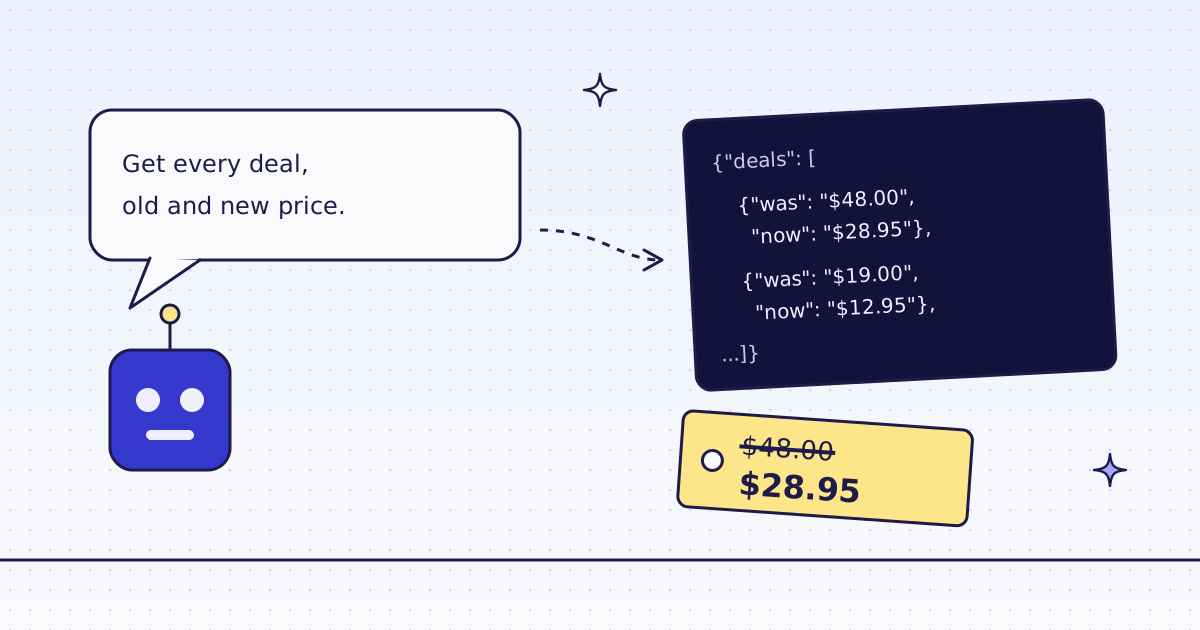
The short answer: add our MCP server to your agent, then ask in plain words: “Get every product on this page with its old and new price.” The agent makes two tool calls. check_site tells it the price of the site, for free. extract reads the fields with CSS rules and returns JSON, one object per product. On our test store’s deals page, lab.megalania.io/deals/, that was 8 products for 2 credits. When you want the same list every day, move the call into a 20-line Python script.
Why not let the agent read the HTML?
An agent can fetch a page and read it. But a store page is mostly menus, scripts and markup. The agent spends tokens on all of it, and it can misread a price: the old price and the new price sit next to each other, and only the markup says which is which.
CSS rules fix both. The page is parsed on our side, and only the fields come back. A price in <del> is the old price and a price in <ins> is the new one, every time.
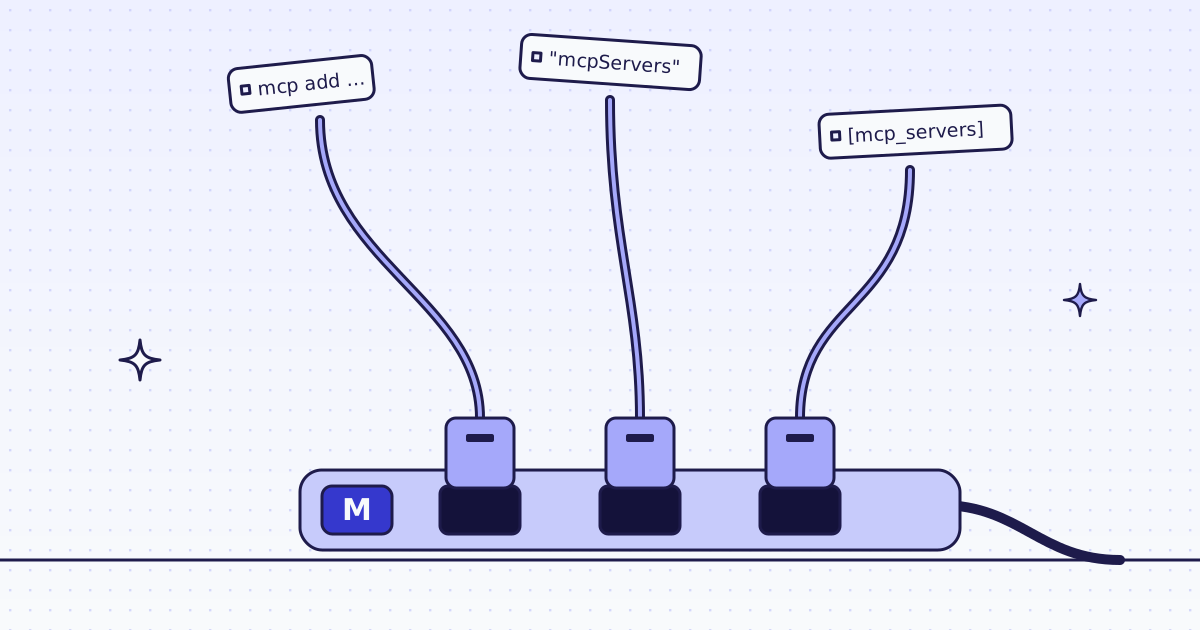
Add the server: one command
In Claude Code:
claude mcp add --transport http megalania https://mcp.megalania.io
Then type /mcp and pick megalania. Your browser opens a Megalania page: sign in with Google or GitHub and click Approve. You copy no key. Not a tester yet? Apply for the beta first: sign-in works once your invite arrives. Cursor, VS Code, the claude.ai connector and ChatGPT each take one short block of config: MCP for agents.
The prompt
Give the agent the page and the fields. Name them, so the agent does not guess:
Check what lab.megalania.io costs. Then get every product on
https://lab.megalania.io/deals/ with its name, old price, new price and link.
Sort by the biggest discount.
Step 1: check the site, for free
The agent calls check_site first. This is the call it sent:
{"name": "check_site", "arguments": {"host": "lab.megalania.io"}}The price part of the answer:
{"price": {
  "host": "lab.megalania.io",
  "price": 1,
  "quotes": {"datacenter": 1, "residential": 8, "browser": 15, "browser_residential": 32}
}}
One credit per page on the cheapest route, plain HTTP from a datacenter IP. A site that blocks that route moves up to residential or a real browser, and the quotes say what that costs. check_site costs nothing, so teach your agent to call it before any new site.
Step 2: extract the prices
Then the agent calls extract with CSS rules. deals:li.product{...}* returns one object per product card. Inside {}, was reads the struck-out price and now the sale price:
{"name": "extract", "arguments": {
  "url": "https://lab.megalania.io/deals/",
  "extract": "deals:li.product{name:h2|was:.price del .amount|now:.price ins .amount|url:a.woocommerce-loop-product__link@href}*"
}}
The answer (shortened to two of the 8 products):
{"deals": [
  {"name": "Amber Jar Candle Trio", "was": "$42.00", "now": "$29.95", "url": "https://lab.megalania.io/product/amber-candle-trio/"},
  {"name": "Nest 4-Piece Cook Set", "was": "$48.00", "now": "$28.95", "url": "https://lab.megalania.io/product/nest-cook-set/"}
]}
It cost 2 credits: 1 for the page and 1 for the JSON output. The agent then sorts the list and answers you.
Where do the rules come from? On a store you know, write them once with your browser’s developer tools. On a new store, ask the agent to call inspect first: it suggests rules for the blocks that repeat on the page. Check them on one page before a big run. On some stores it picks the menus and not the product cards; then write the card rule yourself, as above.
Every day: the same call from Python
An agent is good for a question. For a list you want every morning, a script is cheaper and gives the same answer every time. This is the same call over REST:
import os
import requests

RULES = "deals:li.product{name:h2|was:.price del .amount|now:.price ins .amount|url:a.woocommerce-loop-product__link@href}*"

r = requests.get(
    "https://get.megalania.io/v1",
    params={"url": "https://lab.megalania.io/deals/", "response_types": "json", "extract": RULES, "max_credits": 8},
    headers={"Authorization": f"Bearer {os.environ['MEG_API_KEY']}"},
    timeout=120,
)
r.raise_for_status()
money = lambda s: float(s.strip("$").replace(",", ""))
for d in sorted(r.json()["deals"], key=lambda d: money(d["now"]) / money(d["was"])):
    off = 100 - 100 * money(d["now"]) / money(d["was"])
    print(f"{off:4.0f}% off  {d['now']:>8}  {d['name']}")
print("credits:", r.headers["X-Credits-Charged"], "route:", r.headers["X-Route"])
max_credits is the most this one page may cost. We skip any route above it, so a site that starts to block can never surprise your bill. What it printed:
  40% off    $28.95  Nest 4-Piece Cook Set
  32% off    $12.95  Braided USB-C Cable 1 m
  29% off    $29.95  Amber Jar Candle Trio
  25% off    $17.95  Terracotta Planter with Saucer
  23% off    $29.95  Seagrass Storage Basket
  21% off    $26.95  Bearing Baseplate Compass
  19% off    $71.95  Ridgeline 3 x 3 m Tarp
  19% off    $25.95  Walnut Phone Stand
credits: 2 route: http/datacenter
To keep yesterday’s list and see what changed, see How to track competitor prices and stock every day. To get a webhook only when a price moves, use a monitor: How to monitor a web page for changes.
What it costs
| Step | Credits |
|---|---|
check_site |
0 |
extract on one list page, datacenter route |
2 |
| The same page every day for 30 days | 60 |
| A blocked page we detect, or an error | 0 |
How we measured: our dev cluster on 16 Nov 2026, the Lab store on our dev domain, over MCP and over REST. Every page came on http/datacenter. Your site’s price can differ: run check_site first.
Limits
- The prices must be in the page. If a store loads prices with JavaScript after the page opens, the fields come back
null. Sendengine=browser, which costs more: How to scrape JavaScript-rendered pages. - Prices are text.
"$28.95"is a string. Convert it yourself, as the script does, and keep the currency. - One page per call. For many pages, send a batch: Batches.
Fetch public pages only. Do not log in, and do not get past a password. Read the store’s terms and robots.txt, and follow them. Keep your rate low.