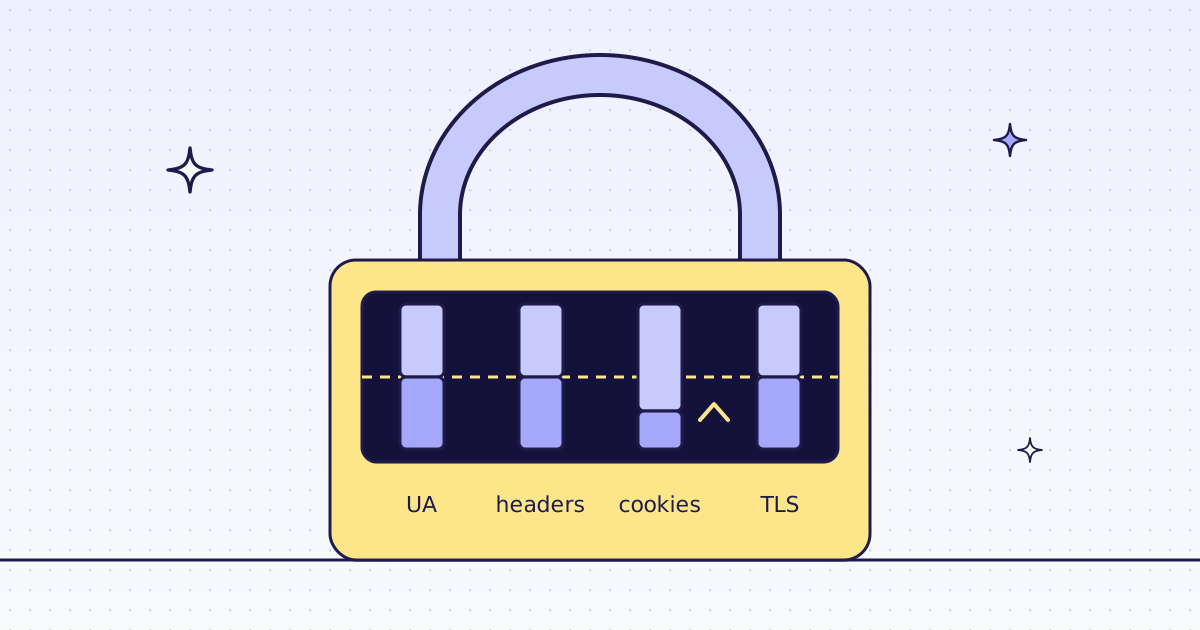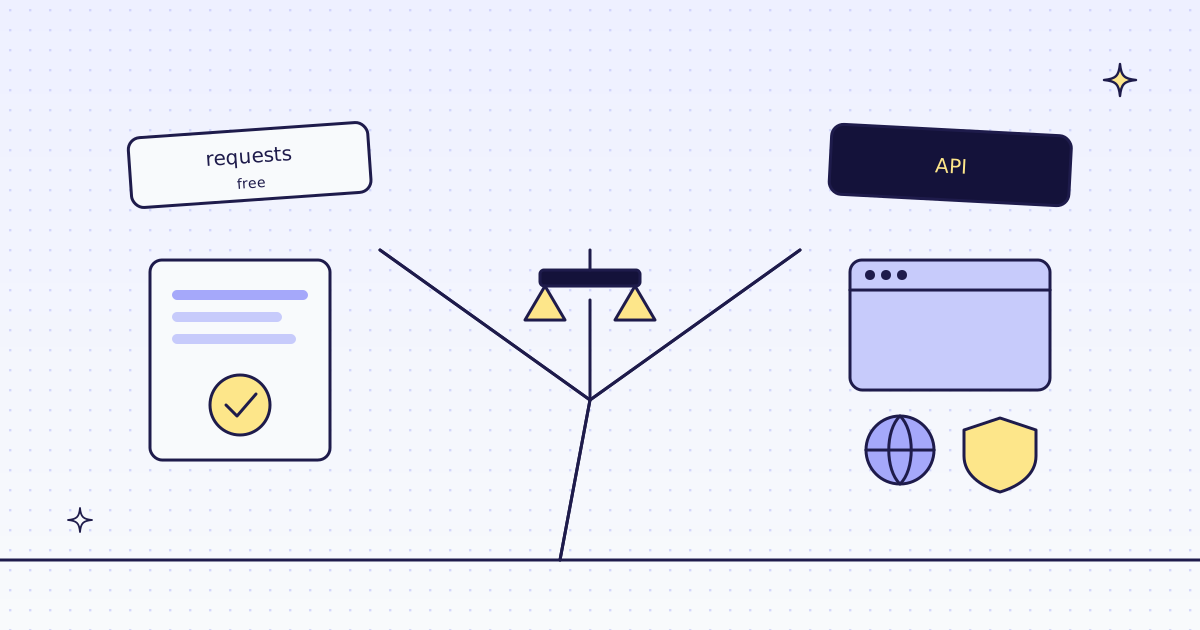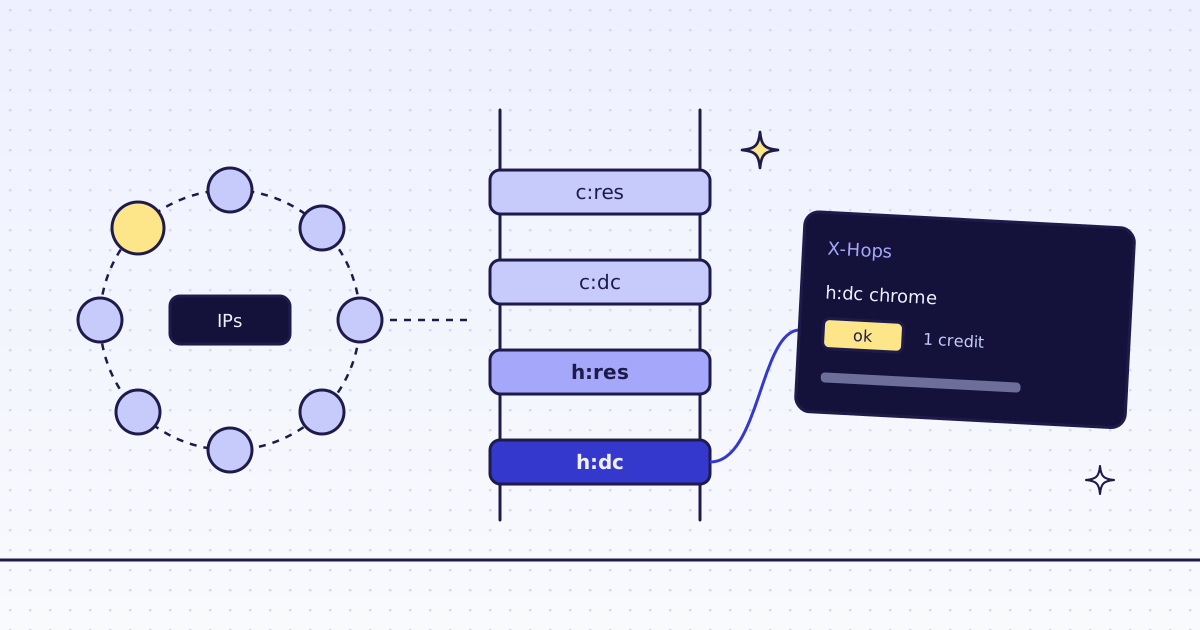
The short answer: you need rotating proxies for web scraping when a site blocks or slows you because of your IP address: too many requests from one address, a datacenter range it does not trust, or a country it serves differently. They do not help when the site blocks your headers, your TLS fingerprint or a missing browser, and they never get you past a CAPTCHA or a login. Find out which one it is first. Then either run a pool yourself, or send the URL to us: every request starts on a datacenter exit, climbs to residential only when the site blocks it, and lists each try in the X-Hops header.
What a rotating proxy pool does
A proxy sits between your script and the site. The site sees the proxy’s IP address, not yours. A rotating pool is a list of them, and your code picks a different one for each request, or after each block.
There are two kinds of exit:
- Datacenter IPs live in cloud and hosting ranges. They are fast and cheap, and many sites score them as “probably a bot”.
- Residential IPs belong to home connections. Sites trust them more. They cost much more, are slower, and are sold by the gigabyte.
A minimal pool in Python looks like this:
import itertools
import os

import requests

PROXIES = os.environ["PROXIES"].split()
pool = itertools.cycle(PROXIES)


def get(url, tries=3):
    for _ in range(tries):
        proxy = next(pool)
        r = requests.get(url, proxies={"http": proxy, "https": proxy}, timeout=30)
        if r.status_code not in (403, 429):
            return r
    return r
This is a sketch: it needs your own list of proxy URLs, and we did not run it for this post.
When rotating proxies for web scraping help
Rotating proxies fix problems that come from the IP address. Look for these signs:
- It works for a while, then stops. The first pages are fine, then every answer is a
429or a403. The site counts requests per IP. A new IP resets the count. (If the answer is429, read 429 Too Many Requests when scraping first: slowing down is cheaper than new IPs.) - It works from your laptop, but not from your server. Same code, same headers. The site trusts your home IP and not your cloud range. A residential exit fixes it.
- The page changes by country. Prices, stock and language follow the visitor’s country. You need an exit in that country.
When they do not help
Many blocks are not about the IP. A new IP with the same request gets the same answer:
- Headers and TLS. A request that says
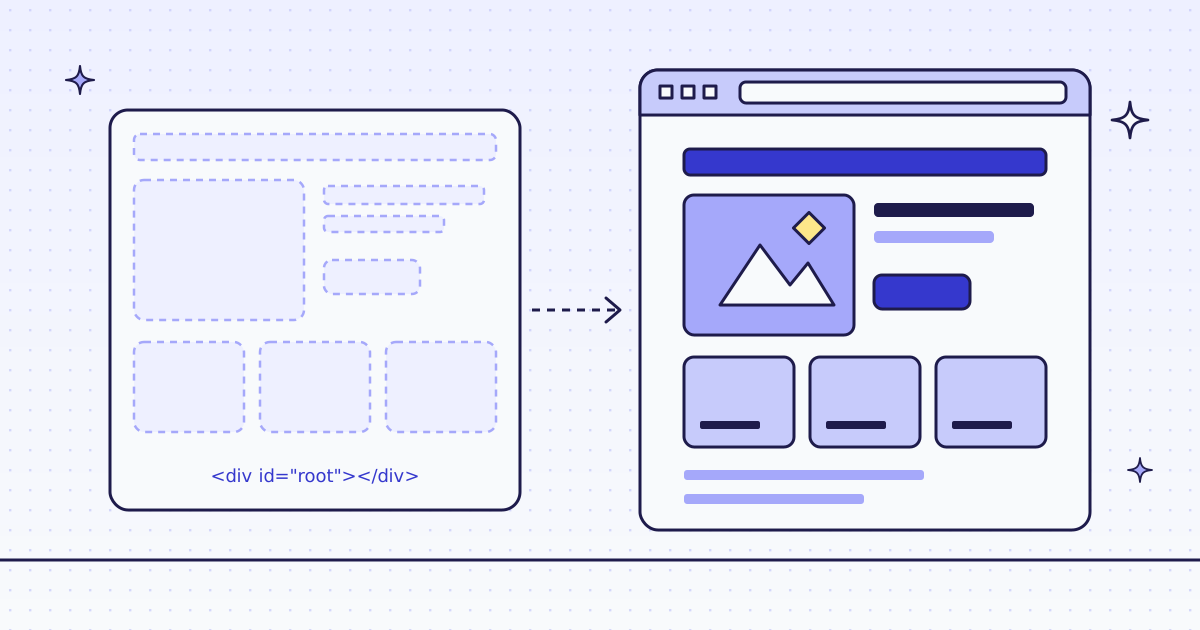
python-requestsin itsUser-Agent, or whose TLS hello looks like a library, is blocked from any IP. Fix it first: Why your scraper gets 403 Forbidden. - A JavaScript page. If the HTML is an empty shell, a proxy brings you the same empty shell. You need a browser, not an IP: How to scrape JavaScript-rendered pages.
- A CAPTCHA. It asks for a person. We do not solve CAPTCHAs.
- A login. A page behind your account is not a public page. We read public pages only.
What a pool costs to run
The proxy bill is the part you see. The rest is work:
- You pay for the tries that fail. A residential exit charges for the bytes it moved, blocked or not.
- You keep the pool healthy. Drop dead and banned IPs, add new ones, and find out which ones a site has flagged.
- You pick the tier per site. Datacenter where it works, residential only where it must, or you pay residential prices for every page.
- You keep one visitor together. Some sites set a cookie on page 1 and check it on page 2 from the same IP. A pool that rotates on every request breaks that.
- You still fix the headers and the TLS. The pool does nothing for those.
One request that climbs for you
With our API you do not keep a pool at all. You send a URL, and we route each request:
- We fetch the page over HTTP, as a recorded Chrome or Firefox, from a datacenter exit. It is the cheapest route.
- When the site blocks that, we try the next route your plan allows: a residential exit, then a real Chrome browser.
- A try that ended in a block we detected costs 0. You pay for the route that delivered the page.
This script fetches the Lab’s deal page and prints every try:
import json
import os
import sys

import requests

url = "https://lab.megalania.io/deals/"
extra = dict(arg.split("=", 1) for arg in sys.argv[1:])

r = requests.get(
    "https://get.megalania.io/v1",
    params={"url": url, "max_credits": "16", "max_age": "0", **extra},
    headers={"Authorization": f"Bearer {os.environ['MEG_API_KEY']}"},
    timeout=90,
)
if r.status_code != 200:
    err = r.json()["error"]
    sys.exit(f"{r.status_code} {err['code']}: {err['message']} untried={r.headers.get('X-Untried')}")

print("route:", r.headers["X-Route"], "exit country:", r.headers["X-Geo"])
for hop in json.loads(r.headers["X-Hops"]):
    print(f"  try {hop['rung']:5} as {hop['identity']:7} {hop['ms']:5} ms  {hop['outcome']}")
print("site answered:", r.headers["X-Target-Status"], "credits:", r.headers["X-Credits-Charged"])pip install requests export MEG_API_KEY='meg_sk_...' python show_route.py
What it printed:
route: http/datacenter exit country: US
  try h:dc  as chrome   1782 ms  ok
site answered: 200 credits: 1
One try was enough. The Lab lets datacenter IPs in, so we never paid for residential. On most sites, this is the whole story: the first route works, and a pool of residential IPs would have cost more for the same page.
max_creditsis the most this page may cost. We skip any route above it, so it also caps how far the climb goes.max_age=0asks for a fresh fetch. Without it, a copy of the page fetched in the last 5 minutes can answer, and no exit is used at all.
Read X-Hops
X-Hops is a JSON array, one entry per try, in order: the route (rung), the browser we looked like (identity), the time in milliseconds, and how it ended (outcome). The rungs are:
| Rung | Engine | Exit |
|---|---|---|
h:dc |
HTTP | datacenter |
h:res |
HTTP | residential |
c:dc |
a real Chrome | datacenter |
c:res |
a real Chrome | residential |
On a site that blocks datacenter IPs, the header shows the climb. This example is from our docs, not from the Lab:
[{"rung":"h:dc","identity":"chrome","ms":412,"outcome":"blocked"},{"rung":"c:dc","identity":"chrome","ms":2900,"outcome":"ok"}]When the climb ends blocked, the answer is a free 422 blocked. X-Untried names any route we did not try, for example one above your max_credits. No X-Untried means every route was tried.
Pick the exit yourself
Leave proxy_tier out, and the climb picks for you. Set it when you already know:
python show_route.py proxy_tier=residential
python show_route.py proxy_tier=residential country_code=de
python show_route.py proxy_tier=residential max_credits=4
What it printed:
route: http/residential exit country: US
  try h:res as chrome   1798 ms  ok
site answered: 200 credits: 8
route: http/residential exit country: DE
  try h:res as chrome   1072 ms  ok
site answered: 200 credits: 8
400 max_credits_too_low: max_credits is below the lowest price on this site, 8 credits. You are not charged. Raise max_credits to at least 8, or remove it. untried=None
proxy_tier=residentialskips the datacenter try. The same page cost 8 credits instead of 1.country_codepicks the exit country.X-Geosays which one we used.max_creditsbelow the route’s price is a free400before any try.session_idkeeps one visitor together: the same value leaves from the same exit and keeps its cookies. It uses a residential exit unless you also sendproxy_tier=datacenter. Fetch a page explains its rules.
What it costs
| Route | Credits for this page |
|---|---|
HTTP, datacenter (h:dc) |
1 |
HTTP, residential (h:res) |
8 |
Browser, datacenter (c:dc) |
15 |
Browser, residential (c:res) |
32 |
| A try that ended in a block we detected | 0 |
These are the quotes for the Lab from GET /v1/tier?host=.... Another site can cost more, and bigger pages add credits for their bytes. Check yours first with GET /v1/tier or the MCP tool check_site; both are free. Plans are on the pricing page.
How we measured: our dev cluster on 16 Nov 2026, from 06:22 to 06:25 UTC, the Lab store on our dev domain, one run of show_route.py for each line above.
Limits
- No CAPTCHA solving. A site that asks a person to solve a puzzle is saying no. The answer is a free
422 blocked. - No logins. We fetch public pages only. A page behind an account stays behind it.
- The climb can end blocked. Some sites block every route. Then
X-Untriedis empty, and retrying will not help today. - The browser on residential IPs is never picked on its own. Send
engine=browserandproxy_tier=residentialwhen you need it.
Fetch public pages only. Read the site’s terms and robots.txt, and follow them.