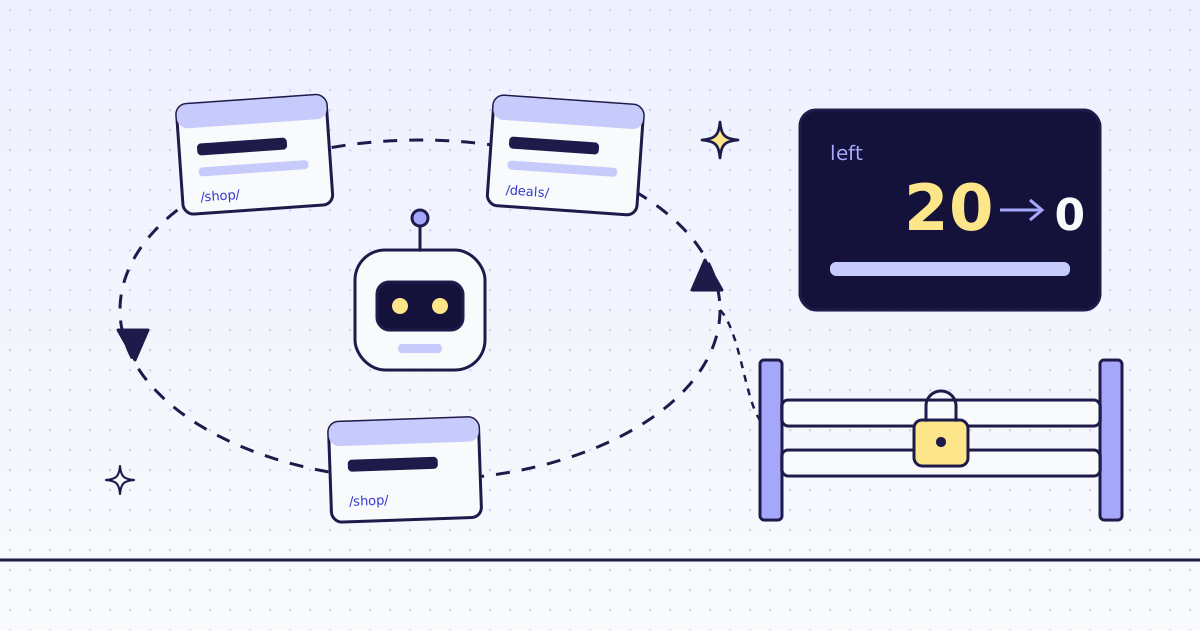
The short answer: to limit AI agent API cost on web pages, set four limits, from small to large. Ask the price of a site first, for free. Cap what one page may cost with max_credits; a page above it is refused before any try, for free. Give each agent run a budget in your own tool, and pass what is left as max_credits. Then set a monthly spend cap on the account. On our test store, lab.megalania.io, a 20-credit budget stopped a 25-call loop at call 20, and a browser call over the cap cost 0.
Where an agent’s credits go
An agent does not spend on purpose. It spends when it:
- loops: reads the same page again and again, because it forgot the answer or a step failed;
- climbs: a page needs a browser or a residential exit, which costs more than plain HTTP;
- fans out: one batch call with hundreds of URLs;
- guesses: invents URLs that do not exist. A target’s 404 is still a page we delivered.
Each limit below stops one of these. None of them needs the model to behave.
Ask the price first: free
Our MCP server has check_site. The agent calls it with a host, and gets the price of each route and how well each route worked there:
{"name": "check_site", "arguments": {"host": "lab.megalania.io"}}{"price": {"host": "lab.megalania.io", "price": 1, "tier": 1,
"quotes": {"datacenter": 1, "residential": 8, "browser": 15, "browser_residential": 32}},
"success": {"days": 7, "requests": 159,
"breakdown": [{"engine": "http", "tier": "datacenter", "block_share": 0.0}]}}Our balance was the same before and after the call. With REST, the same answers are GET /v1/tier and GET /v1/stats/domain, also free. Now the agent knows a plain page costs 1 credit here and a browser page 15, before it spends anything. More on the setup in Give your AI agent web access with an MCP server.
Cap each page: max_credits
max_credits is the most one page may cost. We skip every route above it. If no route is left, the answer is a 400 before any try:
curl -s -H "Authorization: Bearer $MEG_API_KEY" \
  "https://get.megalania.io/v1?url=https://lab.megalania.io/deals/&engine=browser&max_credits=8"
{"error":{"code":"max_credits_too_low","field":"max_credits","message":"max_credits is below the lowest price on this site, 15 credits. You are not charged. Raise max_credits to at least 15, or remove it."}}No X-Credits-Charged, and our balance did not move. The message names the lowest price, so an agent can decide to stop, or to ask you.
A page whose bytes would cost more than max_credits is not refused: it comes back cut at the bytes the cap pays for, with X-Truncated: max_credits. Either way, one page never costs more than the cap.
Cap each run: a budget in your tool
A cap per page does not stop a loop. Twenty pages at 1 credit is still 20 credits. So keep a budget for the run in the tool your agent calls, and send what is left as max_credits. The tool can never spend more than the budget, whatever the model asks:
import os

import requests

H = {"Authorization": f"Bearer {os.environ['MEG_API_KEY']}"}
left = 20


def read_page(url, page_cap=8, **params):
    global left
    cap = min(page_cap, left)
    if cap < 1:
        return "stopped: this run spent its credits"
    r = requests.get("https://get.megalania.io/v1", headers=H, timeout=90,
                     params={"url": url, "response_types": "markdown", "max_credits": cap, **params})
    spent = int(r.headers.get("X-Credits-Charged", 0))
    left -= spent
    if r.status_code != 200:
        return f"{r.status_code} {r.json()['error']['code']}, {spent} credits"
    return f"{r.status_code} {r.headers.get('X-Cache')}, {spent} credits"


pages = ["https://lab.megalania.io/shop/", "https://lab.megalania.io/deals/"]
print("browser:", read_page(pages[1], engine="browser"), "| left", left)
for i in range(25):
    print(i + 1, read_page(pages[i % 2]), "| left", left)
The loop plays a stuck agent: it reads the same two pages 25 times. What it printed, with the middle cut:
browser: 400 max_credits_too_low, 0 credits | left 20
1 200 miss, 1 credits | left 19
2 200 miss, 1 credits | left 18
3 200 hit, 1 credits | left 17
...
19 200 hit, 1 credits | left 1
20 200 hit, 1 credits | left 0
21 stopped: this run spent its credits | left 0
...
25 stopped: this run spent its credits | left 0
- The browser call was free. The cap of 8 is below the 15 the browser costs here.
- The run spent 20 credits, not 25. From call 21, the tool answers without a request.
- Repeats hit our cache. Calls 3 to 20 got a copy fetched in the last 5 minutes (
X-Cache: hit). A hit costs the cache price of your plan, never more than the fetch it copies. Here the fetch was 1 credit, so the hit was too. On the browser route the gap is large: we fetched the FAQ page with the browser for 15 credits, then the same request again, a hit, for 1.
Return the “stopped” text to the model as the tool’s answer, so it stops and answers with what it has. Keep your framework’s step limit too, like stopWhen: stepCountIs(5) in the AI SDK.
Caps our tools set for you
Our agent tools already do part of this. The model cannot change these numbers; you set them when you make the tools:
| Package | Per page | Per batch call |
|---|---|---|
@megalania/ai-sdk |
maxCredits, default 128 |
maxPages, default 100 |
langchain-megalania |
max_credits, default 128 |
max_pages, default 100 |
The Vercel AI SDK post shows a call that asked for max_credits: 100 and still met the cap of 8. In LangChain, the cap works the same way. These are caps per page and per batch, not per run. For a run, use the budget above.
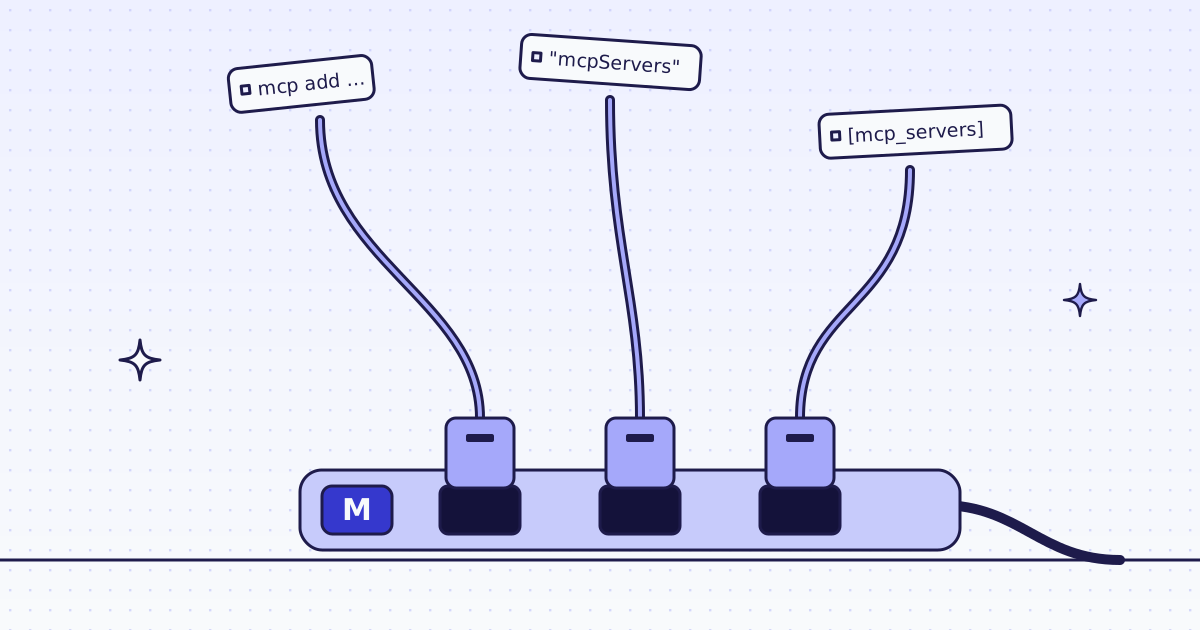
On our MCP server, max_credits is an argument of scrape, extract, create_batch and the other fetching tools, and the model fills it. A client like Claude or Cursor has no budget of its own there. That is why the next limit exists.
Cap the month: the spend cap
The account owner can set the most credits the account may spend in one UTC month:
curl -s -X PATCH "https://api.megalania.io/v1/account" \
  -H "Authorization: Bearer $MEG_ACCOUNT_KEY" \
  -H "Content-Type: application/json" \
-d '{"spend_cap": 50000}' | jq .caps.spend_cap- A request that would take the month past the cap answers
402 spend_cap, for free. A batch item endsfailedwith the same error. - It needs an account key (
meg_ak_) from an owner. A member can read the cap but not change it. - Set
alerts.webhook_urlon the account, and we send a signed POST at 50, 80 and 100% of the cap, and once when a request is stopped. - It resets at 00:00 UTC on the 1st. The dashboard sets it on Plan and billing too.
We read caps.spend_cap on our test account with GET /v1/account, which is free. No cap was set there, so this run did not hit a 402.
The spend cap is per account. There is no budget per key today. So give each agent its own key, and keep the budget in its tool. A key you revoke stops working in about 1 second.
What is free, and what is not
| Call | Credits |
|---|---|
check_site, GET /v1/tier, GET /v1/stats/domain |
0 |
get_usage, GET /v1/account |
0 |
A request over max_credits (400 max_credits_too_low) |
0 |
A request over the spend cap (402 spend_cap) |
0 |
| A block we detect, and every error of ours | 0 |
| A page from the Lab, datacenter route | 1 |
| A copy from our cache, of a 1-credit page | 1 |
| The FAQ page with the browser, fresh | 15 |
| The same, again within 5 minutes (cache hit) | 1 |
| A page that does not exist (the target’s 404) | 1 |
The Lab does not block anyone, so this run saw no block. A block we detect answers 422 blocked with X-Billing: blocked, and costs 0. Two more limits come with every plan: a daily usage limit (429 daily_cost_cap), and a daily share of free failed browser and residential tries (429 free_failures_spent). Both reset at 00:00 UTC. All the rules are in Credits. Plans are on the pricing page.
Watch what it spent
Every answer has X-Credits-Charged, so your tool can count. To ask after the fact, the agent can call get_usage on our MCP server, for free. It returns your balance, the credits held by work still running, today’s free failures, and one row per site: requests, pages delivered, pages blocked, credits, and credits per page delivered. The same rows are GET /v1/account/sites and the dashboard’s Usage page.
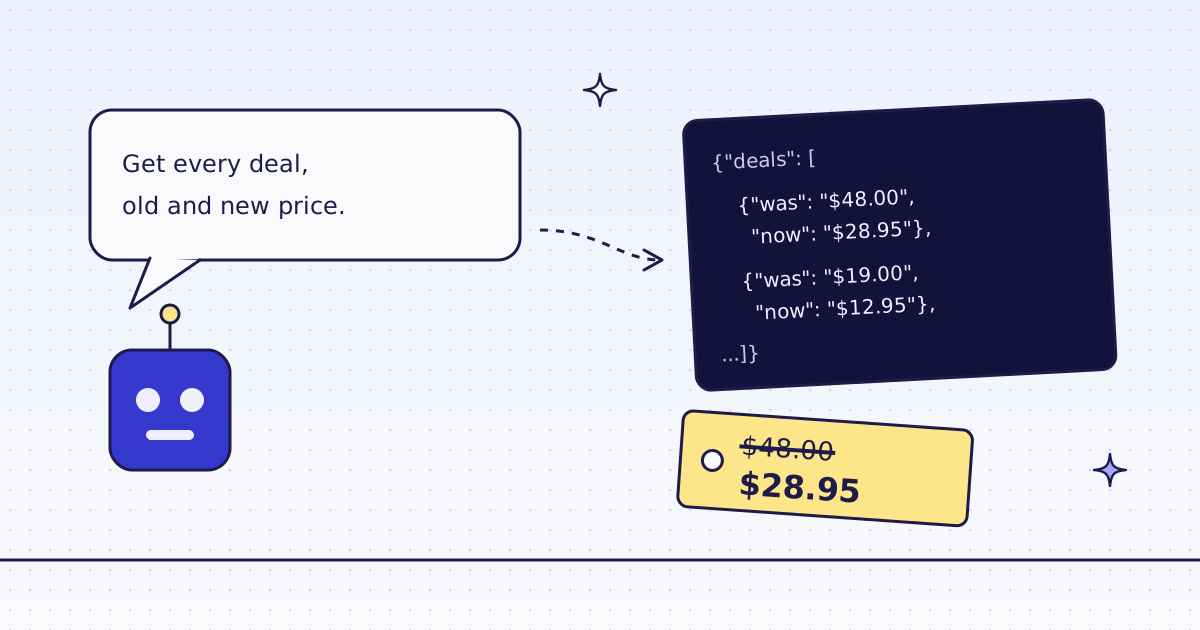
If an agent should read prices on a store, give it rules, not whole pages: Scrape product prices with an AI agent gets 8 products for 2 credits.
How we measured: our dev cluster on 16 Nov 2026, the Lab store on our dev domain. budget.py ran once, with Python 3 and requests 2.32.3. check_site and get_usage were called once each over our MCP server, with get_usage before and after check_site. The browser fetch, the cache hit and the 404 were single GET /v1 calls.
Limits
- The budget in
budget.pylives in one process. Two workers need a shared counter, or one key each with its own budget. - A cache hit is not free. It costs the cache price. Only the first fetch of a costly page saves much.
- The spend cap counts the whole account, monitors and batches too. It is not a budget for one agent.
- We cannot stop a model from asking. We can only make the answer cheap, or zero.
Fetch public pages only. Read the site’s terms and robots.txt, and follow them.