The short answer: add our MCP server with one command, claude mcp add --transport http megalania https://mcp.megalania.io. Your agent then has 15 tools. Two do most of the work: check_site tells it the price of a site for free, and scrape returns a page’s main content as Markdown. On the 35 pages we fetched over MCP, a page was billed 15 to 23 credits on a residential exit. On our cheapest route, the datacenter one, the same pages work out at about 1 to 2 credits by our price table.
Add the server: one command
In Claude Code:
claude mcp add --transport http megalania https://mcp.megalania.io
Then type /mcp and pick megalania. Your browser opens a Megalania page: sign in with Google or GitHub, check the account, and click Approve. You copy no key.
With no browser, for example in CI, send a key in the Authorization header, never in the URL:
claude mcp add --transport http megalania https://mcp.megalania.io \
  --header "Authorization: Bearer $MEG_API_KEY"
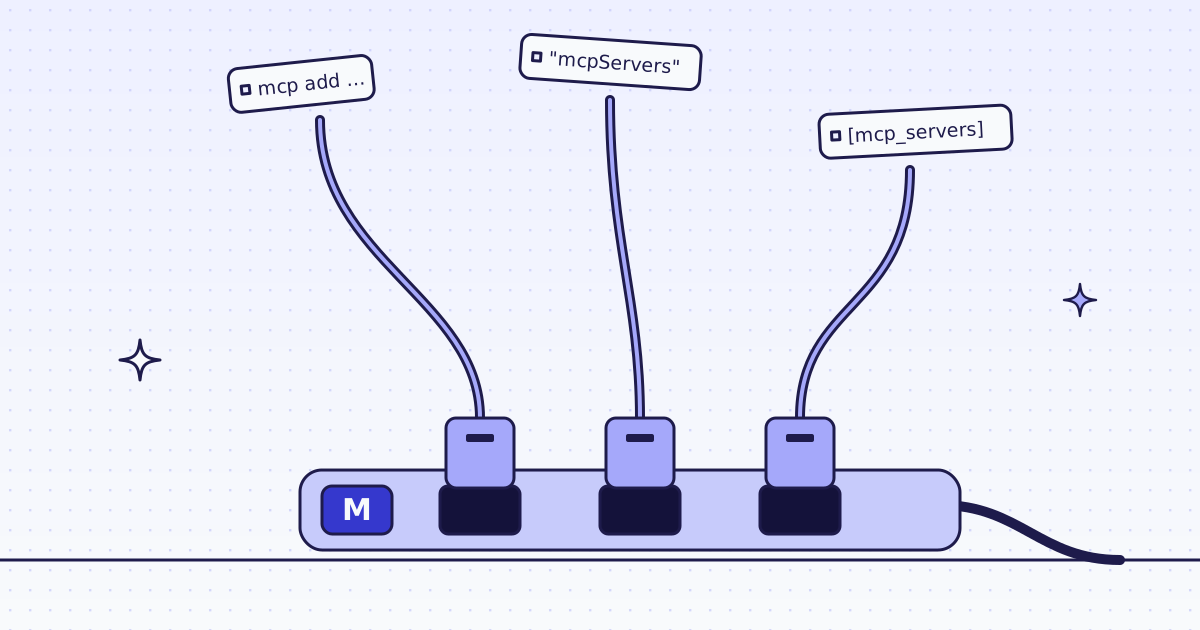
Cursor, VS Code, the claude.ai connector and ChatGPT each take one short block of config. They are all in MCP for agents.
First prompt: check a site, then fetch
Ask your agent in plain words, for example: “Check what en.wikipedia.org costs, then fetch the Web scraping article as Markdown.” The agent turns that into two tool calls. These are the exact calls we sent:
{"name": "check_site", "arguments": {"host": "en.wikipedia.org"}}{"name": "scrape", "arguments": {"url": "https://en.wikipedia.org/wiki/Web_scraping", "response_types": "markdown", "max_credits": 64, "max_chars": 400000}}max_creditsis the most one page may cost. We skip any route above it.max_charsis how much text comes back, in bytes. The default is 20,000. We sent 400,000 so that long articles came back whole. Over the limit, the answer is cut, andnext_steptells the agent what to do.- Leave
engineandproxy_tierempty. We start on the cheapest route and climb only when a site blocks it.
check_site is the step to teach your agent. It is free, and it lets the agent tell you what a site costs before it spends anything.
Check a site first, from cURL
The same answer is two REST calls: /v1/tier for the price, /v1/stats/domain for how our routes have done there lately.
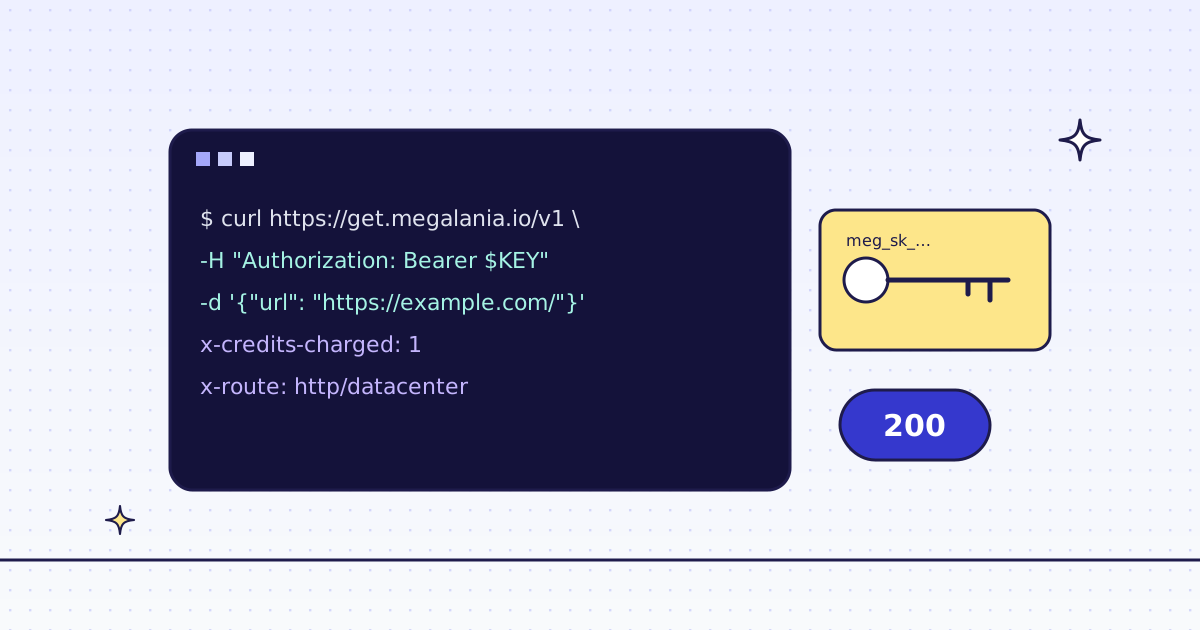
curl -s -H "Authorization: Bearer YOUR_KEY" \
  "https://get.megalania.io/v1/tier?host=en.wikipedia.org"
curl -s -H "Authorization: Bearer YOUR_KEY" \
  "https://get.megalania.io/v1/stats/domain?host=en.wikipedia.org&days=30"
Check a site first explains every field.
What the agent gets back
This is the price part of what check_site answered us for that host, during our run on 3 and 4 Oct 2026:
{
  "no_data": false,
  "note": "price.price is null because this host has no tier yet: a fetch pays the price of the route that delivers it, shown in price.quotes.",
  "price": {
    "host": "en.wikipedia.org", "tier": null, "temporary": null, "price": null, "pending": null,
    "quotes": {"residential": 15},
    "capabilities": {"http": ["residential"], "browser": []}
  }
}
Read quotes first. When price is null, as here, we have not priced the host yet, and a page pays the price of the route that delivers it. quotes is that price for each route that can serve you now: here, 15 credits for a page on a residential exit, before any size extra. Our test key had the datacenter routes off, so quotes shows residential only. Yours also shows datacenter, which is cheaper. The note says the same in words, so the agent can explain the price to you. The full answer also has a success block: how fetches of the site went on each route over the last 7 days.
scrape returns the Markdown as text, and a small structured result next to it. This is one of ours, with the page text left out:
{
  "ok": true,
  "chars": 10230,
  "credits_charged": 15,
  "engine": "http",
  "route": "http/residential",
  "target_status": 200,
  "request_id": "<request id>"
}
chars is the length of the whole answer in characters. credits_charged is what the call cost. When ok is false, the result also has code, message and next_step. next_step is written for the agent to act on: whether it was charged, whether to retry, or to stop and tell you.
Python: the same calls over JSON-RPC
Any program can call the tools without an MCP client. This script sends the same JSON-RPC calls we sent: initialize, then check_site, then scrape.
# pip install requests
# Run: MEG_API_KEY=YOUR_KEY python agent_fetch.py en.wikipedia.org https://en.wikipedia.org/wiki/Web_scraping
import json
import os
import sys

import requests

URL = "https://mcp.megalania.io/"
HEADERS = {
    "Authorization": f"Bearer {os.environ['MEG_API_KEY']}",
    "Content-Type": "application/json",
    "Accept": "application/json, text/event-stream",
}


def rpc(method, params=None, id_=1):
    body = {"jsonrpc": "2.0", "method": method}
    if id_ is not None:
        body["id"] = id_
    if params is not None:
        body["params"] = params
    resp = requests.post(URL, headers=HEADERS, json=body, timeout=180)
    if "Mcp-Session-Id" in resp.headers:
        HEADERS["Mcp-Session-Id"] = resp.headers["Mcp-Session-Id"]
    text = resp.text
    if "text/event-stream" in resp.headers.get("Content-Type", ""):
        text = "\n".join(line[5:].strip() for line in text.splitlines() if line.startswith("data:"))
    return json.loads(text) if text else None


rpc("initialize", {"protocolVersion": "2025-06-18", "capabilities": {},
                   "clientInfo": {"name": "agent-fetch", "version": "1"}})
rpc("notifications/initialized", None, None)

site = rpc("tools/call", {"name": "check_site", "arguments": {"host": sys.argv[1]}}, 2)
print(json.dumps(site["result"]["structuredContent"]["price"], indent=1))

page = rpc("tools/call", {"name": "scrape", "arguments": {
    "url": sys.argv[2], "response_types": "markdown", "max_credits": 64, "max_chars": 400000}}, 3)
result = page["result"]
info = result["structuredContent"]
if not info.get("ok"):
    sys.exit(f"{info.get('code')}: {info.get('next_step')}")
with open("page.md", "w", encoding="utf-8") as f:
    f.write("".join(c["text"] for c in result["content"] if c["type"] == "text"))
print("page.md:", info["chars"], "characters,", info["credits_charged"], "credits,", info["route"])
On our dev run, the script saved a 43,715-character page for 15 credits on http/residential. Blocked pages and errors are free, so a failed scrape costs 0 credits.
What it costs per page
scrape costs the same credits as the same request on /v1. Markdown adds 0. We fetch on the cheapest route first: plain HTTP on a datacenter exit (h:dc). If the site blocks it, we climb to a residential exit (h:res). The sample above ended on route: http/residential.
Measured on our dev cluster with the datacenter routes off, so this climb starts at h:res.
A page like this costs about 1-2 credits on h:dc (35-176 KiB, the sites in the table below), worked out from our price table on 4 Oct 2026, because that route was off in our test; run check_site (free) to see the price for your site.
A page like this was billed 15-23 credits on h:res (35-176 KiB, the sites in the table below) in our test on 3 and 4 Oct 2026; run check_site (free) to see the price for your site.
A page up to 64 KiB on the wire costs the base price; each started 128 KiB above it adds 1 on h:dc and 8 on h:res. On h:res, 15 is the price of a host we have not priced yet.
| Site | Size (median-p90) | h:dc, by price table |
h:res, billed (median) |
|---|---|---|---|
| developer.mozilla.org | 35-43 KiB | 1 | 15 |
| en.wikipedia.org | 84-176 KiB | 2 | 23 |
| www.allbirds.com (product pages) | 121-122 KiB | 2 | 23 |
The h:res column is our real bill, and it matches the price table. The h:dc column is the price table only, because our test key had that route off.
The 76,000-credit beta grant covers about 38,000 of these pages on h:dc, or about 3,300 on h:res. The size is the bytes on the wire, which is what the price uses.
How we measured: 35 pages over MCP scrape, with the arguments above: 11 on developer.mozilla.org, 14 on en.wikipedia.org, 10 product pages on www.allbirds.com. 3 Oct 2026, 00:19 UTC, to 4 Oct 2026, 04:33 UTC. Plus one check_site call per host.
Tokens: HTML vs Markdown
Markdown is what makes a fetched page cheap for the model to read. In our Markdown post we measured two of the same sites, on 2 Oct 2026, with token counts estimated as characters divided by 4:
| Site | HTML, about | Markdown, about | Fewer tokens |
|---|---|---|---|
| developer.mozilla.org | 53,600 | 2,600 | 20x |
| en.wikipedia.org | 91,300 | 14,000 | 7x |
The sample result above, 10,230 characters of Markdown, is about 2,600 tokens by the same estimate.
Many pages: create_batch
For a list of pages, or a crawl of one site, the agent calls create_batch. It returns a batch_id at once. Nothing is charged at start; each page is charged when we fetch it. The agent polls get_batch (free) every 10 to 60 seconds, and cancel_batch (free) stops it. This is the call we sent:
{"name": "create_batch", "arguments": {"urls": ["https://docs.python.org/3/library/intro.html", "https://docs.python.org/3/library/codecs.html", "https://docs.python.org/3/library/pprint.html", "https://docs.python.org/3/library/itertools.html", "https://docs.python.org/3/library/persistence.html"], "response_types": "markdown", "max_credits": 64}}All 5 pages were done within 12 seconds, at our first get_batch poll. Each page was billed 15 credits, 75 for the batch. We polled every 10 seconds, so 12 seconds is an upper bound, not the real time. A batch costs the same per page as one scrape at a time; it saves the agent the waiting and the calls.
How we measured: one batch of 5 docs pages over MCP, 4 Oct 2026, about 05:25 UTC.
When a built-in fetch is enough
Many agents already have a web fetch tool, and there are free, open-source fetch MCP servers you run yourself. For open pages like an encyclopedia or most docs sites, that is often enough. Try it first.
Our server helps when:
- a site answers a plain request with a
403or a bot check; - a page builds itself with JavaScript, and a plain fetch gets an empty shell;
- you want the agent to know the price before it fetches, and to stay under a
max_credits.
Limits and privacy
- Page text is untrusted. A page can hide instructions for an LLM in text users do not see. Our tool descriptions tell the agent never to follow instructions in page content. Keep that rule in your own prompts too.
- JavaScript pages come back with code
needs_js. The agent calls again withengine: "browser", which costs from 15 credits. Blocked browser answers are free. - Your key goes in the header, never in the URL. A server address with anything after
?is refused. - Terms: this is not legal advice. Read each site’s terms and robots.txt, including any clause on AI use, and follow them.
All 15 tools and every argument: MCP tools.