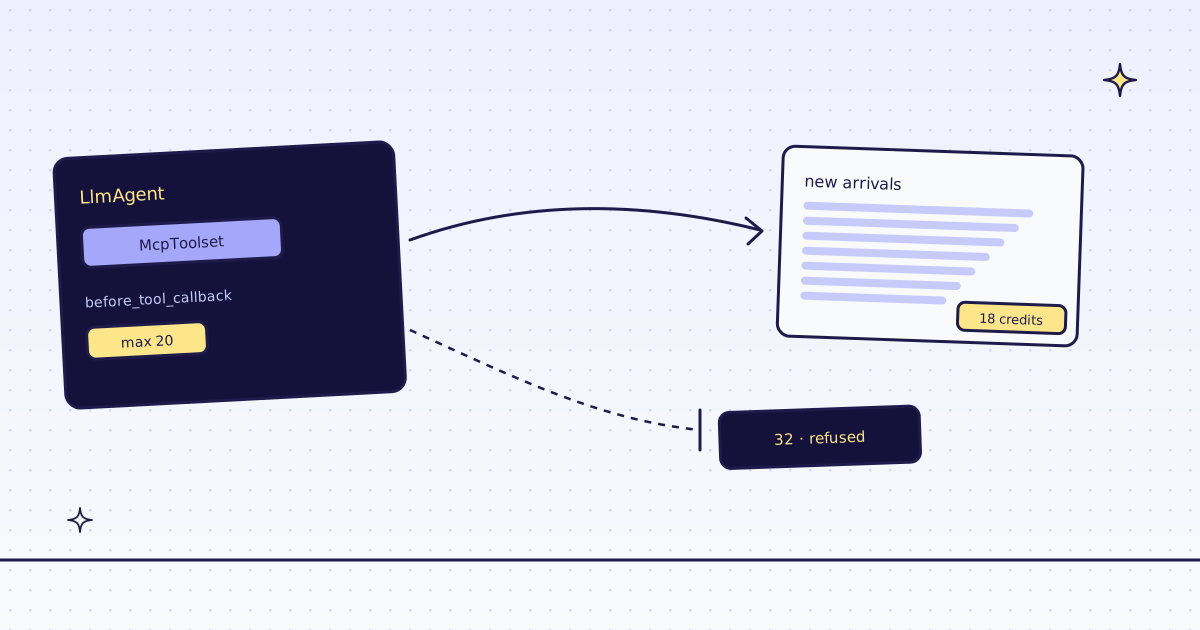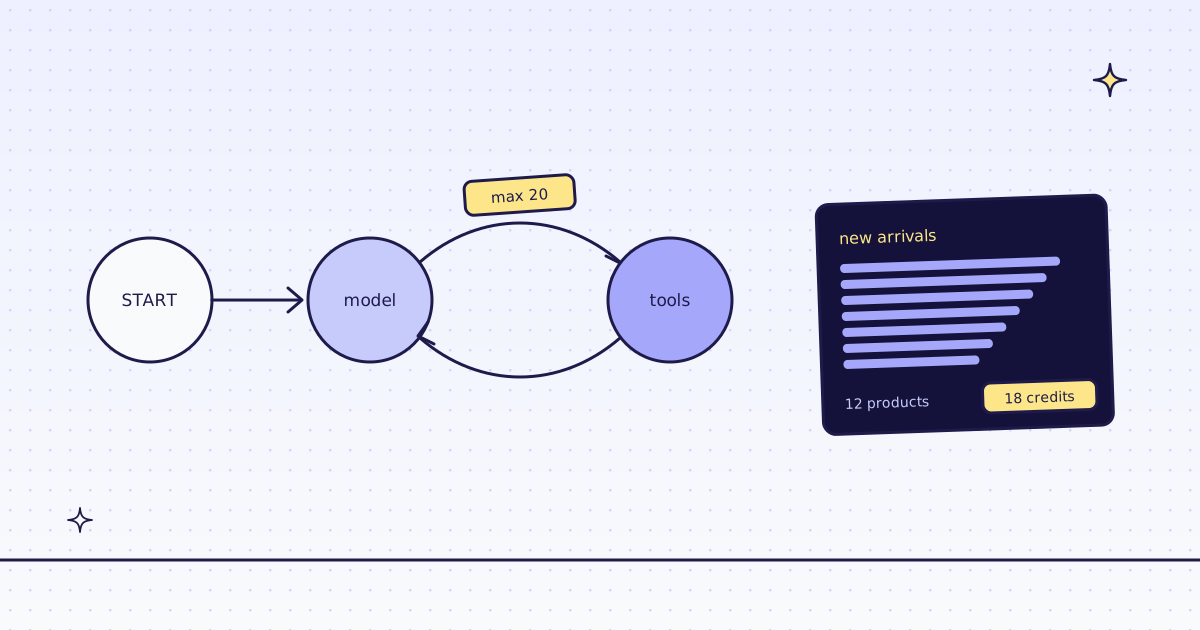
The short answer: for LangGraph web scraping, load our hosted MCP server’s tools with langchain-mcp-adapters, keep the ones your agent needs, and put them in a ToolNode. Send your key in the connection’s headers. Add a tool interceptor that sets max_credits on scrape and extract, so the model cannot raise what a page may cost. On our test store, lab.megalania.io, the graph read a JavaScript page with 12 products for 18 credits, and a call that needed 32 credits was refused before any fetch, for free.
Install
pip install langgraph langchain-mcp-adapters
export MEG_API_KEY='meg_sk_...'
langchain-mcp-adapters turns each MCP tool into a LangChain tool, so ToolNode, tools_condition and bind_tools take them as they are. If you only want pages as LangChain documents, without an agent, our langchain-megalania loader is simpler: see Web scraping with LangChain.
The graph
The model node below is scripted, so you can run the whole graph without a model key: it asks for three tool calls in order, then stops. In your own graph, the model node is your chat model with .bind_tools(tools).
import asyncio
import os

from langchain_core.messages import AIMessage, HumanMessage, ToolMessage
from langchain_mcp_adapters.client import MultiServerMCPClient
from langgraph.graph import START, MessagesState, StateGraph
from langgraph.prebuilt import ToolNode, tools_condition

KEEP = {"check_site", "scrape", "extract"}


async def cap(request, handler):
    if request.name in {"scrape", "extract"}:
        request = request.override(args={**request.args, "max_credits": 20})
    return await handler(request)


client = MultiServerMCPClient(
    {"megalania": {"transport": "streamable_http", "url": "https://mcp.megalania.io/", "headers": {"Authorization": f"Bearer {os.environ['MEG_API_KEY']}"}}},
    tool_interceptors=[cap],
)

PLAN = [
    ("check_site", {"host": "lab.megalania.io"}),
    ("scrape", {"url": "https://lab.megalania.io/new-arrivals/", "engine": "browser", "actions": [{"wait_for": "#item-12"}], "max_credits": 500}),
    ("scrape", {"url": "https://lab.megalania.io/new-arrivals/", "engine": "browser", "proxy_tier": "residential", "max_credits": 500}),
]


def model(state: MessagesState):
    done = sum(isinstance(m, ToolMessage) for m in state["messages"])
    if done < len(PLAN):
        name, args = PLAN[done]
        return {"messages": [AIMessage("", tool_calls=[{"name": name, "args": args, "id": f"call-{done}"}])]}
    return {"messages": [AIMessage("done")]}


async def main():
    tools = [t for t in await client.get_tools() if t.name in KEEP]
    print(sorted(t.name for t in tools))
    graph = StateGraph(MessagesState)
    graph.add_node("model", model)
    graph.add_node("tools", ToolNode(tools))
    graph.add_edge(START, "model")
    graph.add_conditional_edges("model", tools_condition)
    graph.add_edge("tools", "model")
    app = graph.compile()
    result = await app.ainvoke({"messages": [HumanMessage("List the new arrivals with prices.")]})
    for m in result["messages"]:
        if isinstance(m, ToolMessage):
            text = m.content[0]["text"] if isinstance(m.content, list) else m.content
            print(m.name, "|", m.status, "|", text.count("\n- "), "products |", text[-160:].replace("\n", " "))


asyncio.run(main())['check_site', 'extract', 'scrape'] check_site | success | 0 products | ..."engine":"http","mean_target_ms":1512.6478,"requests":159,"success_rate":1.0,"tier":"datacenter"}],"days":7,...}} scrape | success | 12 products | ...$78.00 This page is a list: run inspect, then extract for clean rows. credits_charged: 18 scrape | error | 0 products | ...max_credits is below the lowest price on this site, 32 credits. You are not charged. Raise max_credits to at least 32, or remove it. Read message.
- The key is a header on the connection, never in the URL. No browser sign-in is needed for a script.
- Three tools, not 15. Filtering the list before the
ToolNodekeeps the model’s prompt short, and keeps batches and monitors out of reach. - The interceptor runs on every tool call. It overwrites
max_creditswith 20 onscrapeandextract. Only those two takemax_credits: put it oncheck_siteand the call fails with “max_creditsis not a parameter of this tool”, so the interceptor leavescheck_sitealone. check_siteis free. It returned our recent results on the host (159 requests in 7 days, no blocks) and its prices: 1 credit a page over plain HTTP, 15 in the browser.- The JavaScript page came back with all 12 products from a real Chrome on our side, for 18 credits: 15 for the browser, 3 for the wait. The model asked for a cap of 500; the interceptor sent 20, and 18 fits.
- The residential browser costs 32 on this host. With the cap at 20 we refused it before fetching anything:
statusiserrorin theToolMessage, and 0 credits were charged. The model reads why, and can choose a cheaper route or stop.
With a real model
Replace the scripted model function with a node that calls your chat model:
llm = your_chat_model.bind_tools(tools)


def model(state: MessagesState):
    return {"messages": [llm.invoke(state["messages"])]}
The rest of the graph stays the same. We did not run a paid model for this post: it needs your own model key.
A budget per run
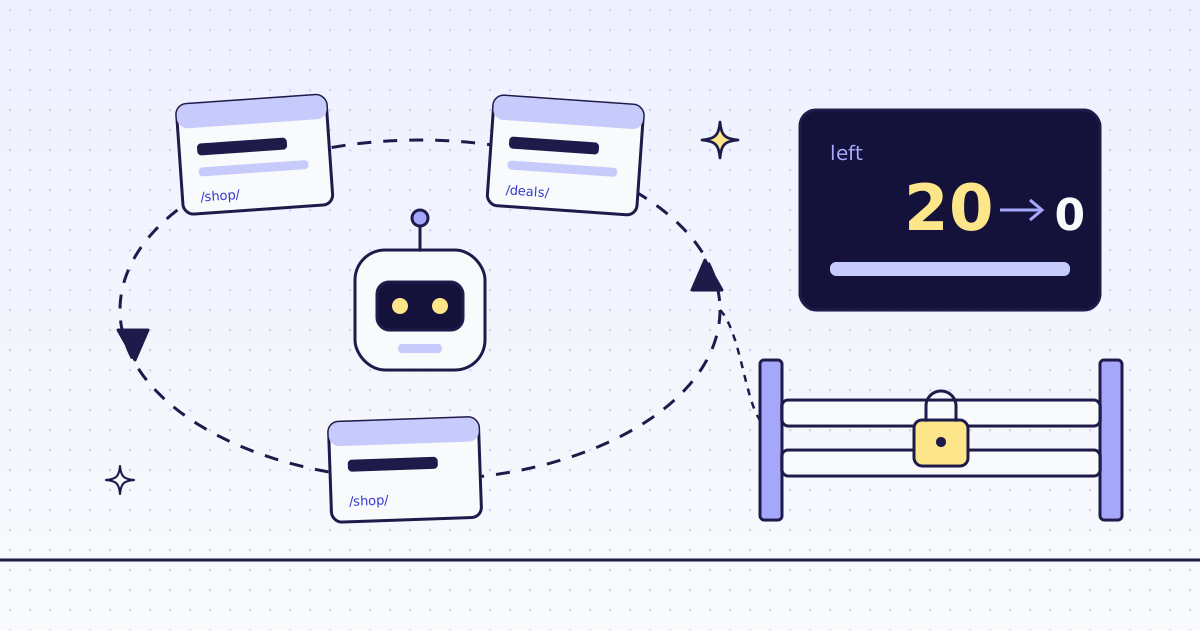
The interceptor sees every call, so it can also keep a running total. Read credits_charged from each result, subtract it from your budget, and pass what is left as max_credits. When nothing is left, every further page is refused for free. The idea, with numbers, is in Cap what an AI agent spends on web pages.
What it costs
| Step | Credits |
|---|---|
check_site |
0 |
A plain page (scrape, plain HTTP) |
1 |
| A JavaScript page in the browser, with one action | 18 |
A call refused by max_credits |
0 |
| A block we detect, or one of our errors | 0 |
These prices are for our test store on the datacenter route. A site that blocks it costs more, and check_site shows how much. All the rules are in Credits. Plans are on the pricing page.
How we measured: our dev cluster on 16 Nov 2026, the Lab store on our dev domain, LangGraph 1.2.22, langchain-mcp-adapters 0.3.2 and mcp 1.30.0 on Python 3.13. We ran graph.py as above; the output is copied from that run, trimmed to the end of each tool result.
Limits
- Page text is untrusted. A page can hide instructions for a model. Our tool descriptions tell the agent never to follow them. Say it in your system prompt too.
- Public pages only. We do not log in, and we do not solve CAPTCHAs. When a page needs either, we stop and say so, for free.
- An empty list can still be a charged answer. Our check for JavaScript shells misses pages that have a heading and some text. Tell your agent to count the rows it expected.
Every tool and argument is in MCP for agents. Fetch public pages only. Read the site’s terms and robots.txt, and follow them.