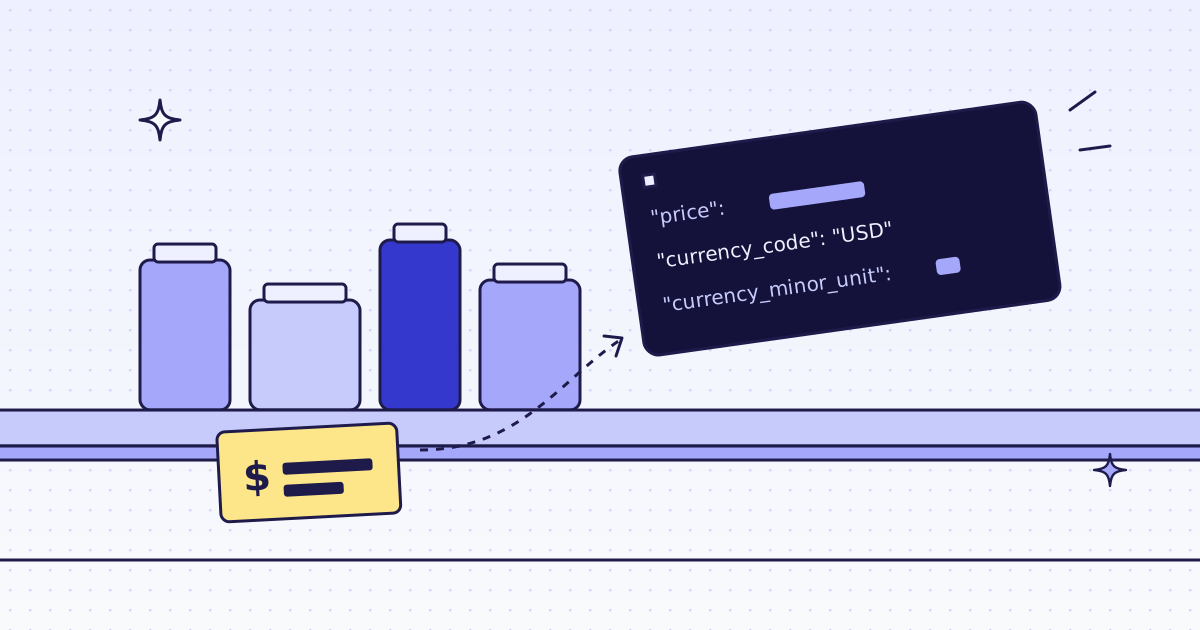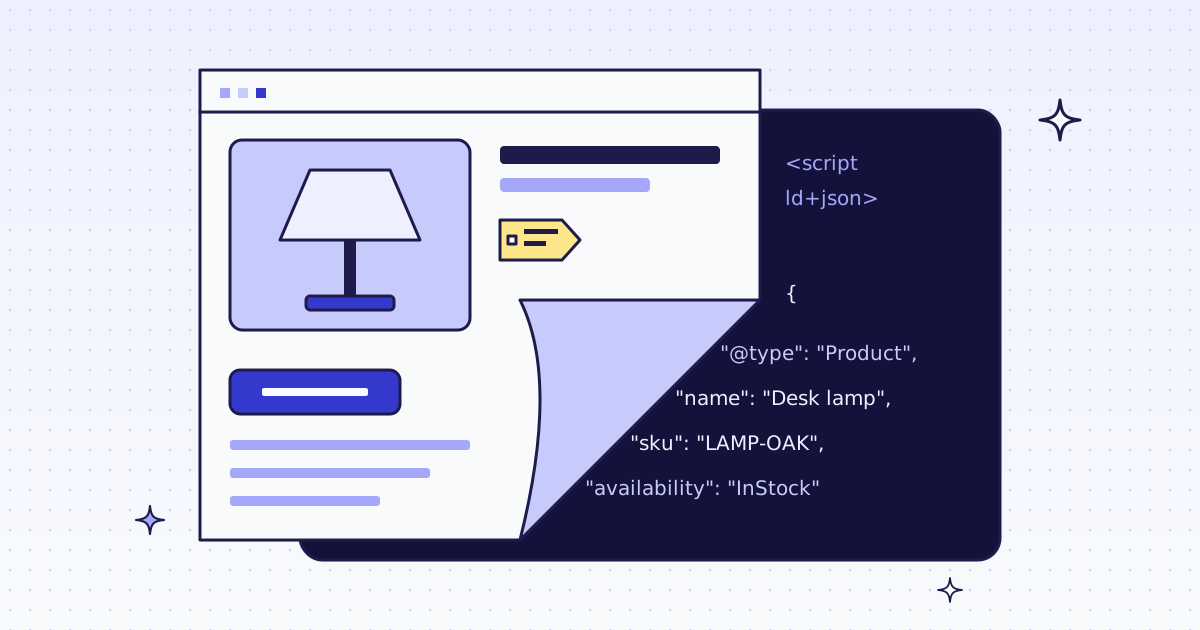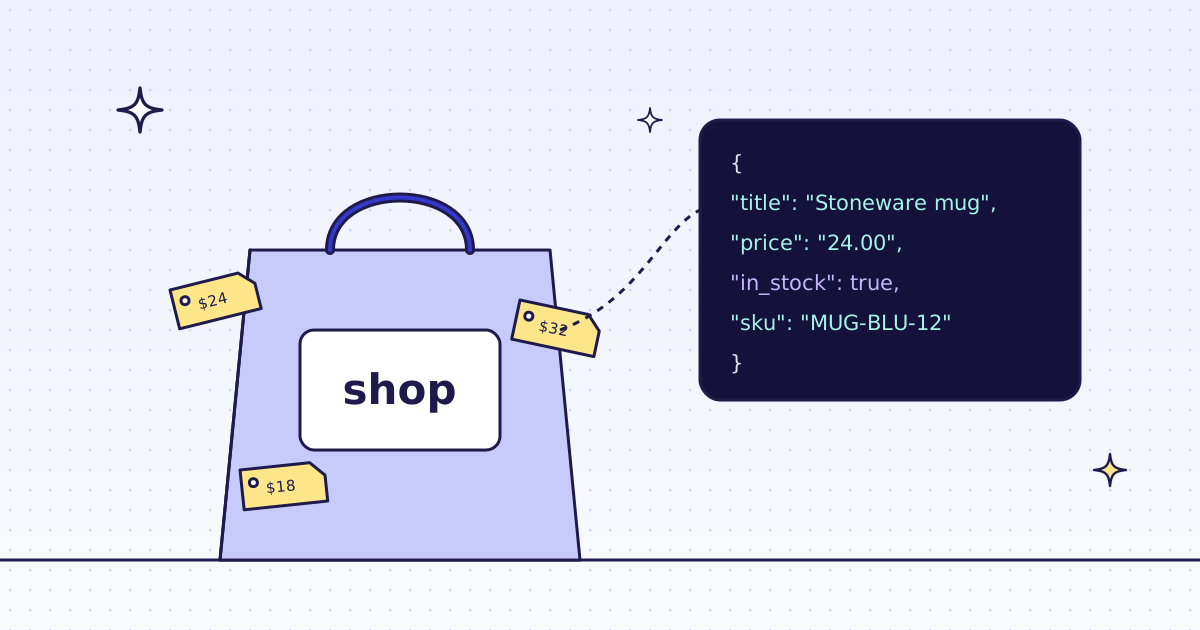
The short answer: try the store’s free /products.json first. If it is off or blocked, send one request with six extract rules. Shopify themes put the title, price and currency in og: meta tags, and the SKU and stock in the product JSON-LD. Both are on every product page, whatever the theme looks like.
{
  1"title": "Stoneware mug",
  2"price": "24.00",
  3"currency": "USD",
  4"availability": "…/InStock",
  5"sku": "MUG-BLU-12"
}
Try the free way first: /products.json
Many Shopify stores answer a JSON address with no key and no cost. Try it before you pay anyone, us included:
STORE='https://www.allbirds.com'
curl -s "$STORE/products.json?limit=250&page=1"
curl -s "$STORE/products/mens-runner-nz-slip-on-mushroom.json"
On 2 Oct 2026, /products.json answered on all three stores we measured. Each variant has its price, compare_at_price, sku and available. It is the only route here that gives you the compare-at (old) price. It is not enough when:
- The store turned it off, or put it behind a password or a login.
- The store blocks it with a bot check, or answers
429after a few calls. - You need what the shopper sees on the page, for example the price in the page’s currency.
What a product page gives you
Every Shopify store puts its products at /products/<handle>. The theme changes the look, but the data in the page head stays the same:
- Title, price, currency: the
og:title,og:price:amountandog:price:currencymeta tags. - SKU and stock: the
ProductJSON-LD block that search engines read. Itsoffersholds the availability, as one object on some stores and as a list on others.
Read the meta tags for the first three and the JSON-LD for the last two. That mix is the recipe below. On our test run it filled all 5 fields on 33 of 33 product pages, on three stores with three different themes.
Check a store first
Before a big run, ask about the host. It is free. Over MCP, your agent calls check_site:
{"name": "check_site", "arguments": {"host": "www.allbirds.com"}}From cURL, the same answer is two calls: /v1/tier for the price, /v1/stats/domain for how our routes have done there lately.
curl -s -H "Authorization: Bearer YOUR_KEY" \
  "https://get.megalania.io/v1/tier?host=www.allbirds.com"
curl -s -H "Authorization: Bearer YOUR_KEY" \
  "https://get.megalania.io/v1/stats/domain?host=www.allbirds.com&days=30"
This is what /v1/tier answered us on 2 Oct 2026:
{"host": "allbirds.com", "tier": null, "temporary": null, "price": null, "pending": null,
 "quotes": {"residential": 15}, "capabilities": {"http": ["residential"], "browser": []}}
tier: null means we have not priced this host yet, so a page pays the price of the route that delivers it, and quotes shows that number. Our test key had the datacenter routes off, so it shows residential only. Yours also shows datacenter, which is cheaper. Check a site first explains every field.
Your first request (cURL)
The body is the exact one we ran. Send it with a heredoc, so the quotes in the rules need no shell escaping:
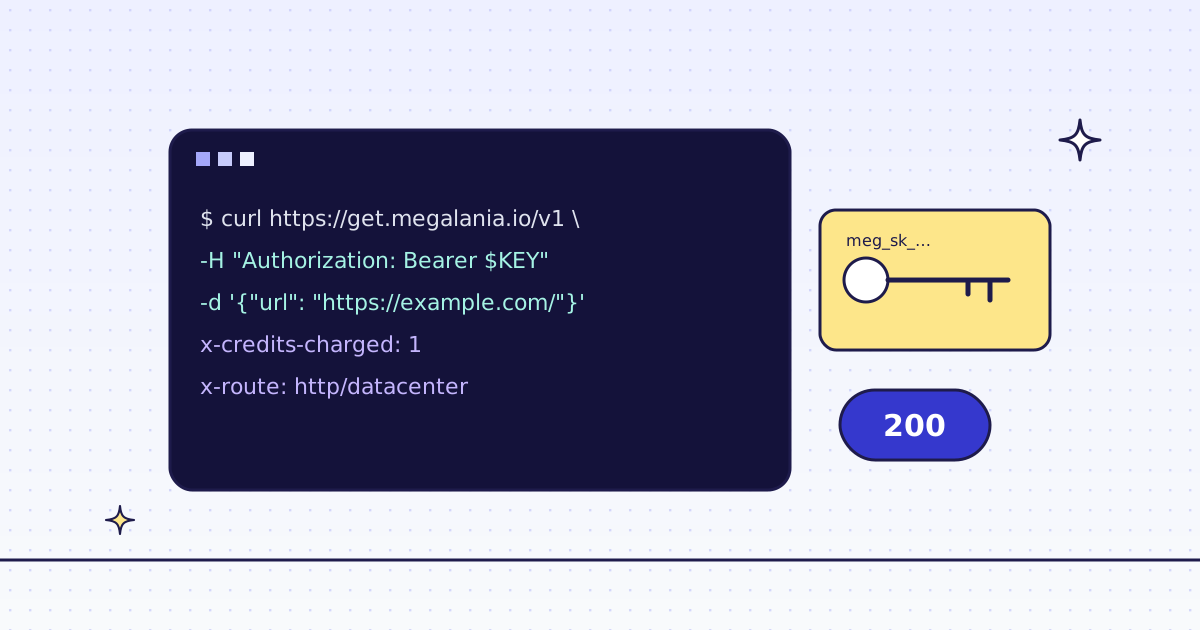
curl -sS https://get.megalania.io/v1 \
  -H "Authorization: Bearer YOUR_KEY" \
  -H "Content-Type: application/json" \
  -D headers.txt \
  --data @- <<'EOF'
{
  "url": "https://www.allbirds.com/products/mens-runner-nz-slip-on-mushroom",
  "response_types": "json",
  "extract": "title:meta[property=\"og:title\"]@content|price:meta[property=\"og:price:amount\"]@content|currency:meta[property=\"og:price:currency\"]@content|availability:script[type=\"application/ld+json\"]@json(offers.availability)|availability_variant:script[type=\"application/ld+json\"]@json(offers.0.availability)|sku:script[type=\"application/ld+json\"]@json(sku)",
  "max_credits": "64"
}
EOF
One rule is name:selector. @content reads an attribute. @json(path) reads a value out of a JSON script on the page. There are two availability rules because offers is an object on some stores and a list on others; one of them comes back null. max_credits is the most this page may cost; we skip any route above it.
Python: title, price, stock and SKU
The same rules and the same body, with the checks a script needs:
# pip install requests
# Run: MEG_API_KEY=YOUR_KEY python shopify.py 'https://www.allbirds.com/products/mens-runner-nz-slip-on-mushroom'
import os
import sys
import uuid

import requests

LD = 'script[type="application/ld+json"]'
RULES = "|".join([
    'title:meta[property="og:title"]@content',
    'price:meta[property="og:price:amount"]@content',
    'currency:meta[property="og:price:currency"]@content',
    f"availability:{LD}@json(offers.availability)",
    f"availability_variant:{LD}@json(offers.0.availability)",
    f"sku:{LD}@json(sku)",
])

resp = requests.post(
    "https://get.megalania.io/v1",
    headers={
        "Authorization": f"Bearer {os.environ['MEG_API_KEY']}",
        "Idempotency-Key": str(uuid.uuid4()),
    },
    json={"url": sys.argv[1], "response_types": "json", "extract": RULES, "max_credits": "64"},
    timeout=90,
)
if resp.status_code != 200:
    err = resp.json()["error"]
    sys.exit(f"{resp.status_code} {err['code']}: {err['message']}")

item = resp.json()
availability = item["availability"] or item["availability_variant"] or ""
in_stock = availability.endswith("InStock")
print(item["title"], "|", item["price"], item["currency"], "|", in_stock, "|", item["sku"])
print("credits:", resp.headers["X-Credits-Charged"], "route:", resp.headers["X-Route"])
A rule that matches nothing comes back as null, so your code sees it instead of crashing. A block is HTTP 422 with error.code blocked and X-Billing: blocked, and it costs 0 credits, so the status check catches it. X-Hops on that answer lists every route we tried.
Sample output
Five product pages through the script above. The products are made up; the shape is real.
| title | price | currency | in_stock | sku |
|---|---|---|---|---|
| Stoneware mug | 24.00 | USD | true | MUG-BLU-12 |
| Merino beanie, charcoal | 18.00 | USD | true | BN-CHR-01 |
| Canvas tote, natural | 29.00 | USD | false | TOTE-NAT |
| Pour-over kettle, 1 L | 64.00 | USD | true | KTL-1000 |
| Linen apron, olive | 35.00 | USD | true | APR-OLV |
The keys never change between pages, which keeps a CSV or a database table simple.
What it costs
We fetch on the cheapest route first: plain HTTP on a datacenter exit (h:dc). If the store blocks it, we climb to a residential exit (h:res). The response headers say what happened:
x-credits-charged: 24
x-engine: http
x-hops: h:res:chrome=2049
x-identity: chrome
x-route: http/residential
x-target-status: 200
Measured on our dev cluster with the datacenter routes off, so this climb starts at h:res.
A page like this costs about 3 credits on h:dc (117-122 KiB, our measured median-p90), worked out from our price table on 2 Oct 2026, not from a test bill; run check_site (free) to see the price for your site.
A page like this was billed 24 credits on h:res (117-122 KiB, our measured median-p90) in our test on 2 Oct 2026; run check_site (free) to see the price for your site.
How the 3 adds up: 1 for the page, 1 for JSON output, and 1 for the started 128 KiB above the 64 KiB included. On h:res the page is 15 on a host we have not priced yet, plus 1 for JSON, plus 8 for the extra block.
| Route | Credits a page | Per 1,000 pages |
|---|---|---|
h:dc |
3 | 3,000 |
h:res |
24 | 24,000 |
The 76,000-credit beta grant covers about 25,000 of these pages on h:dc, or about 3,200 on h:res. The size is the bytes on the wire, which is what the price uses.
How we measured: 33 product pages on colourpop.com, www.allbirds.com and www.deathwishcoffee.com, 2 Oct 2026, 23:08 to 23:15 UTC, with the request body above.
When it fails, and the store’s terms
- Blocks we detect are free. The answer carries
X-Billing: blockedand costs 0 credits. Each try shows inX-Hops. - Errors are free. Every error has a code and a fix in Error codes.
- A page that needs a real browser costs from 15 credits on Browser datacenter. We did not need it on these stores.
This is not legal advice. Fetch public pages only, and do not log in or get past a store password. Read each store’s terms and robots.txt, and follow them. Shopify’s default robots.txt blocks the cart, the checkout and sorted collections, not /products/. Do not collect personal data, such as reviewer names. Keep your rate low: prices rarely change every minute.
To track these fields every day, the next step is a batch of product URLs: Batches.