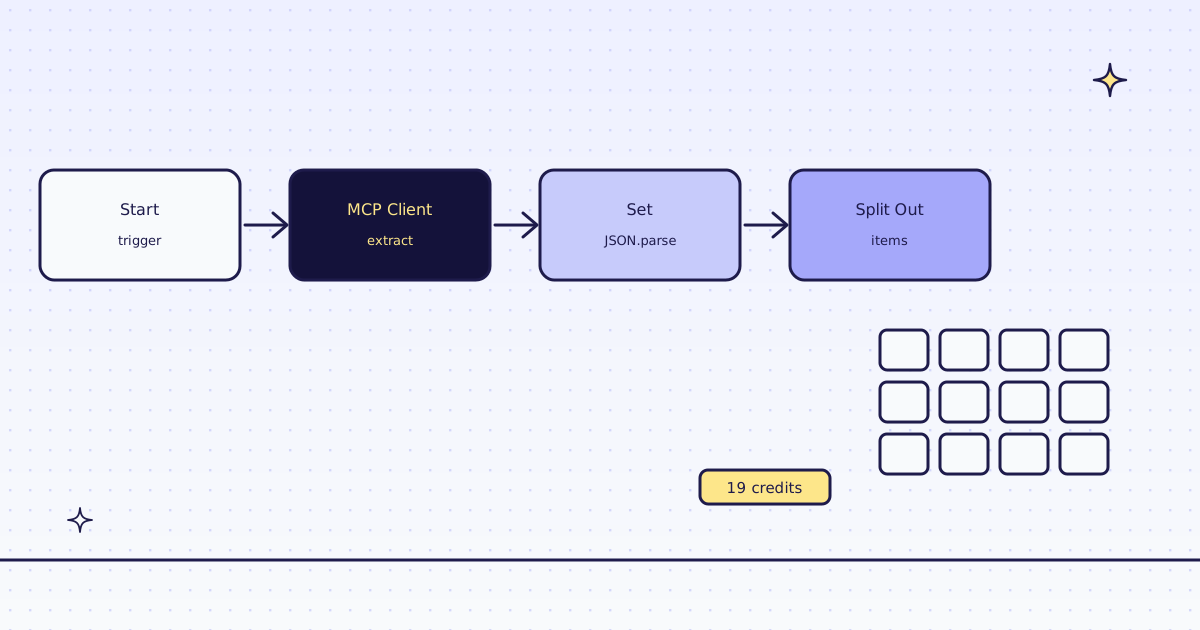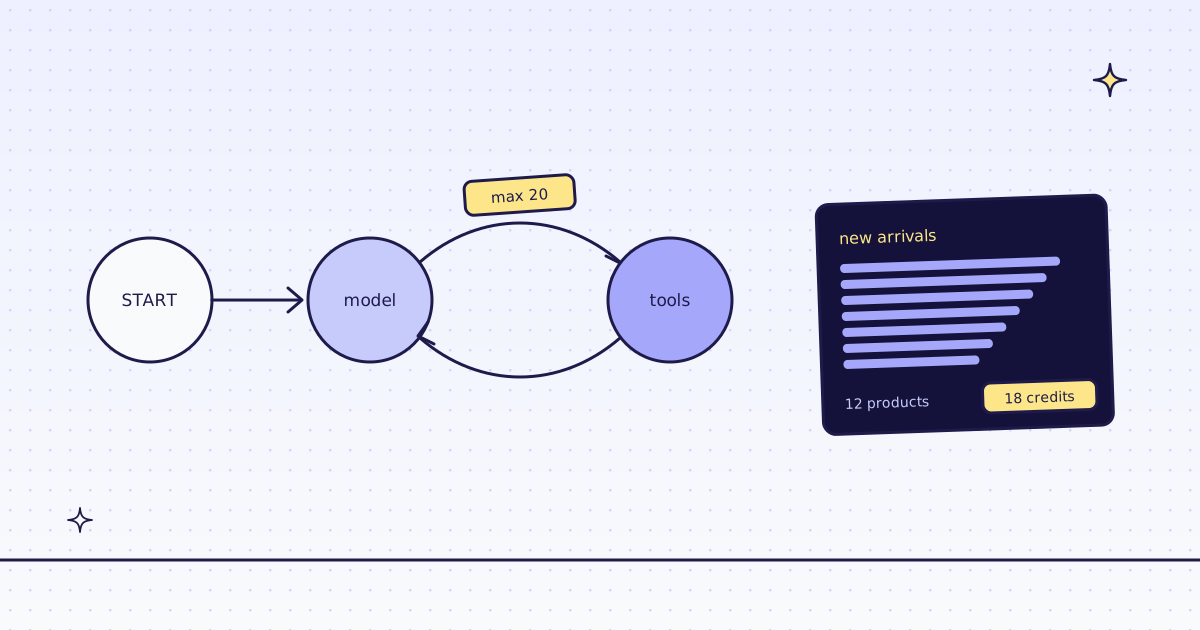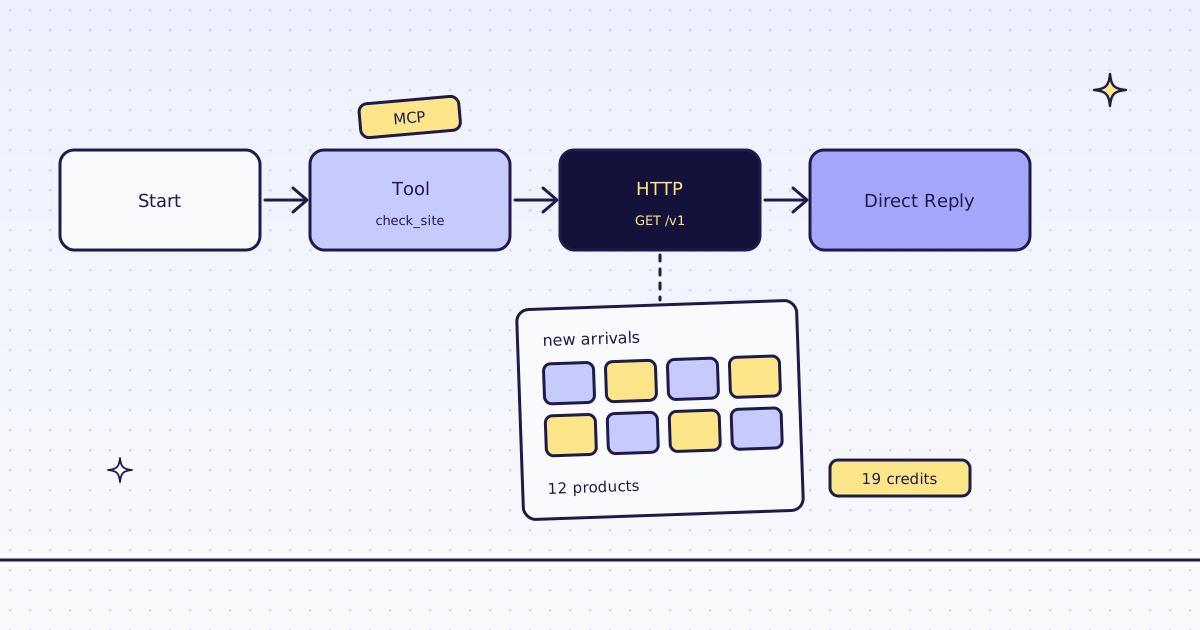
The short answer: for Flowise web scraping, use two nodes Flowise already has. The Tool node with Custom MCP calls our hosted MCP server, for example check_site, which tells you a site’s price for free. The HTTP node calls our API with the page in a query parameter, and a real Chrome on our side reads it when it needs JavaScript. Keep your key in a Flowise variable and an HTTP Bearer Token credential, never in the URL. On our test store’s new arrivals page, an Agentflow with no model got all 12 products for 19 credits.
Before you start
- Flowise 3.1 with Agentflows. We ran 3.1.4 in Docker.
- A Megalania key,
meg_sk_.... - Store the key twice, once per node: under Variables, add a Static variable
megKeywith your key, for the MCP config. Under Credentials, add an HTTP Bearer Token namedMegalania, with your key as Token, for the HTTP node.
The flow
Four nodes in a row: Start → Tool → HTTP → Direct Reply. No model, so you can run it without a model key.
1. Tool: Custom MCP, check_site
Set Tool to Custom MCP, and paste this as MCP Server Config:
{
  "url": "https://mcp.megalania.io/",
  "headers": {"Authorization": "Bearer {{$vars.megKey}}"}
}
Flowise fills {{$vars.megKey}} from your variable when the flow runs. In Available Actions, pick check_site. In Tool Input Arguments, set host to lab.megalania.io.
2. HTTP: our API
| Setting | Value |
|---|---|
| HTTP Credential | Megalania (HTTP Bearer Token) |
| Method | GET |
| URL | https://get.megalania.io/v1 |
Query Params url |
https://lab.megalania.io/new-arrivals/ |
Query Params response_types |
json |
Query Params extract |
items:#arrivals li{name:h2|price:.price}* |
Query Params engine |
browser |
Query Params actions |
wait_for:#item-12 |
| Response Type | JSON |
The extract rule reads “every li in #arrivals, and in each one the h2 as name and .price as price”. engine=browser runs a real Chrome, because this page draws its list with JavaScript. wait_for:#item-12 waits for the 12th card.
3. Direct Reply
{{ httpAgentflow_0.output.http.headers.x-credits-charged }} credits: {{ httpAgentflow_0 }}{{ httpAgentflow_0 }} is the HTTP node’s JSON body. output.http.headers holds our response headers, so the reply can show what the page cost.
Run it
Run it from the chat window, or over Flowise’s API:
curl -s -X POST "http://localhost:3000/api/v1/prediction/YOUR_FLOW_ID" \
-H "Content-Type: application/json" -d '{"question": "go"}'check_site FINISHED {"credits_left": ..., "price": {"quotes": {"browser": 15, "browser_residential": 32, "datacenter": 1, "residential": 8}, ...}}
HTTP FINISHED status 200, x-route: browser/datacenter, x-credits-charged: 19
reply 19 credits: {"items":[{"name":"20 cm Chef’s Knife","price":"$112.00"},{"name":"Alpine Down Parka","price":"$349.00"}, ... 12 rows]}check_siteis free. It returned the host’s prices: 1 credit a page over plain HTTP, 15 in the browser, and our recent results on the host.- 19 credits for the page: 15 for the browser, 1 for the JSON, 3 for the wait. A plain page over HTTP costs 1 credit.
- The
’in a name is the page’s own, not ours: the store’s script writes it as text. - The key stays out of the run data. Flowise stores each run’s inputs and outputs. In ours, the key was in neither: the credential and the variable are filled in when the node runs.
Check the status: an error does not stop the flow
We added max_credits=10 to the HTTP node, below this page’s price. Our API refused it before fetching, for free:
{"error":{"code":"max_credits_too_low","field":"max_credits","message":"max_credits is below the lowest price on this site, 19 credits. You are not charged. Raise max_credits to at least 19, or remove it.", ...}}The HTTP node did not fail. It passed on our error JSON with status 400, and the flow ended as FINISHED. Add a Condition node after the HTTP node on {{ httpAgentflow_0.output.http.status }}, so an error takes its own branch. Our error JSON always has error.code and a message that says what to change.
With a model: the Agent node
To let a model choose pages and tools, add an Agent node and, under Tools, add Custom MCP with the same config. In Available Actions, pick only what it needs, for example check_site, scrape and extract: fewer tools keep the model’s prompt short and keep batches and monitors out of its reach.
The model picks each tool’s arguments, including max_credits. We found no setting in the Agent node that changes a tool call’s arguments before it is sent, so tell the model to set max_credits in its system prompt, and use the HTTP node, where you set it yourself, when a step must have a hard price. We did not run a paid model for this post: it needs your own model key.
What it costs
| Step | Credits |
|---|---|
check_site |
0 |
| A plain page over HTTP | 1 |
| A JavaScript page in the browser, JSON, one action | 19 |
A call refused by max_credits |
0 |
| A block we detect, or one of our errors | 0 |
These prices are for our test store on the datacenter route. A site that blocks it costs more, and check_site shows how much. All the rules are in Credits. Plans are on the pricing page.
How we measured: Flowise 3.1.4 in Docker on 16 Nov 2026, against our dev cluster and the Lab store on our dev domain. We built the flow above and ran it over the prediction API; the outputs are copied from those runs, trimmed. On our box the image stopped at startup with its default SQLite store (this.db.exec is not a function), so we ran it with Postgres (DATABASE_TYPE=postgres). The flow does not depend on the database. We tested self-hosted Flowise only.
Limits
- Page text is untrusted. A page can hide instructions for a model. Our tool descriptions tell the agent never to follow them. Say it in the Agent node’s system message too.
- Public pages only. We do not log in, and we do not solve CAPTCHAs. When a page needs either, we stop and say so, for free.
- An empty list can still be a charged answer. Our check for JavaScript shells misses pages that have a heading and some text. Count the rows you expected.
Every tool and argument is in MCP for agents. The same flow in n8n is in n8n’s MCP Client node. Fetch public pages only. Read the site’s terms and robots.txt, and follow them.