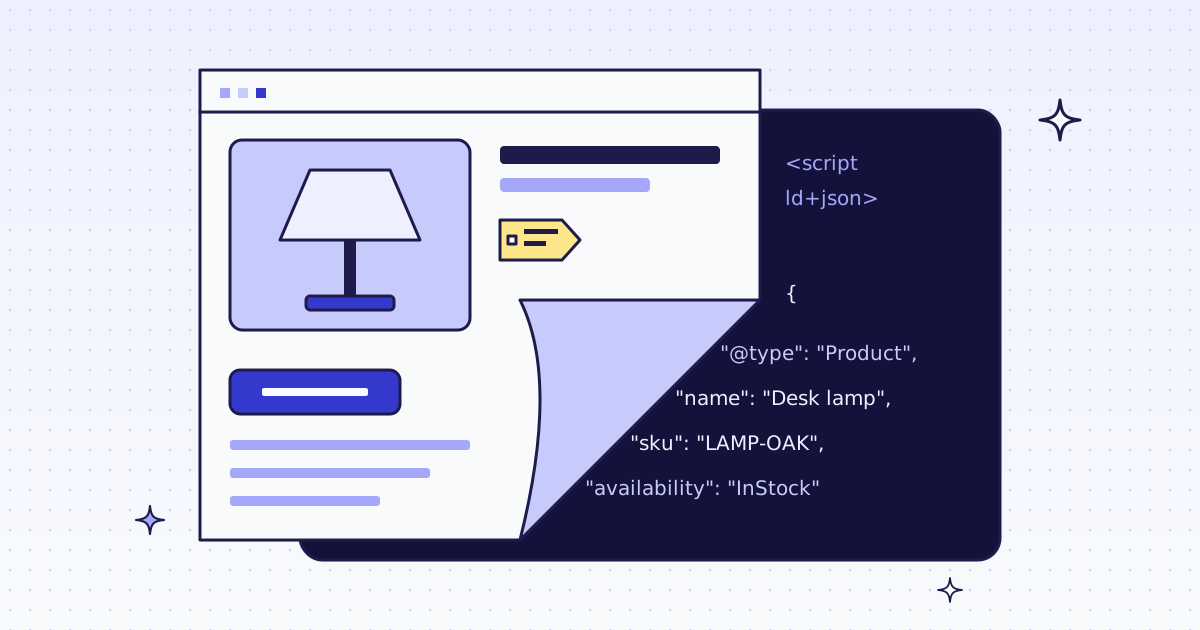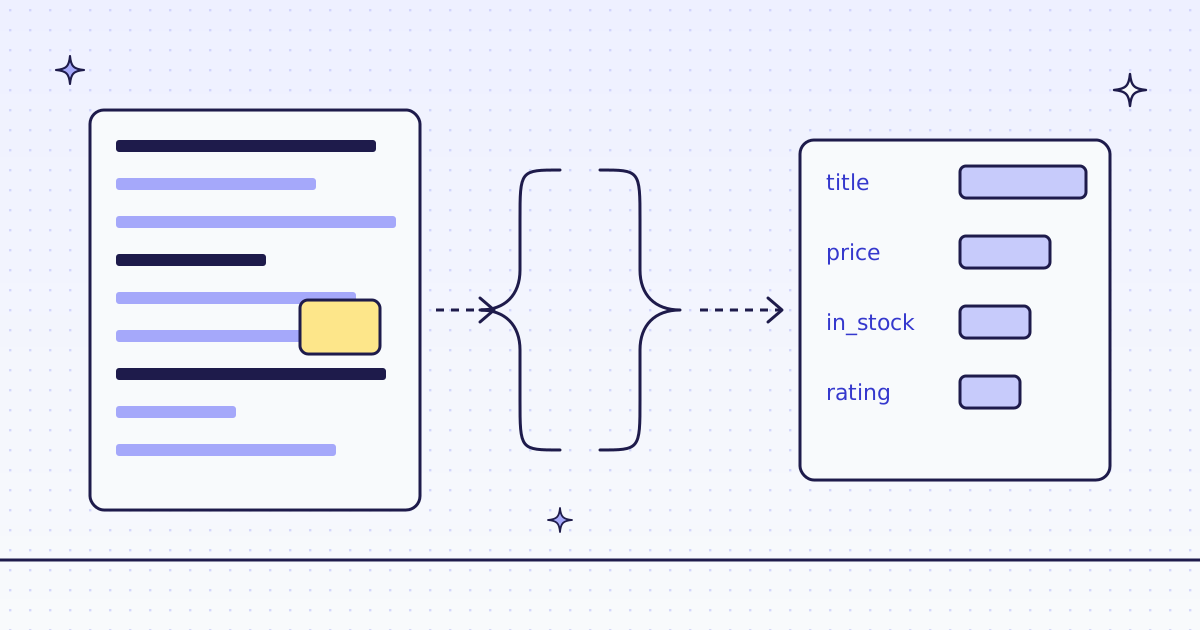
The short answer: send the URL with "response_types": "json" and your JSON Schema in schema. A language model reads the page’s main content and fills your schema. You get {"data": {...}} that matches it, or a free 422 bad_extract when it cannot. Try the cheaper ways first: many pages already embed their data as JSON-LD (page_data, 0 extra credits), and a stable site is cheapest with CSS rules (extract, 1 extra credit). Use a schema when the pages differ, the layout changes, or the data sits in prose.
Three ways to get fields, cheapest first
| Way | You send | Extra credits | Best when |
|---|---|---|---|
| Embedded data | "response_types": "page_data" |
0 | The page ships JSON-LD or a JSON state script |
| CSS rules | "response_types": "json" and extract |
1 | One site, a stable layout |
| JSON Schema | "response_types": "json" and schema |
2 plus tokens | Many sites, changing layouts, data in text |
Start at the top. How to scrape product data from any store shows the embedded-data way end to end.
The free way: your own model
If you already run a model, fetch the page, convert it to text, and prompt the model yourself. It is free apart from your model bill. You own the prompt, the retries, and the check that the output matches your schema. That check is the part people skip: a model that returns almost-JSON breaks the pipeline at 3 a.m.
Check a site first
Before a big run, ask about the host. It is free. Over MCP, your agent calls check_site:
{"name": "check_site", "arguments": {"host": "books.toscrape.com"}}From cURL, the same answer is two calls: /v1/tier for the price, /v1/stats/domain for how our routes have done there lately.
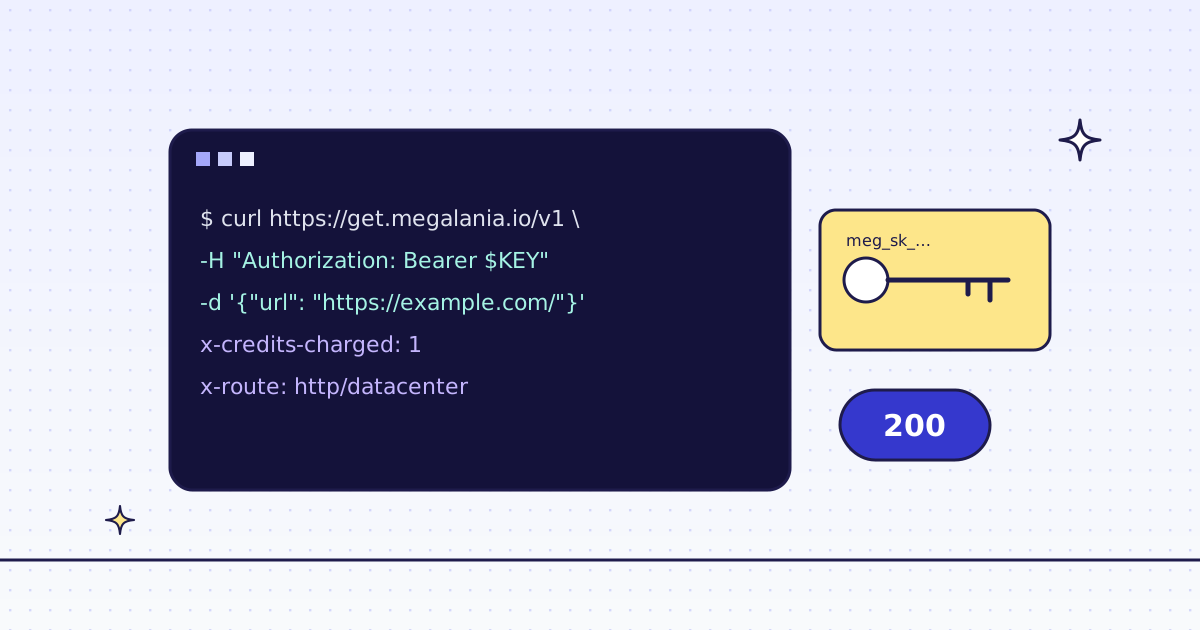
curl -s -H "Authorization: Bearer YOUR_KEY" \
  "https://get.megalania.io/v1/tier?host=books.toscrape.com"
curl -s -H "Authorization: Bearer YOUR_KEY" \
  "https://get.megalania.io/v1/stats/domain?host=books.toscrape.com&days=30"
Check a site first explains every field.
One request with a schema (cURL)
In the JSON body, every value is a string, so schema is your JSON Schema written as a string. On the command line, --data-urlencode is easier to read:
curl -sS -G https://get.megalania.io/v1 \
  -H "Authorization: Bearer YOUR_KEY" \
  --data-urlencode "url=https://books.toscrape.com/catalogue/a-light-in-the-attic_1000/index.html" \
  --data-urlencode "response_types=json" \
  --data-urlencode 'schema={"type":"object","additionalProperties":false,"required":["title","price"],"properties":{"title":{"type":"string"},"price":{"type":"number"},"in_stock":{"type":"boolean"},"rating":{"type":"integer","description":"stars, 1 to 5"}}}' \
  --data-urlencode "max_credits=64"
The answer has your data, what the whole request cost, and what the extraction added:
{"data": {"title": "...", "price": 0, "in_stock": true, "rating": 0}, "credits": 0, "llm_credits": 0, "tokens": 0}The zeros above stand for your numbers. credits equals X-Credits-Charged: the page plus the extraction. llm_credits is the extraction’s part. tokens is the weighted token count it was priced on.
Rules a schema must follow
- One JSON Schema object, at most 8 KB, with
"type": "object"at the top. "additionalProperties": falseon every object. This keeps the model from adding fields you did not ask for.- Only these keywords:
type,properties,required,items,enum,const,anyOf,format,descriptionandtitle. descriptionon a field is your best tool. “stars, 1 to 5” turns a picture of three stars into3.prompt(at most 2 KB) adds instructions for the whole page, such as “the main product, not the recommendations”.
Python: many pages, one schema
# pip install requests
# Run: MEG_API_KEY=YOUR_KEY python extract_schema.py urls.txt
import json
import os
import sys
import uuid

import requests

SCHEMA = {
    "type": "object",
    "additionalProperties": False,
    "required": ["title", "price"],
    "properties": {
        "title": {"type": "string"},
        "price": {"type": "number", "description": "the price shown to a shopper, no currency sign"},
        "in_stock": {"type": "boolean"},
        "rating": {"type": "integer", "description": "stars, 1 to 5"},
    },
}

with open(sys.argv[1], encoding="utf-8") as f, open("items.jsonl", "a", encoding="utf-8") as out:
    for url in filter(None, (line.strip() for line in f)):
        resp = requests.post(
            "https://get.megalania.io/v1",
            headers={
                "Authorization": f"Bearer {os.environ['MEG_API_KEY']}",
                "Idempotency-Key": str(uuid.uuid4()),
            },
            json={"url": url, "response_types": "json", "schema": json.dumps(SCHEMA), "prompt": "The main product only.", "max_credits": "64"},
            timeout=120,
        )
        if resp.status_code != 200:
            err = resp.json()["error"]
            print(f"{url}: {resp.status_code} {err['code']}: {err['message']}")
            continue
            continue
        body = resp.json()
        out.write(json.dumps({"url": url, **body["data"]}) + "\n")
        print(url, "credits:", body["credits"], "of which extraction:", body["llm_credits"])
Put one URL per line in urls.txt. Each result is one line of items.jsonl.
When the model cannot fill it
422 bad_extract: the model’s answer did not match your schema. The extraction is free, the page is still charged, and the body carries the page as Markdown, so you see what the model saw. Make fewer fieldsrequired, or add aprompt.402 insufficient_creditswitherror.fieldschema: your balance paid for the page but not the extraction. The page comes back as Markdown, and the extraction is free.429 llm_token_cap: the daily token allowance is used up, or 20 extractions failed on your account today. It is free; try again the next day.503 llm_unavailable: the model could not run. The extraction is free. If the body carriesmarkdown, the page was fetched and charged; if not, nothing was. Retry later, or use CSS rules inextract, which need no model.
Try it on our Lab. lab.megalania.io/cards is our own test page with three product cards, one without a price. With rules, extract=items:.card{title:h2|price:.price}* gives three rows, and the missing price is null.
What it costs
A schema request is the page, plus 1 credit for JSON output, plus the extraction: 2 credits, and a rate for each started 1,000 weighted tokens (input plus 5 times output). The answer’s llm_credits says what the extraction added, every time. A failed extraction is free.
The page itself is priced by the route that fetched it, before page size:
| Route | Credits a page | Included data |
|---|---|---|
HTTP, datacenter (h:dc) |
1 | 64 KiB |
HTTP, residential (h:res) |
8 | 64 KiB |
Browser, datacenter (c:dc) |
15 | 1 MiB |
Browser, residential (c:res) |
32 | 64 KiB |
Short pages and small schemas cost the least. A product page is cheaper than a long article, and five fields are cheaper than fifty. Run check_site (free) to see the page price for your site.
Limits and privacy
- Your page content leaves us. The page’s main content, your schema and your prompt go to the model provider, Anthropic, in the US. Anthropic may keep them for a time under its own terms. We never send your account or your key. If that does not fit your data, use
extractorpage_data: they never leave us. - 96 KB of Markdown per request. A longer page is cut, with a marker.
- Many pages: a batch or a crawl takes
schematoo. Each page is charged like one request. - Models make mistakes. Check a sample by hand before you trust a run.
- Terms: this is not legal advice. Read each site’s terms and robots.txt, and follow them.
Every rule and field: Structured extraction by schema.